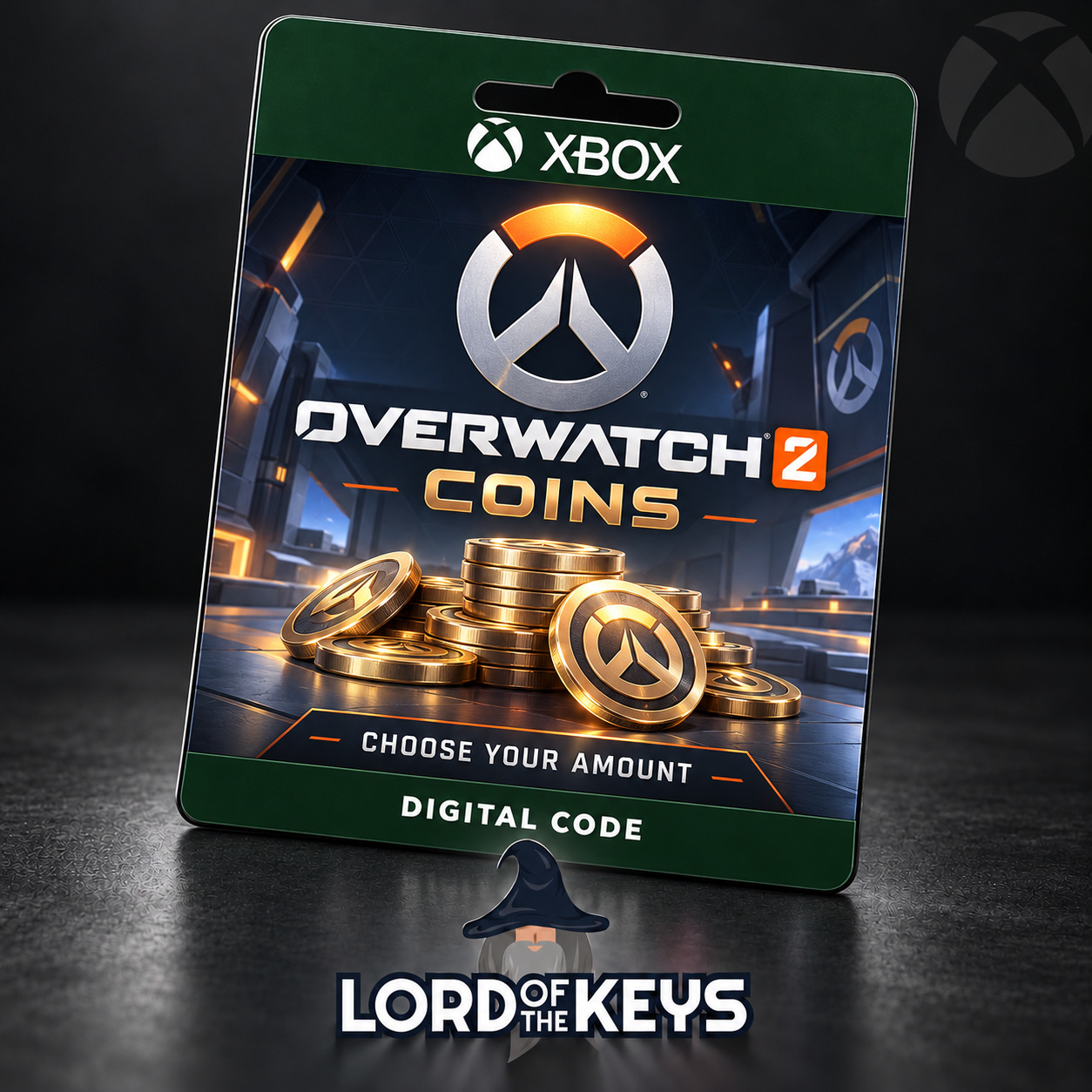
🔑 Overwatch 2 Coins 1000–11600 GLOBAL Xbox Key ⚡
- Price in currencies:
- 10.26 $ · 634 RUB
- Category:
- Overwatch
- Sales:
- 0
- Refunds:
- 0
- Seller:
- Lotkeys · about the seller and their products
DESCRIPTION
🔑 Overwatch 2 Coins 1000–11600 GLOBAL Xbox Key ⚡
Overwatch 2 Coins | GLOBAL | Xbox One / Xbox Series X|S
Choose 1000, 2200, 5700 or 11600 Coins before payment. You receive a digital Xbox code for the selected amount, to redeem on your own Microsoft account.
ABOUT OVERWATCH COINS
Customize your heroes with eligible cosmetic items from the in-game Shop, or use your Coins for a Premium Battle Pass. Your purchase contains Overwatch Coins, not Credits, League Tokens or Mythic Prisms.
LOTKEYS SUPPORT
24/7 assistance through order messages. Redemption steps are in Additional Information.
Additional information:
BEFORE PURCHASE
Select the correct number of Coins. Use the Xbox account already linked to the Battle.net account you play Overwatch with. You need access to the Xbox version of the game; a PC browser or Battle.net client alone is not the intended redemption-and-use route for this product.
REDEMPTION
1. Sign in on your Xbox console. Open Microsoft Store and choose Redeem.
2. Enter the delivered code and check the account and displayed product before confirming.
3. Alternatively, visit https://redeem.microsoft.com and redeem with the same Microsoft account.
4. Launch Overwatch on Xbox under that account and check your Coins balance.
Do not unlink or replace your Battle.net connection to redeem a code. If the balance has not updated, restart the game and verify that you are using the correct linked account.
SUPPORT
For assistance, send your order number, the exact error message and a screenshot through order messages. Do not share your password or authentication codes.
REVIEWS
Reviews: (0)
No customer reviews yet.