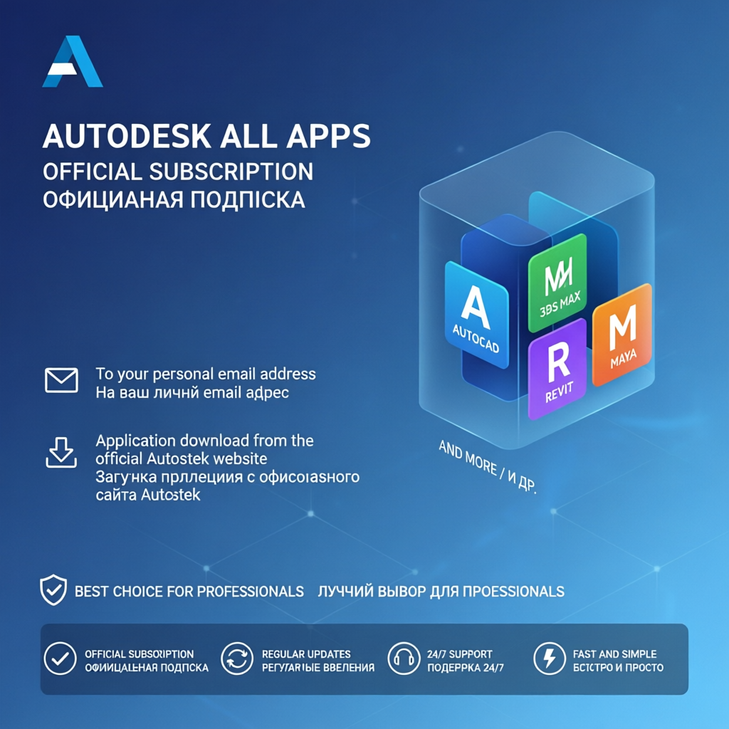
Autodesk All Apps — 1 Year
- Price in currencies:
- 7 $ · 688 RUB · 6.23 €
- Category:
- CAD
- Item:
- sco.rtf (0.42 KB)
- Uploaded:
- 16.10.2026 1:37:51
- Sales:
- 0
- Refunds:
- 0
- Seller:
- hannadigital20 · about the seller and their products
DESCRIPTION
Autodesk All Apps — 1 Year
💻 AUTODESK ALL APPS SUBSCRIPTION
Get access to Autodesk All Apps with a subscription available for:
1 Year
The subscription will be activated on your personal email address.
After activation, you can sign in to your Autodesk account and download the available applications directly from the official Autodesk website.
✨ MAIN BENEFITS
✅ Autodesk All Apps subscription
✅ Choose between 1 Year or 3 Years
✅ Activated on your personal email address
✅ Use your own Autodesk account
✅ Download applications from the official Autodesk website
✅ Digital activation
✅ No physical product
✅ Simple installation process
✅ Suitable for professional, engineering, architecture, design, and 3D workflows
📦 AUTODESK APPLICATIONS
Depending on the applications included with the supplied Autodesk plan, you can access popular Autodesk software such as:
✅ AutoCAD
✅ Revit
✅ 3ds Max
✅ Maya
✅ Fusion
✅ Inventor
✅ Civil 3D
✅ Navisworks
✅ Arnold
✅ Mudbox
✅ MotionBuilder
✅ Other Autodesk applications included with the available plan
📧 ACTIVATION ON YOUR PERSONAL EMAIL
The Autodesk subscription will be assigned to your personal email address.
1. Provide your personal email address after purchase
2. The Autodesk access will be activated for that email address
3. Sign in to your Autodesk account
4. Access your available Autodesk products
5. Download and install the applications you need
✅ Your personal email is used
✅ No shared account credentials
✅ Easy access to your Autodesk products
✅ Manage your available applications from your Autodesk account
📥 HOW TO DOWNLOAD AUTODESK APPS
1. Wait until your Autodesk access has been activated
2. Sign in to the official Autodesk website using your personal email address
3. Open your Autodesk Account
4. Go to Products and Services
5. Select the Autodesk application you want to install
6. Download the official installer
7. Install the application on your supported device
8. Sign in with your Autodesk account when required
9. Start using your Autodesk software
🌐 OFFICIAL AUTODESK DOWNLOAD
✅ Applications are downloaded from the official Autodesk website
✅ Official Autodesk installers
✅ No modified software
✅ No unofficial third-party download required
✅ Manage your available software directly from your Autodesk account
⏳ AVAILABLE SUBSCRIPTION OPTIONS
🟦 1 YEAR
✅ Autodesk All Apps access
✅ 1-year subscription period
✅ Activated on your personal email
✅ Official Autodesk downloads
✅ Digital delivery
📩 DIGITAL DELIVERY
This is a digital product.
After purchase:
✅ You provide your personal email address
✅ Autodesk access is assigned to the provided email address
✅ You sign in to your Autodesk account
✅ Download available software directly from Autodesk
✅ No physical shipping is required
No DVD, USB drive, retail box, or physical product will be shipped.
Additional information:
💻 AUTODESK ALL APPS SUBSCRIPTION
Get access to Autodesk All Apps with a subscription available for:
1 Year
The subscription will be activated on your personal email address.
After activation, you can sign in to your Autodesk account and download the available applications directly from the official Autodesk website.
✨ MAIN BENEFITS
✅ Autodesk All Apps subscription
✅ Choose between 1 Year or 3 Years
✅ Activated on your personal email address
✅ Use your own Autodesk account
✅ Download applications from the official Autodesk website
✅ Digital activation
✅ No physical product
✅ Simple installation process
✅ Suitable for professional, engineering, architecture, design, and 3D workflows
📦 AUTODESK APPLICATIONS
Depending on the applications included with the supplied Autodesk plan, you can access popular Autodesk software such as:
✅ AutoCAD
✅ Revit
✅ 3ds Max
✅ Maya
✅ Fusion
✅ Inventor
✅ Civil 3D
✅ Navisworks
✅ Arnold
✅ Mudbox
✅ MotionBuilder
✅ Other Autodesk applications included with the available plan
📧 ACTIVATION ON YOUR PERSONAL EMAIL
The Autodesk subscription will be assigned to your personal email address.
1. Provide your personal email address after purchase
2. The Autodesk access will be activated for that email address
3. Sign in to your Autodesk account
4. Access your available Autodesk products
5. Download and install the applications you need
✅ Your personal email is used
✅ No shared account credentials
✅ Easy access to your Autodesk products
✅ Manage your available applications from your Autodesk account
📥 HOW TO DOWNLOAD AUTODESK APPS
1. Wait until your Autodesk access has been activated
2. Sign in to the official Autodesk website using your personal email address
3. Open your Autodesk Account
4. Go to Products and Services
5. Select the Autodesk application you want to install
6. Download the official installer
7. Install the application on your supported device
8. Sign in with your Autodesk account when required
9. Start using your Autodesk software
🌐 OFFICIAL AUTODESK DOWNLOAD
✅ Applications are downloaded from the official Autodesk website
✅ Official Autodesk installers
✅ No modified software
✅ No unofficial third-party download required
✅ Manage your available software directly from your Autodesk account
⏳ AVAILABLE SUBSCRIPTION OPTIONS
🟦 1 YEAR
✅ Autodesk All Apps access
✅ 1-year subscription period
✅ Activated on your personal email
✅ Official Autodesk downloads
✅ Digital delivery
📩 DIGITAL DELIVERY
This is a digital product.
After purchase:
✅ You provide your personal email address
✅ Autodesk access is assigned to the provided email address
✅ You sign in to your Autodesk account
✅ Download available software directly from Autodesk
✅ No physical shipping is required
No DVD, USB drive, retail box, or physical product will be shipped.
REVIEWS
Reviews: (0)
No customer reviews yet.