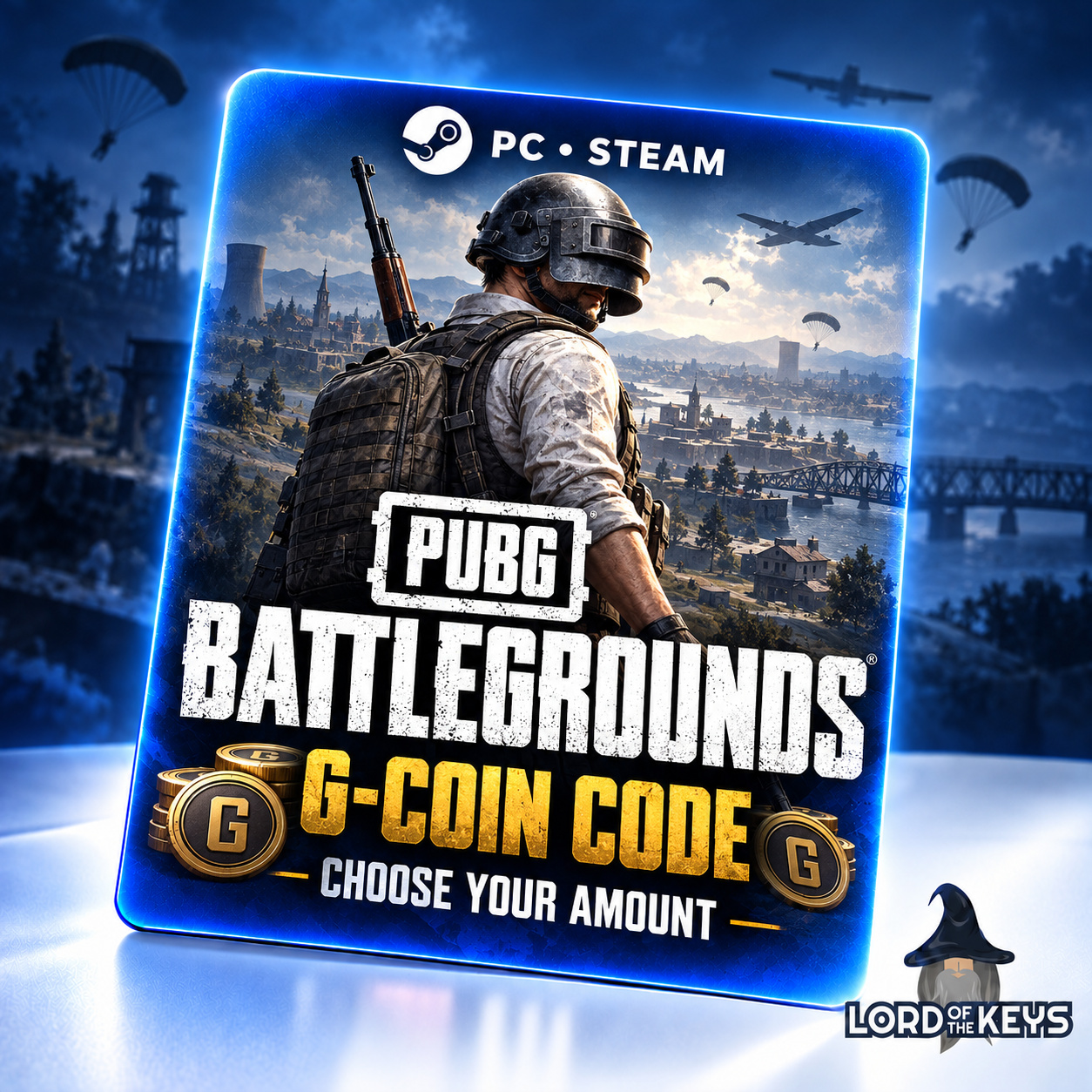
🔑 PUBG G-Coin 100-11200 PC Steam Code 🔵 Global
- Price in currencies:
- 1.3 $ · 83 RUB
- Category:
- PLAYERUNKNOWN´S BATTLEGROUNDS
- Sales:
- 0
- Refunds:
- 0
- Seller:
- Lotkeys · about the seller and their products
DESCRIPTION
🔑 PUBG G-Coin 100-11200 PC Steam Code 🔵 Global
Get a digital G-Coin code for PUBG: BATTLEGROUNDS on PC (Steam).
Choose 100, 510, 1050, 2700, 5500 or 11200 G-Coin before payment. Each option shows the total amount, including any bonus already included in that package.
G-Coin is PUBG´s in-game currency for eligible items in the in-game Store. This offer is a currency code, not a game license or an account.
Not for PlayStation (PS4/PS5), Xbox, the Epic Games version, PUBG Mobile or BGMI.
Redeem inside PUBG: BATTLEGROUNDS. Do not enter this code in Steam “Activate a Product”, Steam Wallet or Midasbuy. Check your platform and intended account before purchase.
Need help? Contact Lotkeys through your order correspondence with your order number and the exact error message.
Additional information:
HOW TO REDEEM
1. Sign in to the Steam account you want to use and launch PUBG: BATTLEGROUNDS from your Steam Library.
2. In the game lobby, open Store (Items) and find “Add Bonus/Gift Code” or the equivalent code redemption button.
3. Paste the delivered G-Coin code into that field and confirm Redeem. Use the actual activation code, not your order number.
4. Check your G-Coin balance. If the balance has not refreshed, restart the game and check again. Button names can vary by interface language.
If an error occurs, send your order number, the exact error and a screenshot through the purchase correspondence. Hide the full code in screenshots; never send your account password. Do not post the code in a public review.
REVIEWS
Reviews: (0)
No customer reviews yet.