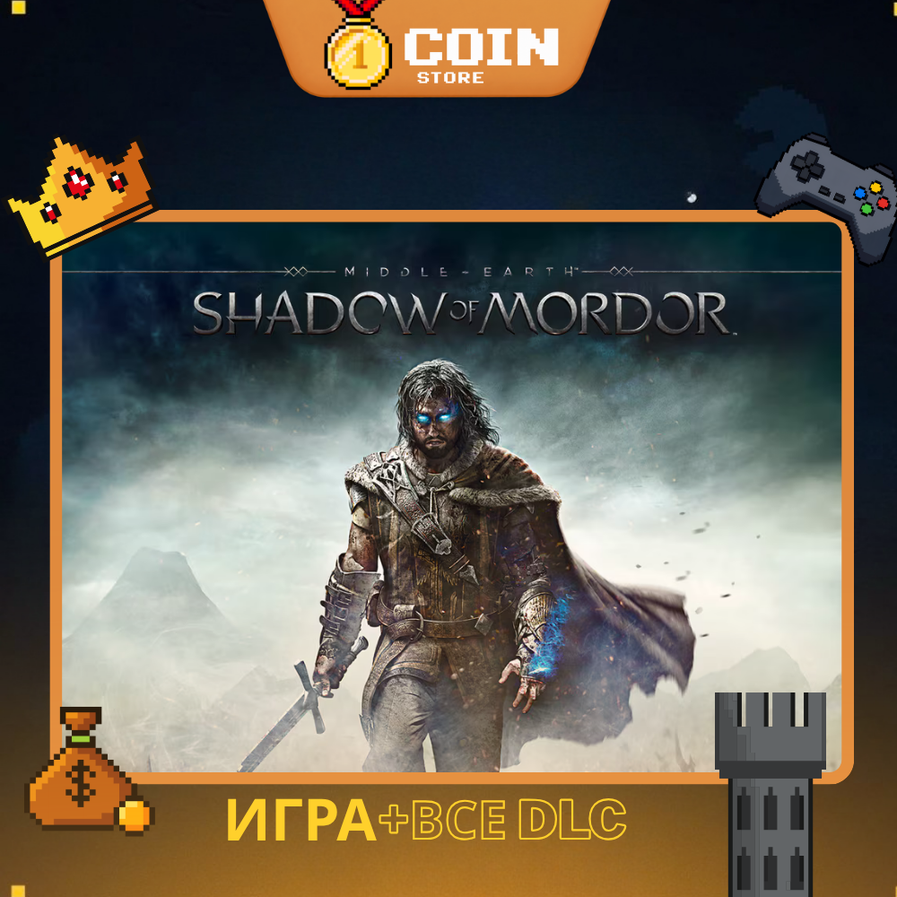
MIDDLE-EARTH: SHADOW OF MORDOR | STEAM OFFLINE | REGION FREE
- Price in currencies:
- 1.19 $ · 100 RUB
- Category:
- Steam Accounts
- Item:
- text information
- Uploaded:
- 13.10.2026 13:57:10
- Sales:
- 0
- Refunds:
- 0
- Seller:
- CoinStore · about the seller and their products
DESCRIPTION
MIDDLE-EARTH: SHADOW OF MORDOR | STEAM OFFLINE | REGION FREE
✅ **IMPORTANT POINTS** ✅
🌍 **REGION FREE** — Available in supported Steam regions, subject to platform restrictions.
✔️ After payment, you receive access to a shared Steam account containing **MIDDLE-EARTH: SHADOW OF MORDOR** for OFFLINE gameplay.
✔️ Experience an epic action-adventure set in the legendary world of Middle-earth.
✔️ Your game progress and save files are stored according to the game´s save system.
✔️ **STEAM ACCOUNT ACCESS** — Log in using the provided Steam username and password. Additional verification may occasionally be required.
✔️ No unofficial third-party activation software is required.
✔️ Available game updates can be downloaded through Steam.
⌛ **UNLIMITED PLAY TIME** — No rental period or gameplay time limit.
🛡️ **1-YEAR WARRANTY & TECHNICAL SUPPORT** included.
⭐ **WHAT YOU RECEIVE**
🎮 One shared Steam account containing **MIDDLE-EARTH: SHADOW OF MORDOR** for OFFLINE gameplay.
⚔️ **MIDDLE-EARTH: SHADOW OF MORDOR**
☑️ Full PC Game
☑️ Complete Single-Player Story Campaign
☑️ Epic Open-World Action Adventure
☑️ Explore the Dark Lands of Mordor
☑️ Play as Talion, a Ranger Seeking Revenge
☑️ Experience the Innovative Nemesis System
☑️ Fight Powerful Orc Captains and Warchiefs
☑️ Dynamic Sword Combat and Stealth Gameplay
☑️ Unlock Powerful Wraith Abilities
☑️ Upgrade Weapons, Skills, and Combat Abilities
☑️ Complete Story Missions and Side Activities
☑️ Discover Secrets and Collectibles Throughout Mordor
☑️ Immersive Story Inspired by The Lord of the Rings Universe
💎 **GAME CONTENT**
☑️ Full Base Game
☑️ Complete Story Campaign
☑️ Single-Player Gameplay
☑️ All Standard Edition Features
⚠️ DLC and additional expansions are not included unless specifically stated in the purchased package.
💾 Your game progress and save files are managed by the game´s save system.
🎮 **ACTIVATION INSTRUCTIONS**
1. Log in to Steam using the provided username and password.
2. Download MIDDLE-EARTH: SHADOW OF MORDOR from your Steam Library.
3. Install the game on your PC.
4. Launch the game online once and complete any required initial setup.
5. Exit the game and switch Steam to Offline Mode.
6. Launch MIDDLE-EARTH: SHADOW OF MORDOR again.
7. Enjoy your adventure through Mordor!
📋 Detailed activation instructions are included with your purchase.
✅ **ADDITIONAL INFORMATION** ✅
1. This is a shared Steam account intended for OFFLINE gameplay only.
2. MIDDLE-EARTH: SHADOW OF MORDOR Standard Edition is included.
3. You can switch between the provided Steam account and your personal Steam account.
4. No unofficial third-party activation programs are required.
5. Windows updates or PC hardware changes may require reactivation.
6. Available game updates can be downloaded through Steam.
7. Online multiplayer, co-op, and PvP are NOT included with this OFFLINE product.
8. Do not change the account username, password, email, region, or security settings.
9. Follow the provided activation and Offline Mode instructions.
10. Technical support is available for activation and account access issues.
11. Account repair or replacement is provided for covered issues during the 1-year warranty period.
12. No refunds after purchase. Account issues are handled through repair or replacement according to warranty terms.
🎁 **MIDDLE-EARTH: SHADOW OF MORDOR**
⚔️ FULL BASE GAME
🏰 COMPLETE STORY CAMPAIGN
💻 STEAM / PC
🌍 REGION FREE — SUBJECT TO PLATFORM RESTRICTIONS
🎮 OFFLINE SINGLE-PLAYER ONLY
⏳ UNLIMITED PLAY TIME
🛡️ 1-YEAR WARRANTY & SUPPORT
REVIEWS
Reviews: (0)
No customer reviews yet.