Kartochki Paketom Batch Image Processing
- Price in currencies:
- 6 $ · 490 RUB · 5.35 €
- Category:
- Multifunctional Utilities
- Item:
- kartochki-paketom-1.0.1.zip (89.82 KB)
- Uploaded:
- 10.10.2026 20:22:14
- Sales:
- 0
- Refunds:
- 0
- Seller:
- naplekov · about the seller and their products
DESCRIPTION
Kartochki Paketom Batch Image Processing
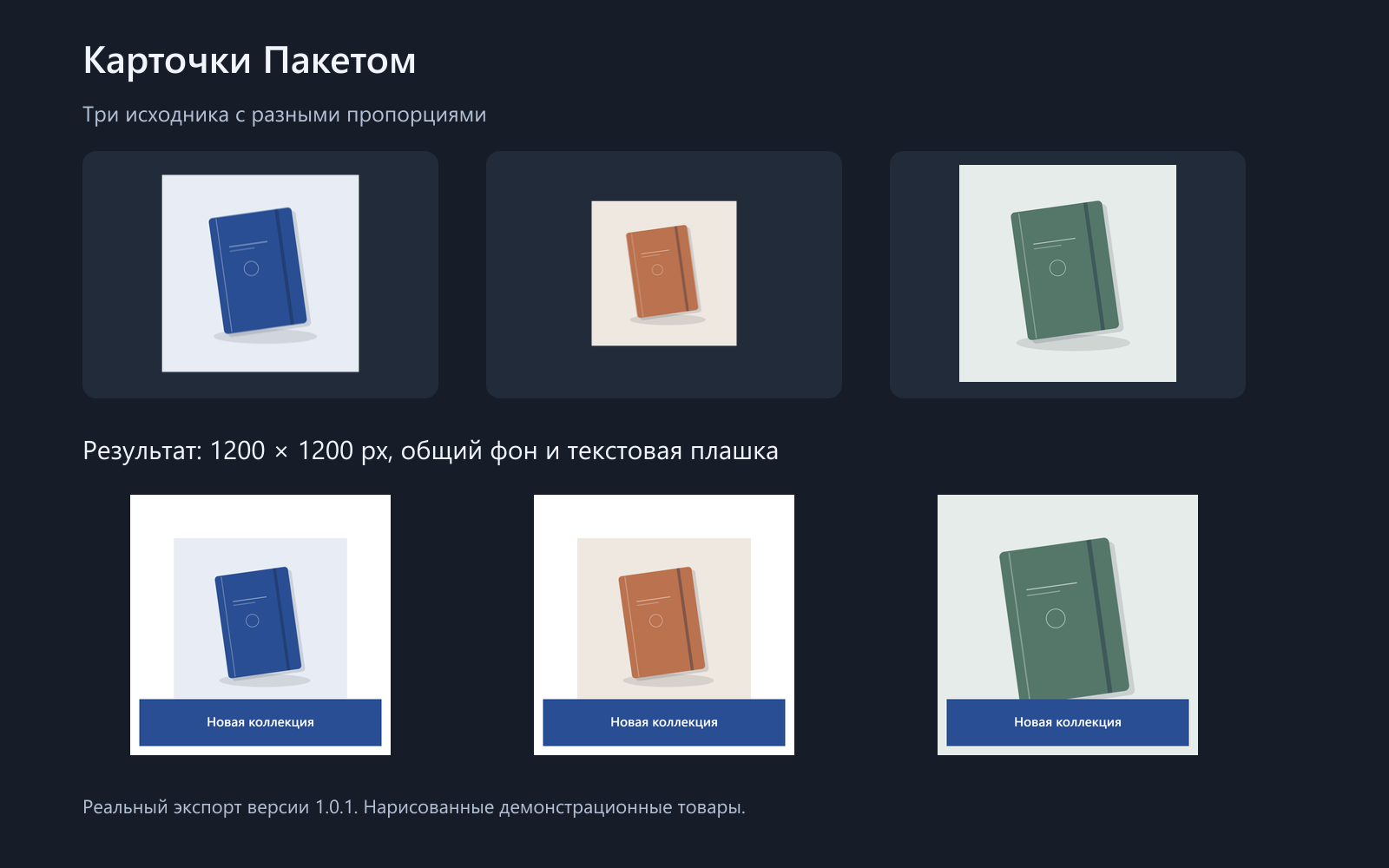
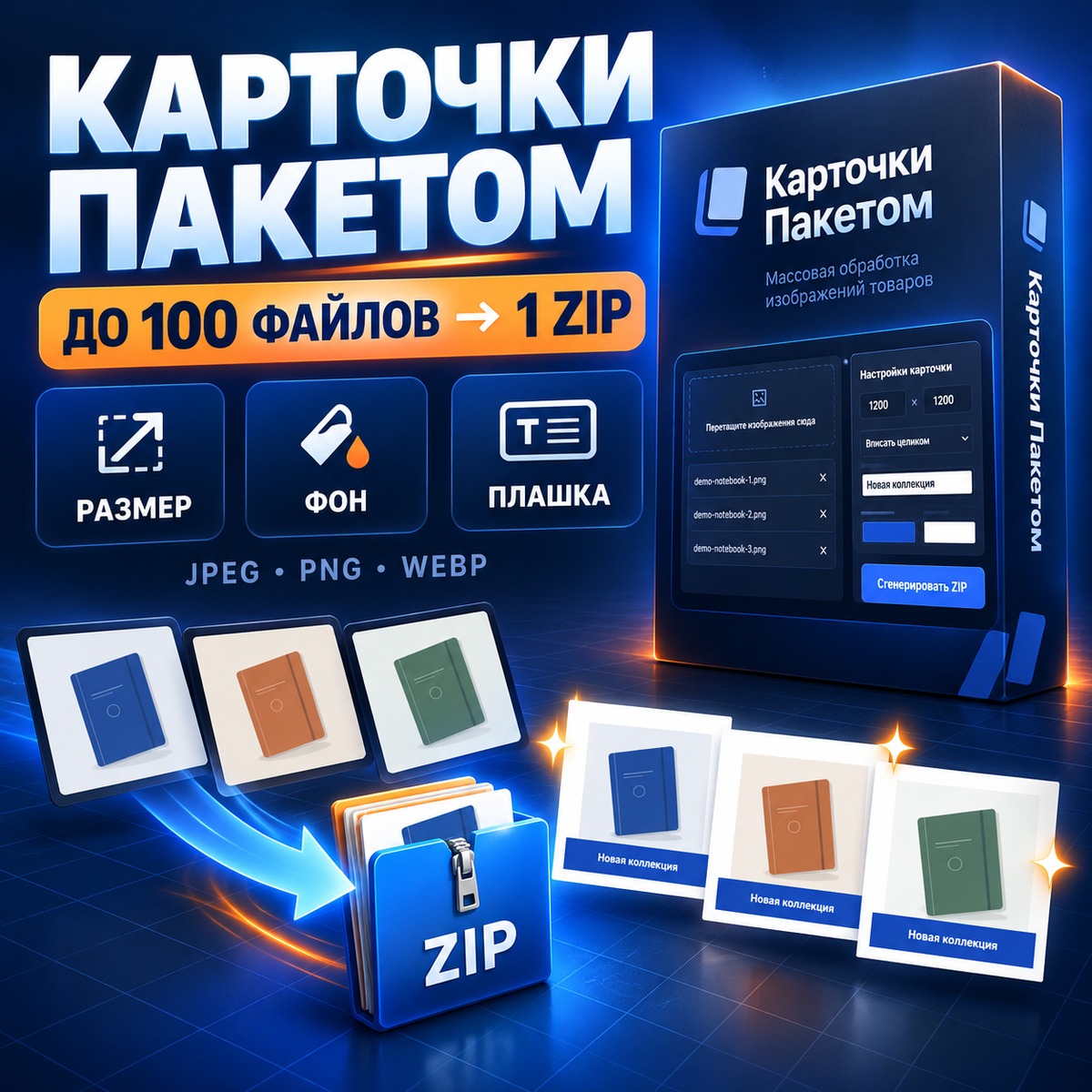
Kartochki Paketom helps prepare catalog images in a consistent style. Set the output size, choose a background color, add a shared text label, and download all processed images in one ZIP archive.
The package includes version 1.0.1 of the application, a Russian user guide, and three demonstration images. Extract the archive and open index.html in Google Chrome or Microsoft Edge on a Windows computer. No installation, registration, subscription, or API key is required.
FEATURES
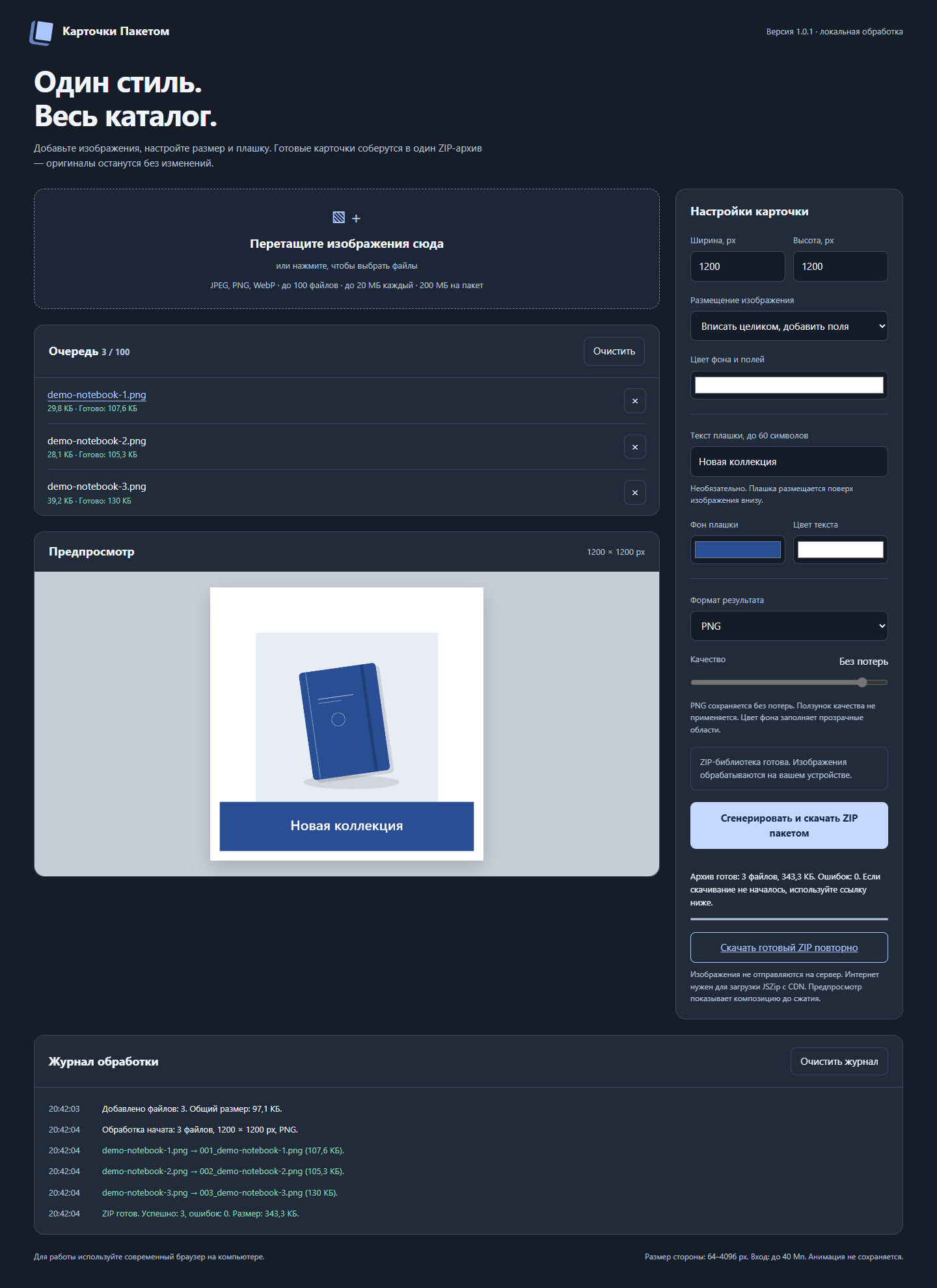
• Process up to 100 images per batch.
• Import and export JPEG, PNG, and WebP.
• Set output width and height from 64 to 4096 pixels.
• Fit the entire image with padding or fill the canvas with center cropping.
• Select a background color and add the same text label to every image.
• Adjust JPEG and WebP quality.
• View a preview, progress, and individual file errors.
• Download the results as one ZIP archive with unique file names.
IMPORTANT
Internet access is required to load the ZIP library. Images are processed locally in the browser and are not uploaded by the application.
Tested on Windows with Google Chrome and Microsoft Edge. Firefox, Safari, macOS, and real mobile devices have not been tested.
Limits: 20 MB per file, 200 MB total input per batch, and 40 megapixels per source image.
HEIC, AVIF, GIF, SVG, TIFF, and RAW are not supported. Animated images are not preserved. Transparent areas are filled with the selected background color.
This version does not include AI generation, background removal, logo upload, saved presets, or automatic marketplace publishing.
One purchase grants one user a perpetual license for the purchased version. Commercial use of processed images is allowed. Resale and redistribution of the application are prohibited. Future updates and custom development are not included.
Additional information:
Version: 1.0.1
Requirements:
• Windows computer
• Current Google Chrome or Microsoft Edge
• Internet access to load the ZIP library
No installation or registration is required.
Supported input and output formats: JPEG, PNG, WebP.
Batch limit: 100 files.
Maximum file size: 20 MB.
Maximum total input size: 200 MB.
Output size: 64 to 4096 pixels per side.
The application processes images locally in browser memory. Original files are not modified.
REVIEWS
Reviews: (0)
No customer reviews yet.