
JAV PUBG — ESP, Aimbot, Radar, Macro | Windows 10 Only
- Price in currencies:
- 3.12 $
- Category:
- Private cheats
- Item:
- text information
- Uploaded:
- 10.10.2026 19:49:14
- Sales:
- 0
- Refunds:
- 0
- Seller:
- Best-Sales · about the seller and their products
DESCRIPTION
JAV PUBG — ESP, Aimbot, Radar, Macro | Windows 10 Only
JAV is PUBG software from the CMD Full / YQ CMD / CMD Macro family. Launch uses a web dashboard and PowerShell. IMPORTANT: Windows 10 only; Windows 11 is not supported. VT-x / SVM virtualization must be enabled.
Display and maps
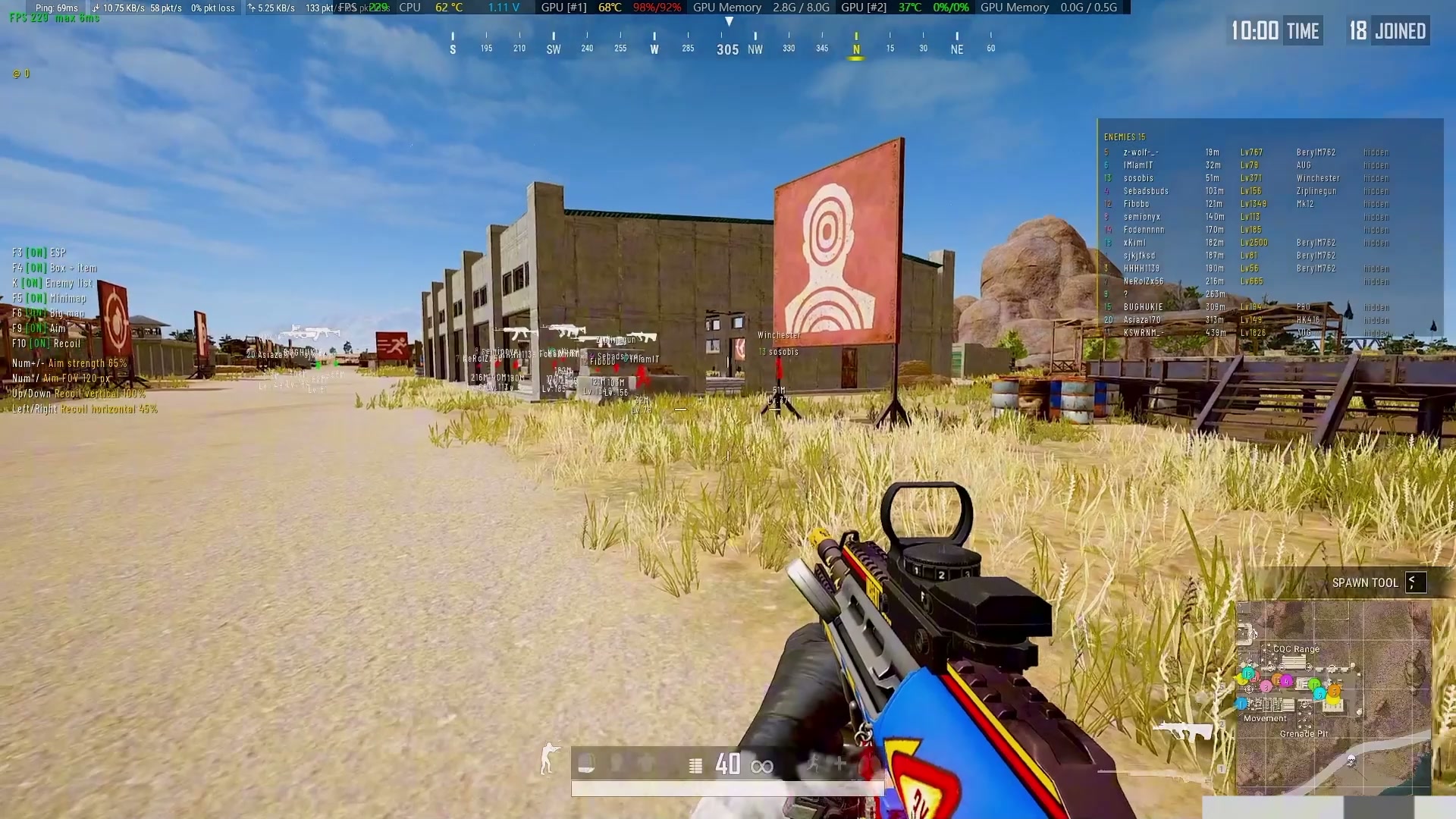
• F2 — toggle the top-left status panel
• F3 — toggle ESP
• F4 — toggle dead body loot and rare items
• K — enemy list: name, distance, level, kills, weapon
• F5 — toggle the mini map
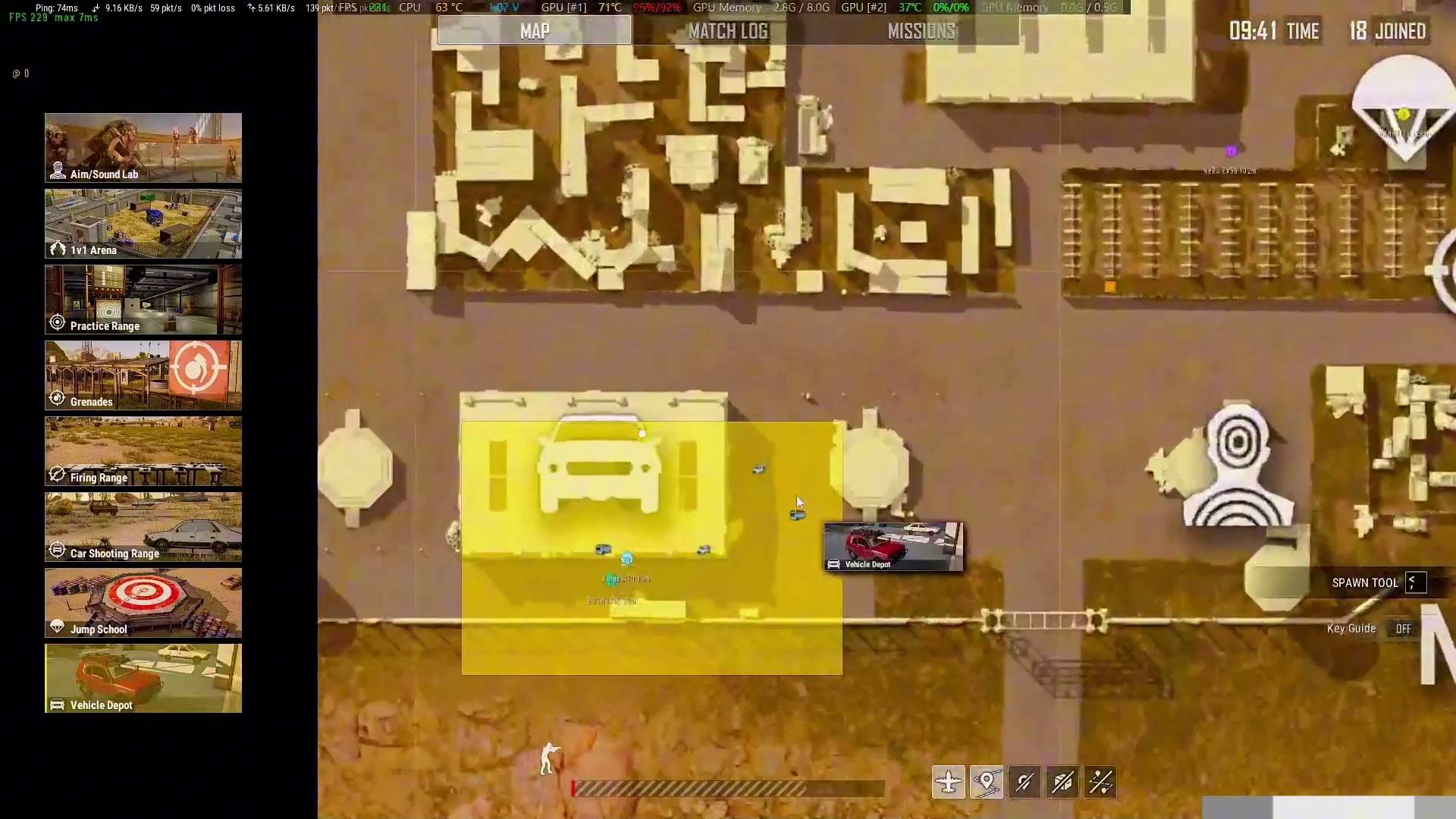
• F6 — toggle the large map
• F8 — hide/show all overlays
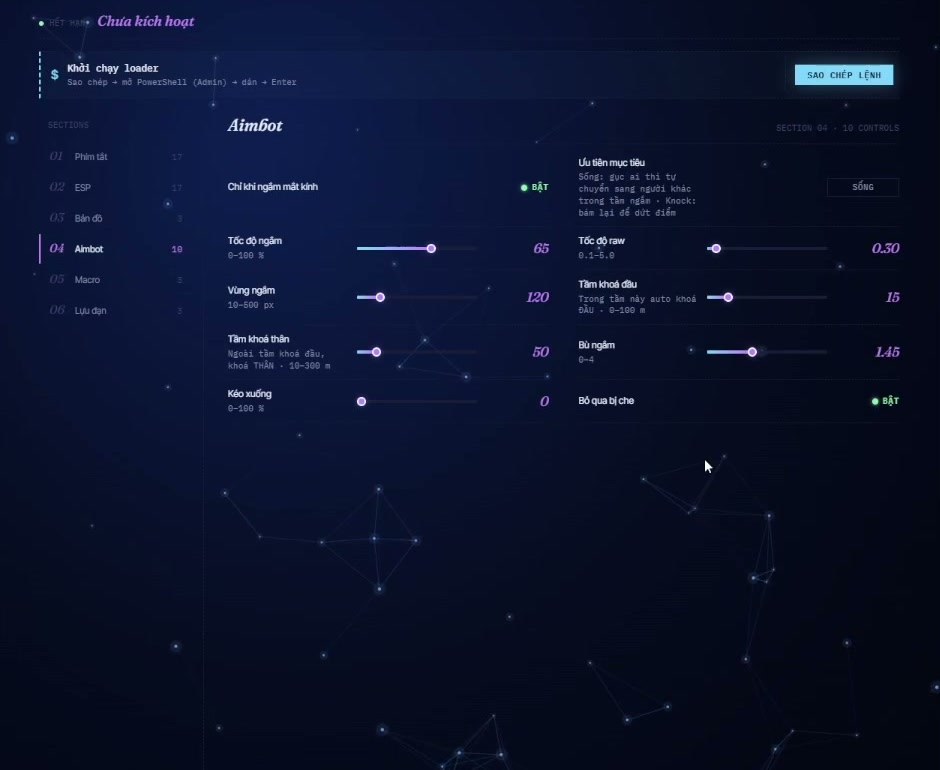
Aimbot
• F9 — toggle the aimbot
• Hold Left Mouse Button — aim with free movement within the enemy bone area
• Hold Shift — secondary aim with head lock
• Numpad + / − — increase/decrease aim intensity by 5%
• Numpad * / ÷ — increase/decrease the aim FOV circle
Recoil macro
• F10 — toggle the anti-recoil macro
• ↑ / ↓ — increase/decrease vertical compensation by 5%
• → / ← — increase/decrease horizontal compensation by 5%
Mortar
• While holding a mortar: Right Mouse Button — rotate towards an enemy
• While holding a mortar: Ctrl — rotate towards a vehicle
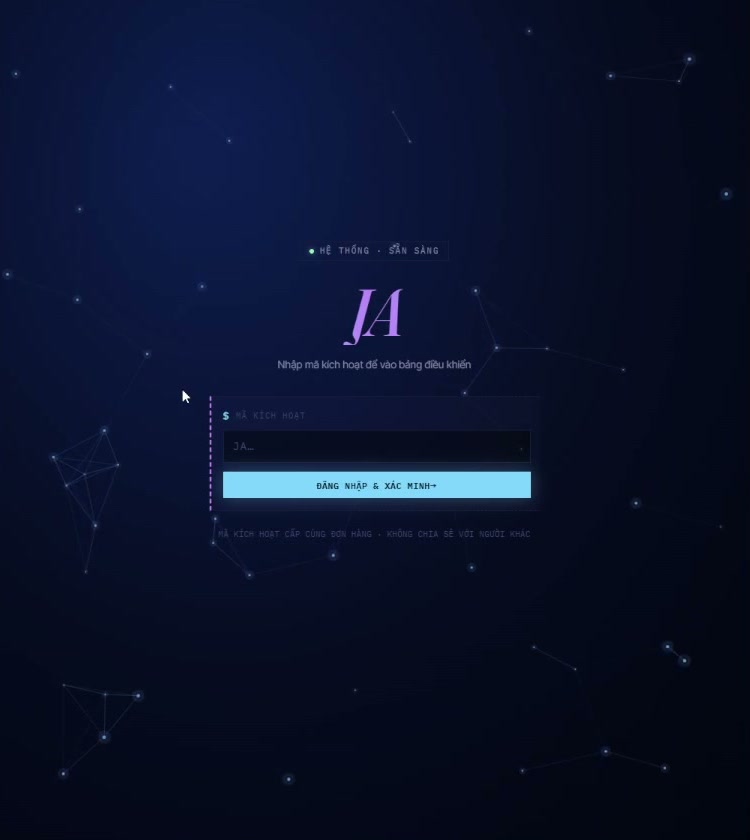
Keys for 3 hours / 8 hours / 1 day / 3 days / 7 days. Login: https://moguiwang.space/user/login
If your PC runs Windows 11, JAV requires switching to Windows 10; Windows 11 is not yet supported.
Before purchase, run LeoMoon CPU-V: virtualization must show a green checkmark. A red cross means JAV cannot be used and you should not buy a key. On a home PC, enable VT-x/SVM in BIOS/UEFI; ask the administrator for instructions.
Internet cafes may have virtualization enabled or disabled. Check the specific PC with LeoMoon CPU-V before purchase.
Changing computers: the HWID reset button is on the web login page. One reset per day is free; from the second reset that day, each reset deducts 6 hours of subscription time.
Seller condition: purchased keys are non-refundable for any reason. Carefully check the OS, virtualization and all terms before payment.
Additional information:
Before purchase, run LeoMoon CPU-V: virtualization must show a green checkmark. A red cross means JAV cannot be used and you should not buy a key. On a home PC, enable VT-x/SVM in BIOS/UEFI; ask the administrator for instructions.
Internet cafes may have virtualization enabled or disabled. Check the specific PC with LeoMoon CPU-V before purchase.
Changing computers: the HWID reset button is on the web login page. One reset per day is free; from the second reset that day, each reset deducts 6 hours of subscription time.
Seller condition: purchased keys are non-refundable for any reason. Carefully check the OS, virtualization and all terms before payment.
REVIEWS
Reviews: (0)
No customer reviews yet.