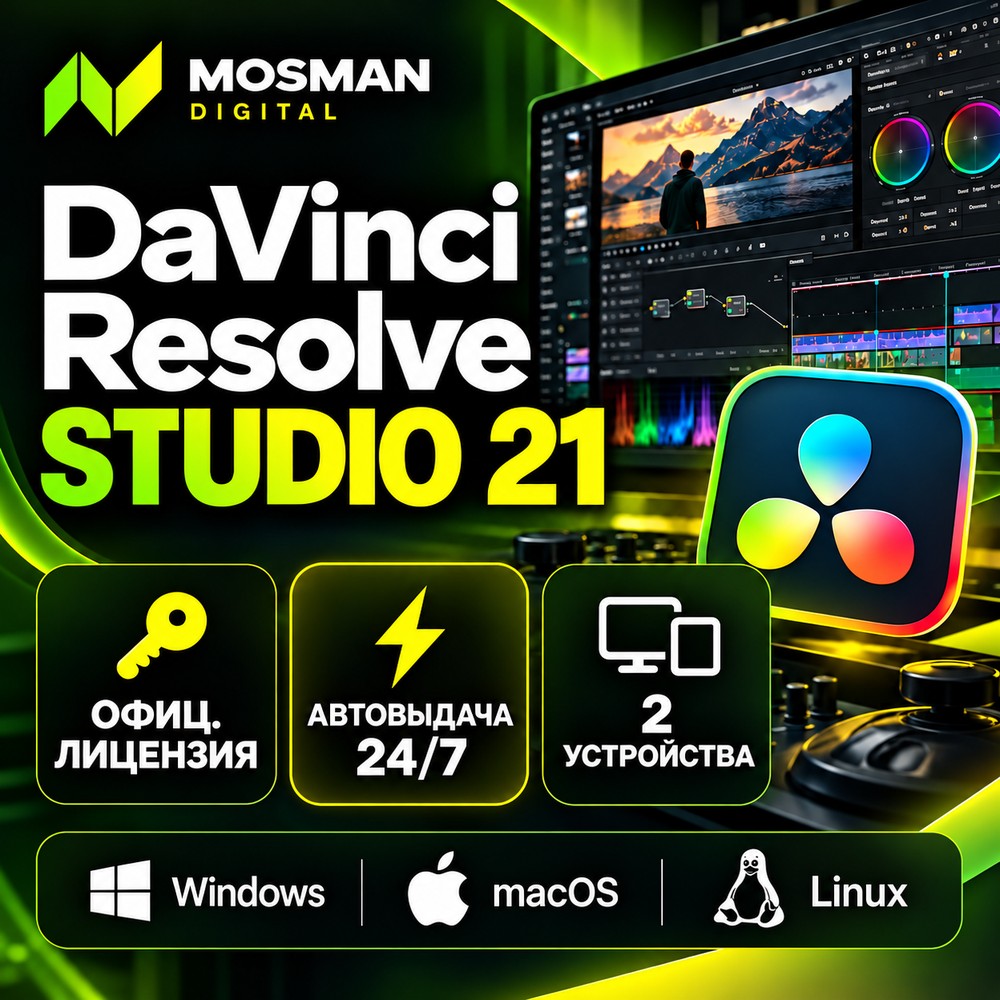
DaVinci Resolve Studio 21 Lifetime Key | Instant Delivery 24/7
- Price in currencies:
- 445.5 $ · 38990 RUB · 395.4 €
- Category:
- Animation, Videos
- Item:
- text information
- Uploaded:
- 22.10.2026 12:25:55
- Sales:
- 0
- Refunds:
- 0
- Seller:
- Mosman1 · about the seller and their products
DESCRIPTION
DaVinci Resolve Studio 21 Lifetime Key | Instant Delivery 24/7
Official DaVinci Resolve Studio 21 license key — lifetime license, one-time purchase, no subscription. The key is delivered automatically right after payment, 24/7.
✅ Blackmagic Design key purchased in the official store
✅ Activation warranty — 30 days from purchase
💻 Specifications:
• Computers: 2 at the same time
• OS: Windows, macOS, Linux
• Term: lifetime
• Region: no restrictions, works worldwide including Russia
• Language: all languages supported by the software
• Updates: free from Blackmagic Design
🚀 What Studio adds over the free version:
• editing and color grading up to 32K and 120 fps, 10-bit, HDR, Dolby Vision
• multi-GPU acceleration, hardware H.264/H.265
• AI Neural Engine: Magic Mask, UltraNR, SuperScale, Speed Warp, face detection
• AI Voice Isolation, Dialogue Separator, Music Remixer
• Resolve FX: beauty, object removal, film look, image restoration
• full Fusion and Fairlight, DCP and IMF delivery
🆕 New in version 21: Photo page, AI IntelliSearch, AI CineFocus, AI Motion Deblur
❗ IMPORTANT BEFORE BUYING:
• 🎥 Start screen recording BEFORE payment and keep it running until activation succeeds. The key is shown right after payment, and claims about the key are accepted only with this video
• Download the software only from the official Blackmagic Design website
• This key is for the Studio version: it does not activate the free version, you need to install Studio
• To use a third computer, first deactivate the license on one of the previous two (Help → Deactivate License)
Additional information:
📋 How to get and activate:
1. Start screen recording before payment.
2. Pay. The key appears on the purchase page right away and is also sent to your email — keep the email.
3. Download DaVinci Resolve Studio 21 from the official Blackmagic Design website and install it. If the free version of DaVinci Resolve is installed, uninstall it first.
4. Launch the software, enter the key in the activation window and click Activate (internet required).
5. Once activation succeeds, you can stop the recording.
🛡 Warranty — 30 days from purchase
If the key does not activate, we will replace it or refund your money.
Claims are accepted only with a continuous, uncut screen recording: from payment to entering the key in DaVinci Resolve Studio and the error message. Claims without video are not considered.
The warranty does not apply if:
• the key is already activated on two computers and has not been deactivated on either;
• the free or a cracked version is installed instead of Studio;
• the key has been shared with others or published;
• the problem is with the computer, graphics card, drivers or internet connection. We will help with advice, but this is not a key defect.
↩️ Refunds:
• Key did not activate (confirmed by video) — replacement or refund.
• Key is activated and works, or you changed your mind after receiving it — no refund: a revealed key is considered used.
💬 Support — only via the order chat on the order page, 10:00–23:00 Moscow time. Keys are delivered automatically 24/7.
If something goes wrong, please message us before leaving a review. We will sort it out.
⭐ If everything works, we would appreciate a review — it helps other buyers.
❓ FAQ
▪ Does it work on a Mac with Apple silicon?
Yes, Studio runs on macOS (Apple silicon and Intel), Windows and Linux.
▪ How many computers?
Two at the same time. For a third one, deactivate the license on one of the previous two: Help → Deactivate License.
▪ Moving to a new computer?
Deactivate the license on the old one, then activate the new one with the same key. Do this before selling or reinstalling the old computer.
▪ I have the free version — will the key upgrade it?
No. You need to install Studio and enter the key there.
REVIEWS
Reviews: (0)
No customer reviews yet.