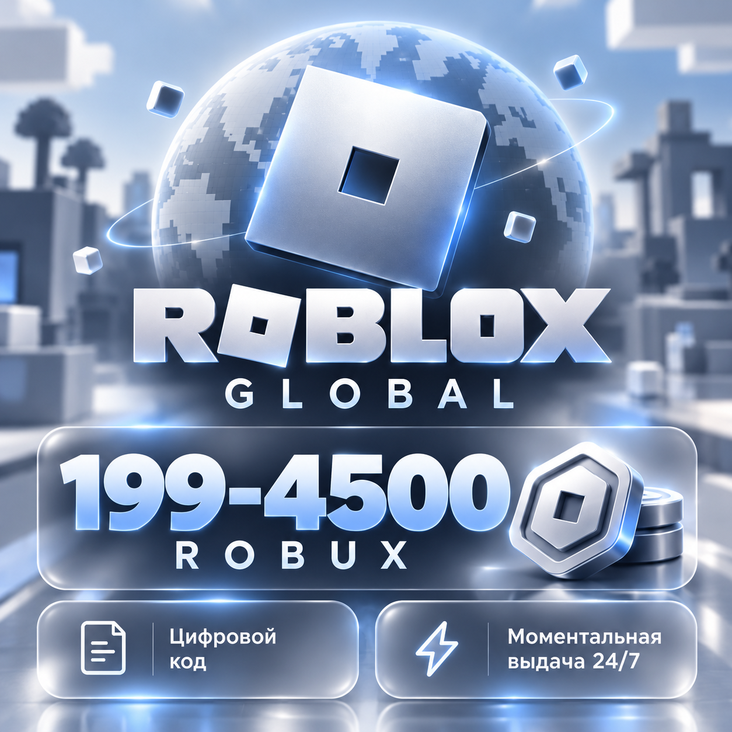
ROBUX GLOBAL / RUSSIA | ROBUX | INSTANT DELIVERY 24/7 | ROBLOX CODE
- Price in currencies:
- 2.27 $ · 137 RUB · 2.02 €
- Category:
- Miscellaneous
- Sales:
- -1
- Refunds:
- -1
- Seller:
- Anarmaad · about the seller and their products
DESCRIPTION
ROBUX GLOBAL / RUSSIA | ROBUX | INSTANT DELIVERY 24/7 | ROBLOX CODE
🎮 ROBLOX — FROM 199 TO 4500 ROBUX | DIGITAL CODE | AUTOMATIC DELIVERY
Top up your Roblox account to purchase clothing, accessories, game passes, and other content with Robux.
Select the desired amount before payment: from 50 to 4500 Robux. The price varies depending on the selected option. You will receive the nominal value specified in your order, not the entire range.
WHAT YOU GET
🔑 A digital Roblox code for self-activation.
⚡ Automatic delivery after payment confirmation — 24/7.
🔒 Activation on your own account: there is no need to provide the seller with your login, password, or access codes.
🎁 Ability to gift the code: simply give it to the recipient before activation.
The code is issued on the page of the paid order. Keep access to the purchase — you can also contact the seller there.
NO COMPLEX TOP-UP
There is no need to create a Game Pass, join a group, or provide access to your account. You independently activate the code on the official Roblox website.
You can use a phone, tablet, or computer: for activation, open a browser and go to roblox.com/redeem. After the Robux are credited, use the same account on your gaming device.
IMPORTANT BEFORE PURCHASE
Important: the code may credit a Roblox Credit — a credit balance, not Robux immediately. In this case, you must additionally exchange the credited funds for Robux. The appearance of the credit balance does not mean that the code did not work.
How to convert Roblox Credit into Robux
Stay in the browser on the https://www.roblox.com/redeem page.
Find ´Available Credit´ under the activation button.
Click ´Get Robux´.
Check the offered amount and confirm the purchase by clicking the ´Buy´ button.
Refresh the page and check your Robux balance.
• Check the selected amount of Robux before payment.
• This is a digital code, not an account or subscription.
• Before activating, make sure you are logged into exactly the account you want to top up.
• The code is single-use. Do not publish it or share it with unauthorized persons.
• If the conversion rate is specified in the selected option, Roblox Credit is first credited, which must then be exchanged for Robux. Pay attention to the conditions of this option and your account region.
Have a question or error? Write to the chat for the paid purchase. Attach the error text or screenshot — this will help us resolve the issue faster. It is not necessary to send passwords or confirmation codes.
Step-by-step activation instructions are below.
Additional information:
HOW TO ACTIVATE THE CODE
1. After payment, open the purchase page and copy the code provided.
2. Open the official page in your browser:
https://www.roblox.com/redeem
🎮 Important: The code may credit Roblox Credit — a credit balance, not Robux directly. In this case, you need to additionally exchange the credited amount for Robux. The mere appearance of a credit balance does not mean that the code failed.
How to convert Roblox Credit to Robux
Stay in your browser on the page https://www.roblox.com/redeem.
Find Available Credit under the activation button.
Click Get Robux.
Check the suggested amount and confirm the purchase by clicking Buy.
Refresh the page and check your Robux balance.
REVIEWS
Reviews: (10)
Большое спасибо.