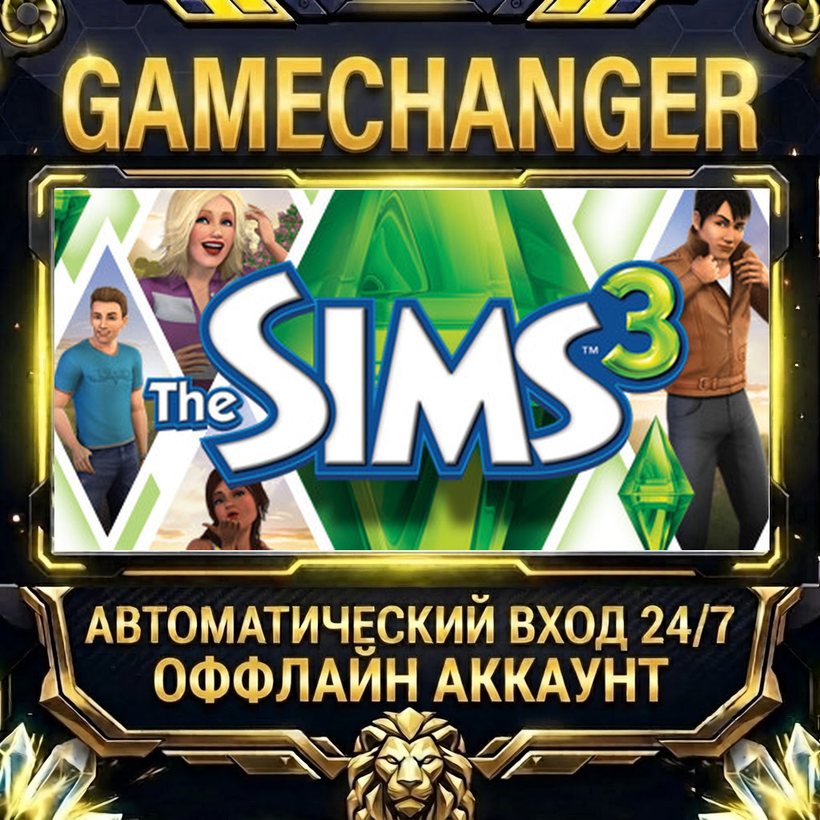
The Sims 3 ⚡ Steam OFFLINE Account | Auto-Delivery 24/7
- Price in currencies:
- 1.24 $ · 100 RUB · 1.11 €
- Category:
- Steam Accounts
- Item:
- text information
- Sales:
- 0
- Refunds:
- 0
- Seller:
- GAME CHANGER · about the seller and their products
DESCRIPTION
The Sims 3 ⚡ Steam OFFLINE Account | Auto-Delivery 24/7
🎮 The Sims 3 — Steam offline account
After purchase you receive the shared offline account details by email in "login - password" format
🔴⚫ STEAMSUB — INSTANT ACCESS TO THE GAME IN 1 MINUTE ⚫🔴
🟥 EASY ACCOUNT ACCESS 24/7 🟥
🟥 WHY US? 🟥
🔴 QUALITY PRODUCT — no crashes or restrictions
⚫ PLAY WITH YOUR SAVES — everything is kept
🔴 FREE SWITCHING — between accounts
⚫ 24/7 SUPPORT — always in touch
🔥 OFFLINE ACTIVATION INCLUDES:
🔴 Account with a licensed game
⚫ Detailed step-by-step instructions
🔴 Install directly from Steam
⚫ NO third-party software or activators
🔴 Works even in RU and CIS
🟥 PURCHASE BENEFITS:
🔴 LICENSE — no need to wait for a crack
⚫ SAVINGS — 5+ times cheaper
🔴 UPDATES — as they release
⚫ SAFETY — no viruses
🔴 SUPPORT — up to 1 year!
⚫🔴 STEAMSUB — RELIABLE. FAST. PROVEN. 🔴⚫
🎮 EA APP IS REQUIRED TO LAUNCH:
⚫ In your order you will receive EA account details (login and password)
🔴 When signing in to EA App a code may be requested — get it with the "Get EA code" button in your order on the site
⚫ The whole process takes 1-2 minutes
Additional information:
🔥THE SIMS 3 ACTIVATION GUIDE🔥
✅ LOG IN TO STEAM WITH THE PROVIDED DETAILS
✅ INSTALL AND LAUNCH THE SIMS 3 — THE EA APP WILL OPEN
✅ SIGN IN TO EA APP WITH THE PROVIDED EA DETAILS (login and password from the order)
✅ IF EA ASKS FOR A CODE — CLICK "GET EA CODE" IN YOUR ORDER ON THE SITE AND ENTER IT
✅ LAUNCH THE GAME UP TO THE MAIN MENU
✅ FOR STABLE PLAY IN STEAM AT THE TOP: STEAM => GO OFFLINE
✅ ENJOY!
REVIEWS
Reviews: (0)
No customer reviews yet.