
Adobe Creative Cloud All Apps – 12 Months | EDU Enterprise Account
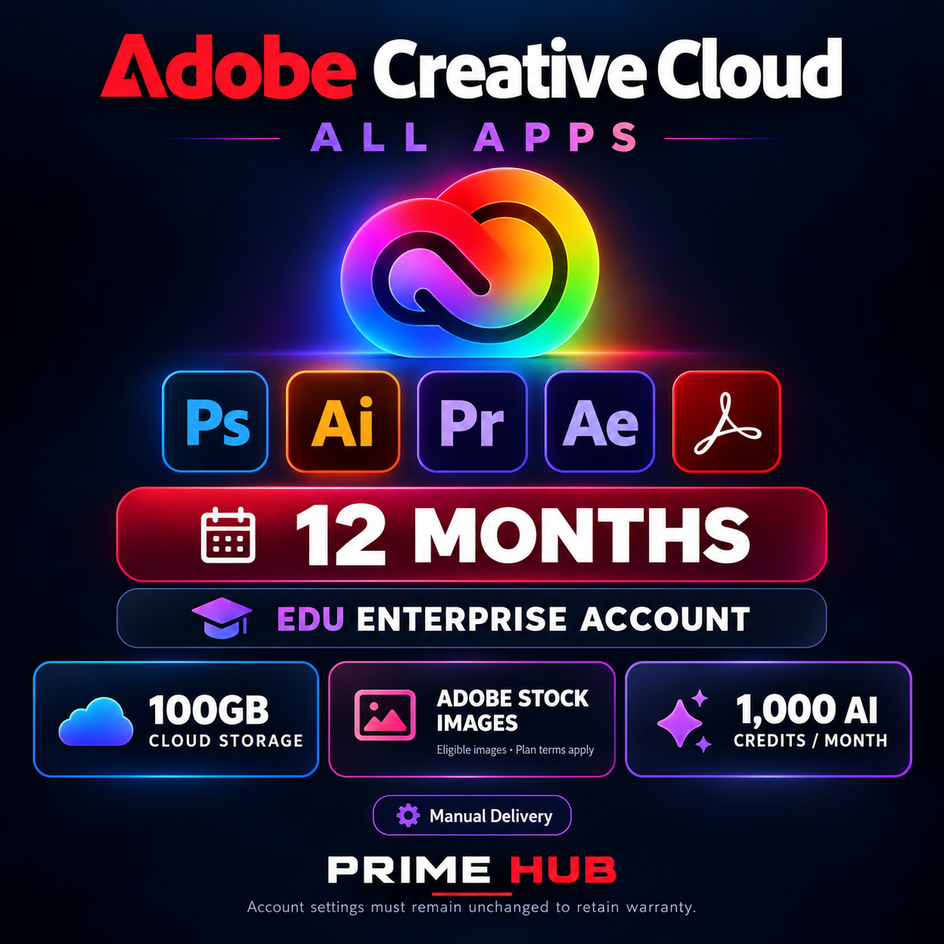
🎨 Adobe Creative Cloud All Apps | 12 Months | EDU Enterprise Account
✅ PRODUCT DETAILS
• Product: Adobe Creative Cloud All Apps
• Plan type: Education / Enterprise
• Account: Ready-made account dedicated to one customer
• Access period: 12 months from purchase
• Delivery: Manual delivery after order verification
• Organization-managed account
• The subscription is not added to your existing Adobe account
⭐ PLAN FEATURES
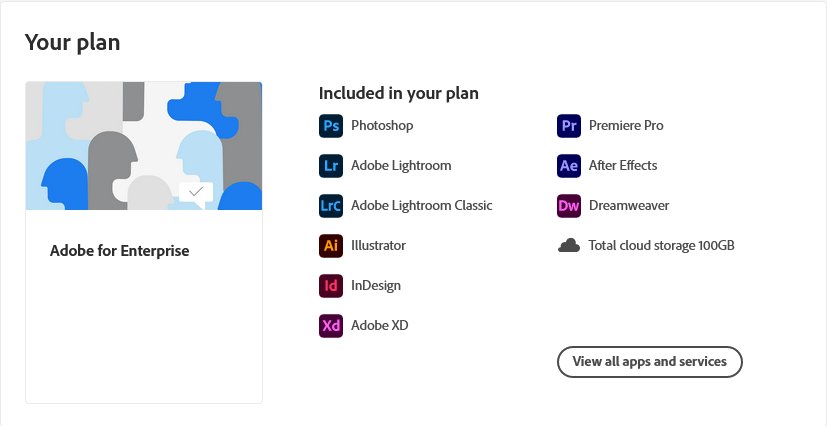
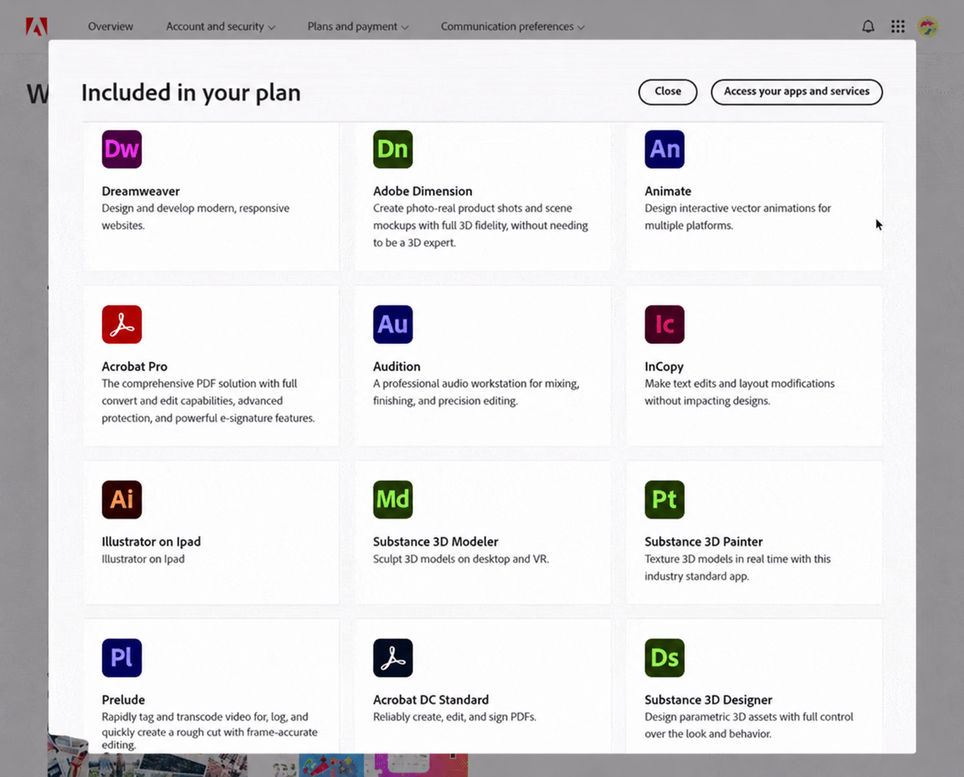
• Access to 20+ applications in the assigned Creative Cloud plan
• Photoshop, Illustrator, InDesign, Premiere Pro, After Effects, Lightroom, Lightroom Classic, Acrobat Pro and more
• 100GB of cloud storage
• 1,000 generative AI credits per month
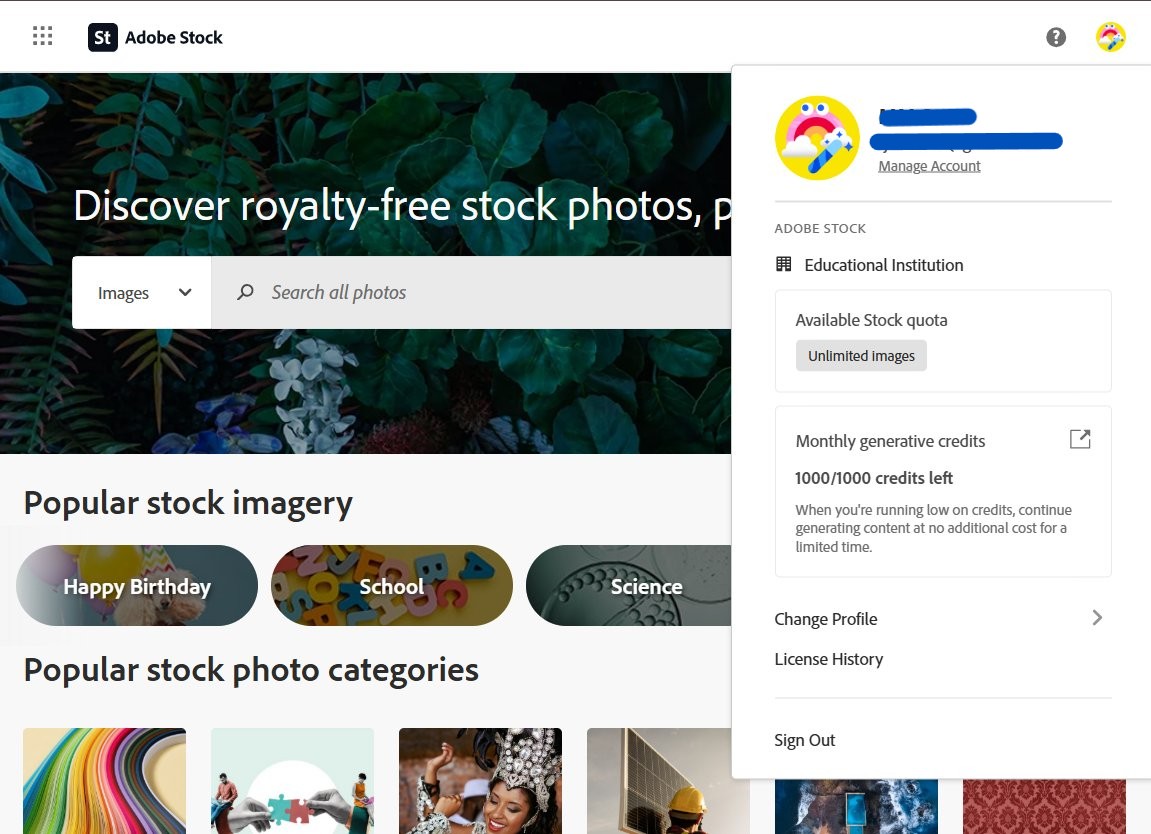
• Adobe Stock image access with an “Unlimited images” quota, subject to the assigned plan and Adobe’s licensing terms
• Not a 14-day trial subscription
Premium Stock assets, video, audio and extended licenses are not promised as part of this offer.
📦 WHAT YOU RECEIVE
• Adobe sign-in email and password
• Link for obtaining two-factor authentication codes
• Sign-in instructions
• Customer support if required
Access to the email inbox and recovery settings is not included. No physical product will be shipped.
⚡ DELIVERY — UNIQUE CODE
After payment, you will receive a unique order code.
Send it through your order messages so we can verify your purchase and process delivery. Your account details and instructions will be sent through the same conversation.
Account delivery is manual, not instant or automatic. The unique code verifies your order; it is not an Adobe activation key.
⚠️ IMPORTANT INFORMATION
• This is an organization-managed EDU Enterprise account, not a personal subscription on your own account.
• Changing the password or two-factor authentication voids the 12-month warranty. Keep the supplied account settings unchanged to retain warranty coverage.
• The subscription expiry date may not appear in the account. The supplier tracks the access period from purchase.
• Do not share the account with other people.
• Store important projects locally and maintain separate backups.
• Without renewal, the account may be reassigned after 12 months. Download and remove your cloud files before access ends.
🛡️ 12-MONTH ACCESS WARRANTY
If subscription access stops working during the covered period, contact us through your order messages for assistance and account replacement.
• Warranty applies when the account conditions above are followed.
• Replacement may involve a different account.
• Transfer of cloud files is not guaranteed.
• The warranty does not guarantee uninterrupted access or recovery of lost files.
💬 PRIME HUB SUPPORT
For sign-in or application access issues, contact us through your order messages.
Attach a screenshot of the error with passwords and verification codes hidden. Never publish account credentials, authentication links or your unique order code in reviews.
📩 RECEIVE YOUR ACCOUNT
1. Find the unique code provided after payment.
2. Send it through your order messages.
3. Wait for purchase verification and manual delivery.
We will send your Adobe sign-in email, password and two-factor authentication link through the same conversation.
The unique order code is for purchase verification only.
🔐 SIGN IN AND INSTALL
1. Open Adobe’s official website and select Sign In.
2. Enter the supplied email and password.
3. If a verification code is requested, use the provided authentication link.
4. If prompted to choose a profile, select the organization profile associated with the subscription.
5. Download the Creative Cloud desktop app from Adobe’s official website.
6. Sign in with the supplied account and install the available applications.
If an application displays a trial or purchase prompt, contact us through your order messages.
🖼️ ADOBE STOCK
Sign in to Adobe Stock with the supplied account and select the associated organization profile if prompted.
Check the account menu for the “Unlimited images” quota. Image availability and use remain subject to the assigned plan and Adobe’s licensing terms.
⚠️ ACCOUNT REMINDERS
• Changing the password or two-factor authentication voids the warranty.
• Keep the supplied account settings unchanged.
• Do not share login details or the authentication link.
• Keep separate backups of important files.
• Download and remove your cloud files before the access period ends.
💬 NEED HELP?
Send a description of the issue and a screenshot through your order messages. Hide passwords and verification codes.
Never publish your account details, authentication link or unique order code in reviews.
No customer reviews yet.