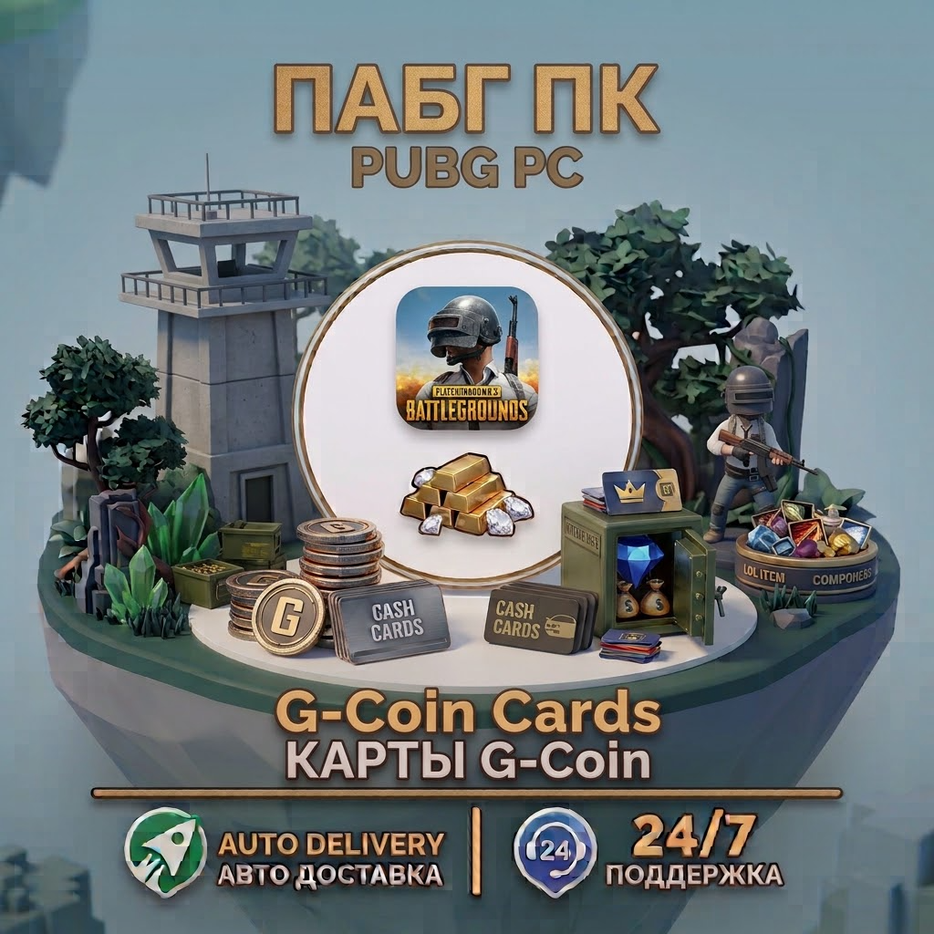
PUBG: BATTLEGROUNDS G-Coin Code — Automatic Delivery | PC
- Price in currencies:
- 1.57 $ · 112 RUB
- Category:
- PLAYERUNKNOWN´S BATTLEGROUNDS
- Item:
- text information
- Sales:
- 0
- Refunds:
- 0
- Seller:
- mralgorithm · about the seller and their products
DESCRIPTION
PUBG: BATTLEGROUNDS G-Coin Code — Automatic Delivery | PC
Get G-Coin for PUBG: BATTLEGROUNDS via a redeem code. This is not a direct top up — you will receive a G-Coin redeem code immediately after successful payment.
The code is delivered automatically and can be redeemed directly in PUBG: BATTLEGROUNDS on PC.
Purchase the required G-Coin product.
After successful payment, you will receive your G-Coin redeem code immediately.
Launch PUBG: BATTLEGROUNDS on PC.
Open the Store from the main menu.
Go to the Items section.
Click Add Bonus / Gift Code or Redeem PIN Code in the bottom-left corner.
Enter the G-Coin code you received.
Click Redeem.
The G-Coin will be added to your account.
No account login or password is required.
Launch PUBG: BATTLEGROUNDS on PC.
Open the Store from the main menu.
Go to the Items section.
Click Add Bonus / Gift Code or Redeem PIN Code in the bottom-left corner.
Enter the G-Coin code you received.
Click Redeem.
• This is NOT a direct top up.
• You will receive a redeem code after successful payment.
• The code is delivered automatically and immediately after purchase.
• The code is intended for PUBG: BATTLEGROUNDS on PC.
• Enter the code carefully when redeeming it.
• Make sure you follow the redemption instructions above.
• No login or password is required.
• If you have any questions or encounter a problem, please contact us.
Additional information:
This product provides a G-Coin redeem code for PUBG: BATTLEGROUNDS.
The code is delivered automatically immediately after successful payment. Redeem the code in the PUBG: BATTLEGROUNDS Store using the instructions above.
Thanks for choosing our service!
REVIEWS
Reviews: (0)
No customer reviews yet.