
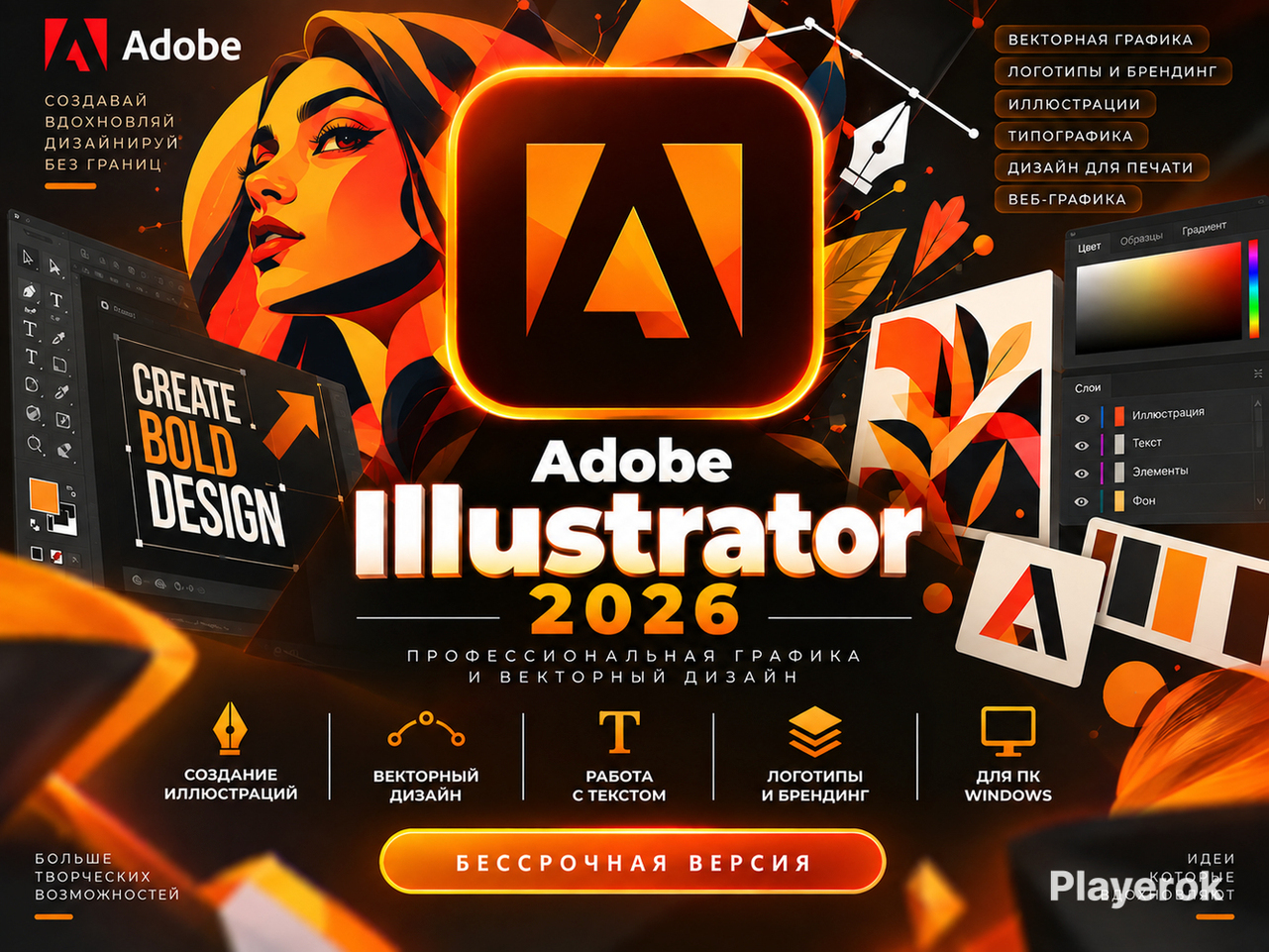
🎨Adobe Illustrator 2026 for Windows—Vector Graphics | Perpetual License
🎨 Adobe Illustrator 2026 for Windows — professional software for creating vector graphics, illustrations, logos, branding, and designs.
Suitable for designers and artists; ideal for web design, advertising materials, print products, and other graphic projects.
📦 Included:
🔹 Adobe Illustrator 2026 for Windows
🔹 Download link
🔹 Step-by-step installation guide
🔹 Program launch instructions
🔹 Support if you have questions
🛒 How the purchase works:
1. Pay for the order
2. Receive the product details immediately after payment
3. Download the installation file
4. Install the program using the instructions
5. Launch Adobe Illustrator 2026 and get to work
💻 Program features:
🔹 Vector illustration creation
🔹 Logo and brand identity design
🔹 Typography and text handling
🔹 Advertising material creation
🔹 Web graphics and UI elements
🔹 Print design preparation
🔹 Working with colors, shapes, and objects
🔹 Professional-grade graphics creation
❓ FAQ:
Is it suitable for beginners?
Yes. A step-by-step guide for installation and launching is included.
Is it difficult to install?
No. All necessary steps are detailed in the instructions. If you have questions, just message us—we’ll help you sort it out.
🖥️ Which system is it for?
Windows.
📌 Important information:
This product is delivered automatically. Access details become available immediately after payment.
Please review the description carefully before purchasing and ensure your computer meets the program´s system requirements.
🔶 By clicking "Buy," you confirm that you have read the product description and purchase terms.
📖 Please follow each step of the instructions carefully and do not skip any points. This will help avoid installation errors.
❗ If you have questions or encounter issues during installation, please message us in the chat. We will do our best to help you resolve them quickly.
1️⃣ Remove previous versions of Adobe Illustrator
Control Panel → Programs → Uninstall a program.
If an older version of Illustrator is already installed on your computer, we recommend uninstalling it before installing the new version.
Restart your computer after uninstalling.
2️⃣ Download the installation file
📥 Download link:
Provided after purchase
Downloading the large file may take some time.
3️⃣ Extract the archive
Extract the downloaded archive to any location on your computer.
4️⃣ Install Adobe Illustrator 2026
✔️ Run the installation file (ending in .exe).
✔️ Wait for the installation process to start.
✔️ If necessary, uncheck the box for installing additional promotional software.
✔️ Click "Install" and wait for the process to complete.
✔️ Once installed, launch the program via the Start menu.
🌐 Changing the program language
Instructions for changing the Adobe Illustrator language are included inside the downloaded archive.
⭐ Done!
If you encounter any difficulties during installation, please message us in the chat—we’ll help you sort it out.
Thank you for your trust! We would appreciate a positive review of our store.
No customer reviews yet.