
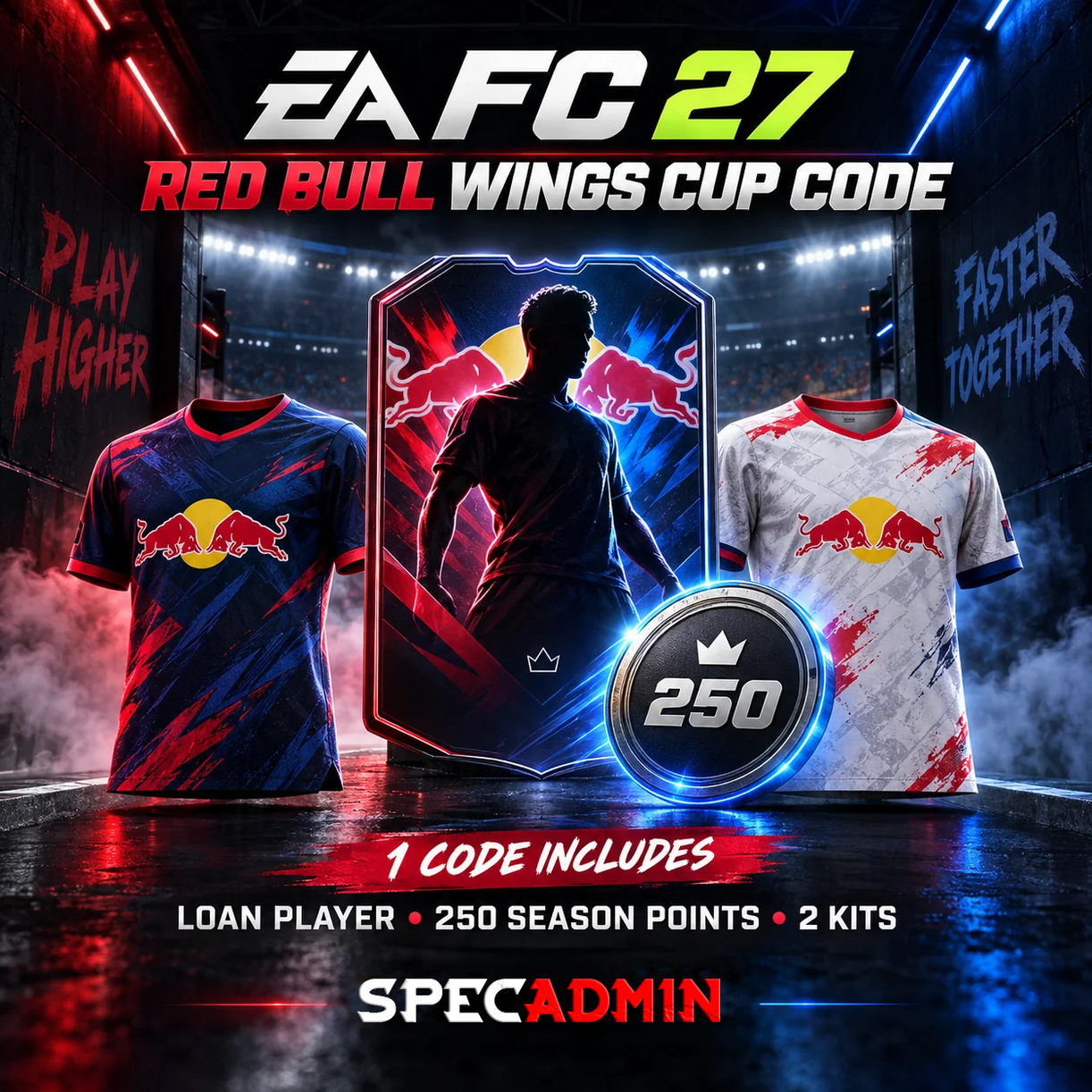
EA FC 27 RED BULL WINGS CUP CODE | 250 SEASON POINTS + 2 KITS + LOAN PLAYER
🚀 AUTOMATED DELIVERY - INSTANT 24/7 FULFILLMENT.
⚠️ Does not work on accounts registered in the Russian Federation! Solution below. 🔽
🔑 Activation codes for Red Bull Wings Cup in-game rewards for EA SPORTS FC 27 ⚽
🏆 Each code grants the following rewards:
⭐ 250 Season Points
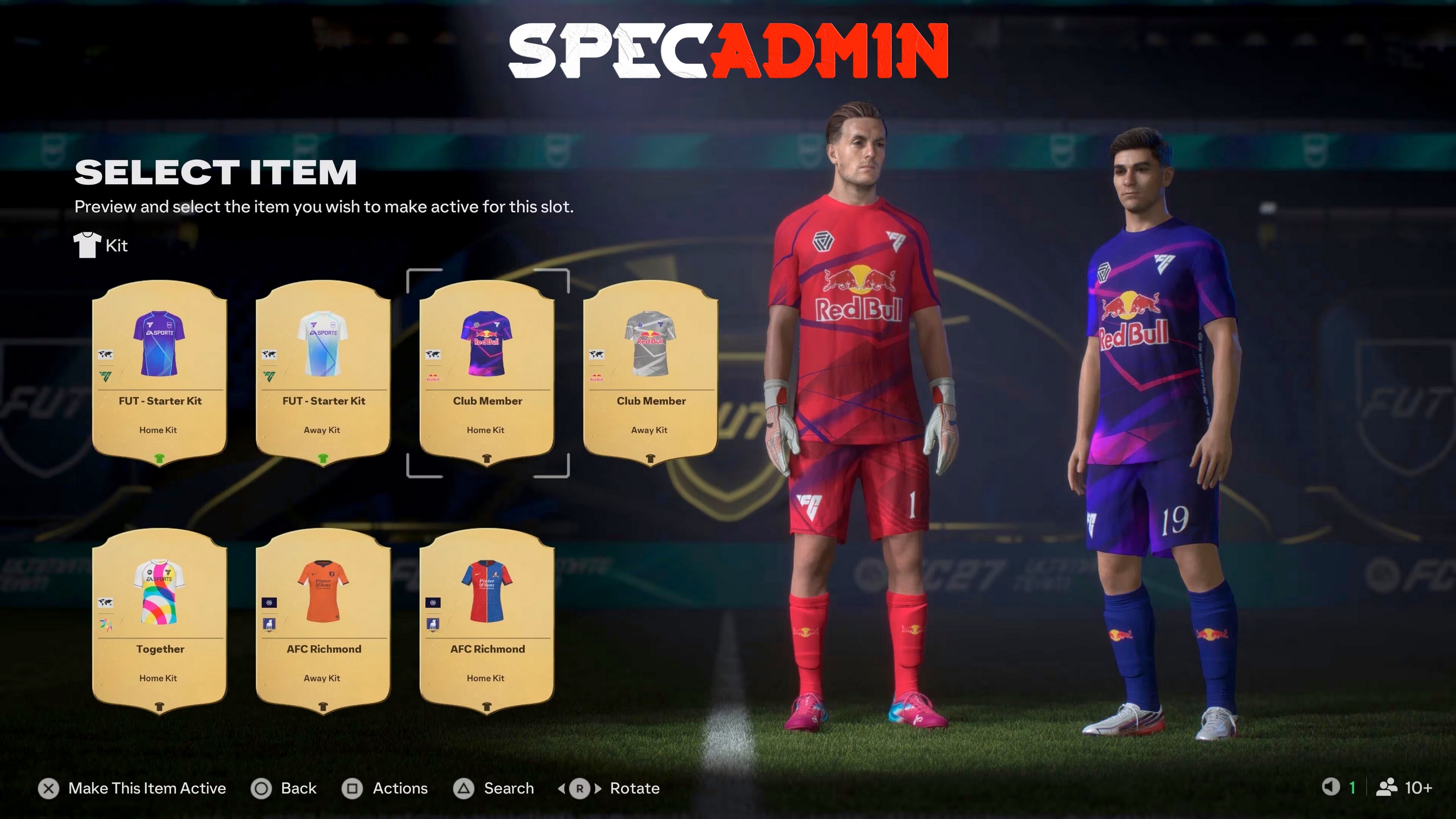
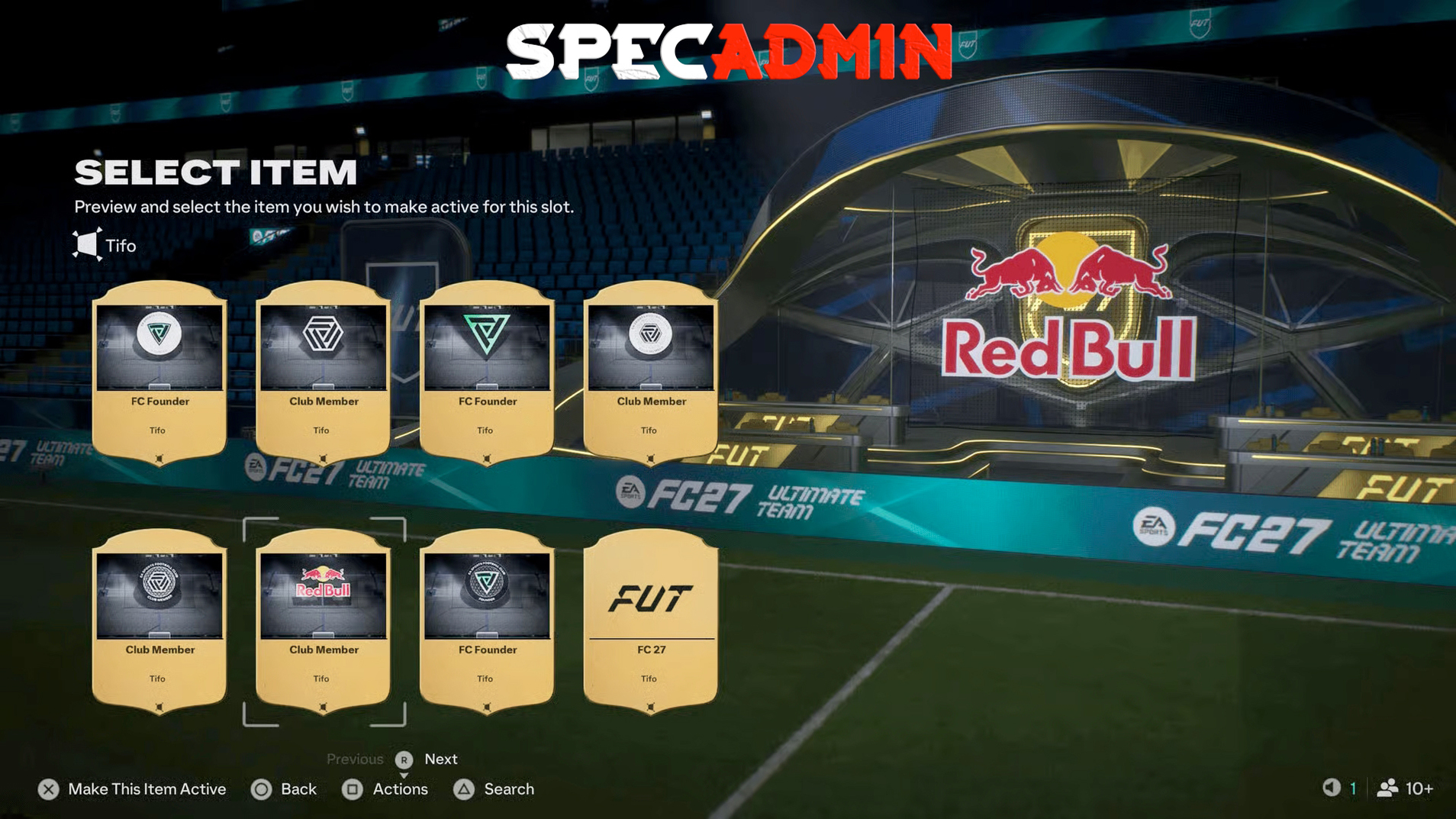
👕 x2 Red Bull Wings Cup Packs
👨⚕️ x1 Loan Player (7 matches)
🏆 You can redeem a maximum of 4 codes per account, giving you:
⭐ 1,000 Season Points
👕 x8 Red Bull Wings Cup Packs
👨⚕️ x4 Loan Players (28 matches total)
📝 The loan player pool is perfect for getting started in Ultimate Team. For each code, you choose one of five options:
✅ Nico Williams
✅ Alphonso Davies
✅ Josko Gvardiol
✅ Khadija Shaw
✅ Endrick
📝 Redeem all four codes to get up to 28 matches with a single loan player, or distribute them among different players to test them in various positions. Gvardiol and Davies are particularly useful if you are struggling with defensive squad depth early in the season.
⚡ How to redeem Red Bull EA FC 27 codes:
1️⃣ Go to https://www.ea.com/redeem/redbull in your browser.
2️⃣ Log in to your EA account.
3️⃣ Enter the code and confirm activation.
4️⃣ Repeat the process for all four codes on the same account.
5️⃣ Check your Season Pass and inbox in Ultimate Team for the loan players.
📌 Supported platforms:
PlayStation 5, PlayStation 4, Xbox Series X|S, Xbox One, and PC, subject to EA´s eligibility requirements.
❗ ❗ INSTRUCTIONS FOR CHANGING YOUR REGION FROM RUSSIA ❗ ❗
⚡ How to change the region (from Russia) on an existing EA account:
1️⃣ Go to the official EA.com website and log in to your profile.
2️⃣ Click on your profile icon in the top right corner and select "Account Settings."
3️⃣ On the "About Me" tab, locate the "Regional Settings" section and click the "Edit" button.
4️⃣ The system will ask you to verify your identity: click "Send Code" and enter the digits sent to your email address.
5️⃣ Change the country to one where the Red Bull Wings Cup promotion is active (e.g., Kazakhstan, Germany, Poland, or the USA). Click "Save."
📝 Note: The service does not recommend changing regions too frequently for purchases to avoid account bans, but a one-time switch to activate codes works fine.
⚡ How to correctly activate the Red Bull code:
After changing your account region, you must ensure your browser registers the new location; otherwise, the activation site will return an error.
1️⃣ Turn on a VPN for the country you just selected in your EA settings.
2️⃣ Open an "Incognito" mode tab (to clear old cache files associated with the Russian location).
3️⃣ Go directly to the promotion page: ea.com.
4️⃣ Log in with your EA account and enter the 8-digit code you receive immediately after payment.
📝 In-game items will appear in the game upon the next launch (restarting your PC or console may be required).
⚠️After-sales service:
Refunds are not accepted after receipt of the item.
🚨 If you have any issues with your code or account, please provide a full, uninterrupted video recording from the moment you log in or attempt to activate to show the activation prompt.
The video must not be edited, damaged, or have any interruptions.
Requests without valid video evidence are not considered investigations.
No customer reviews yet.