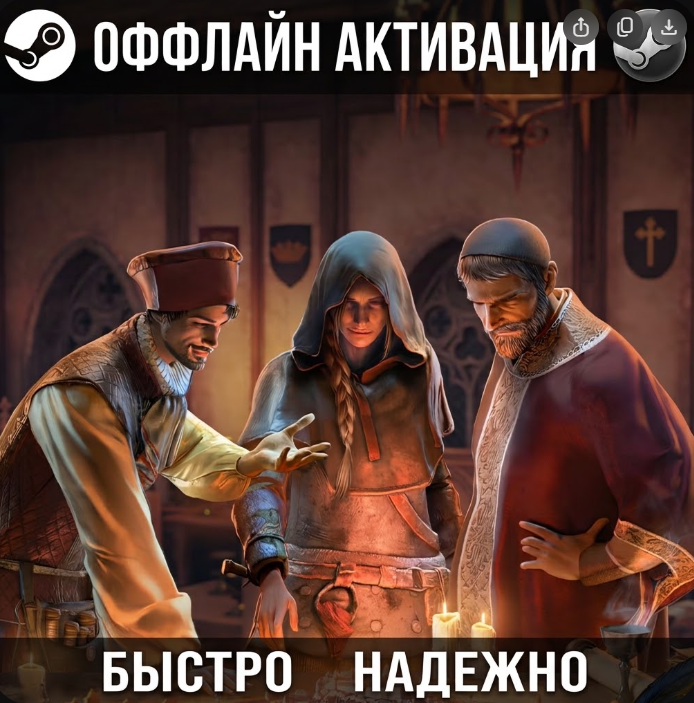
The Guild 1 Remake: Europa 1410 / Offline activation
- Price in currencies:
- 2.39 $ · 231 RUB · 2.13 €
- Category:
- Miscellaneous
- Item:
- text information
- Uploaded:
- 20.09.2026 14:51:46
- Sales:
- 0
- Refunds:
- 0
- Seller:
- KeyPromoStor · about the seller and their products
DESCRIPTION
The Guild 1 Remake: Europa 1410 / Offline activation
Общий аккаунт
🎉 Steam Offline Activation
🔺 Instant delivery
🔺 Your personal progress
🔺 Detailed instructions
❓ What is offline activation?
You get access to the full licensed version of the game. The only difference is that network (online) features will be unavailable. All your playthrough progress and achievements are saved locally on your PC.
⛔ Important information:
🔺 Play strictly in offline mode.
🔺 Any attempts to change account details or settings are prohibited.
🔺 Check the game´s system requirements before purchasing.
🔺 No refunds for reasons like "didn´t like it" or "changed my mind."
🔺 1 purchase = 1 PC.
⛔ IMPORTANT ⛔
🔺 Potential issues – Errors (e.g., "Error 5,50"): This is normal due to Steam limits and high demand (Denuvo). Solution: Simply wait 5–10 minutes and try logging in again. Do not use a VPN or proxy.
🚨 Launch instructions:
🔺 Log in to the provided Steam account (make sure to check "Remember password").
🔺 Download the game. If you see a "Stream" button, click the arrow next to it and select "This computer."
🔺 Launch the game to the main menu, then exit.
🔺 In the top Steam menu, select: Steam —> Go Offline.
🔺 Done! You can now enjoy the game.
⛔ Attention: Do not enter online mode. ⚠️
⛔ Violating the rules will result in being kicked from the account!
REVIEWS
Reviews: (0)
No customer reviews yet.