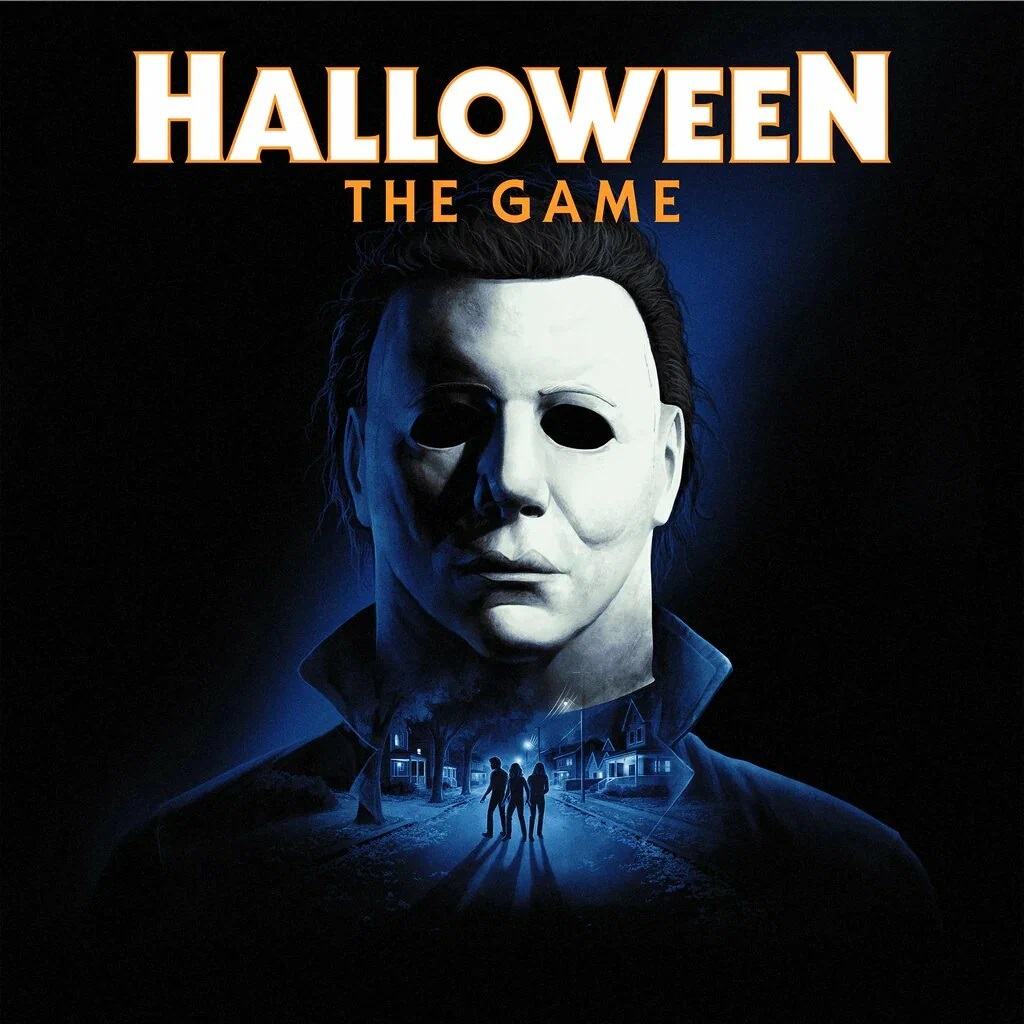
Halloween: The Game PC Steam Account
- Price in currencies:
- 25.37 $
- Category:
- Steam Accounts
- Sales:
- 0
- Refunds:
- 0
- Seller:
- Buy-n-Play · about the seller and their products
DESCRIPTION
Halloween: The Game PC Steam Account
You are purchasing a new Steam account containing the game: *Halloween: The Game* (PC).
Upon payment, you will receive:
- Account login
- Account password
- Account email address
- Email password
THIS IS NOT AN ACTIVATION KEY.
A brand-new account containing the specified game. Upon purchase, you gain access to:
A game account containing the game.
Languages: English
Game Description
The game is set in Haddonfield in 1978. Players can take on one of two roles:
Michael Myers — a killer hunting the town´s residents. He possesses special abilities, such as Shape Jump (shifting into a shadow realm where he becomes invisible), Shape Dash (rapid movement), and Killer Sense (an aid for tracking targets). He can also turn off lights and cut telephone lines to make things more difficult for the survivors.
Survivors — each character has unique perks. For example, Tanya has a noise decoy, while another character receives a boost if they are the last one left on the map. The objective is to complete tasks, attempt to escape, and evacuate.
In addition to online matches, there is a six-chapter story campaign. It follows the themes of the movies and serves as a tutorial, while also unlocking cosmetic items and new characters for multiplayer. A mode for playing against bots is also included.
Additional information:
After payment, you will receive:
1) A username and password for the Steam account that already includes the game.
2) The email provider´s address, the email address, and the email password.
This is not a shared Steam account; it belongs solely to you.
- Go to Steam via the application or the store.steampowered.com website.
- Enter the Steam username and password provided in your order email.
- Log in to the email provider´s site in your browser using the email address and password provided in your order. You will receive a notification from Steam regarding the login, possibly including a confirmation code.
- Change the email address associated with the Steam account to your own. In the Steam "Account" section, click the "Change contact email address" button. Follow the on-screen instructions. A confirmation code will be sent to the old email address; go to that email account, open the message, and click the link inside to confirm the email change.
REVIEWS
Reviews: (0)
No customer reviews yet.