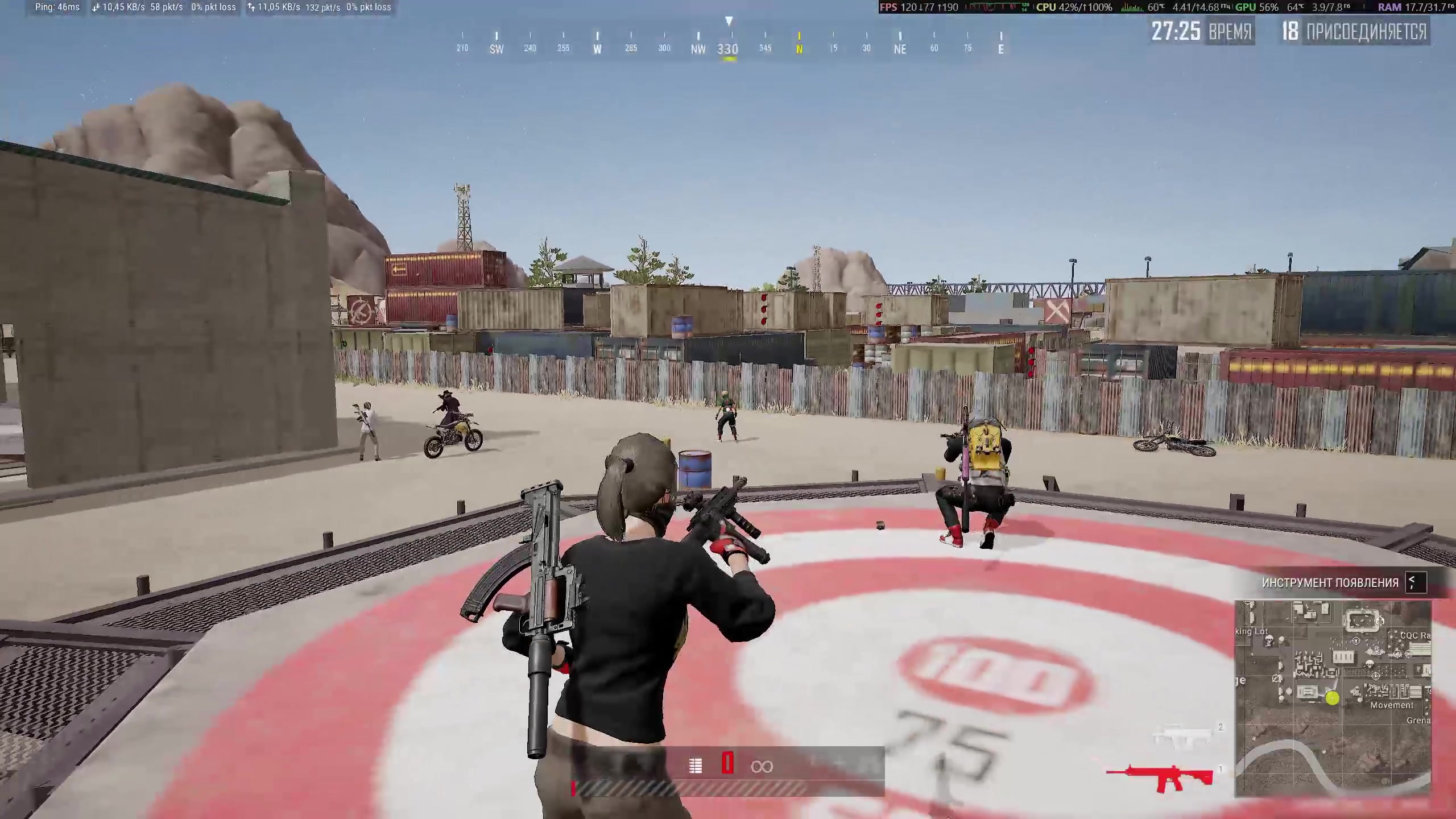
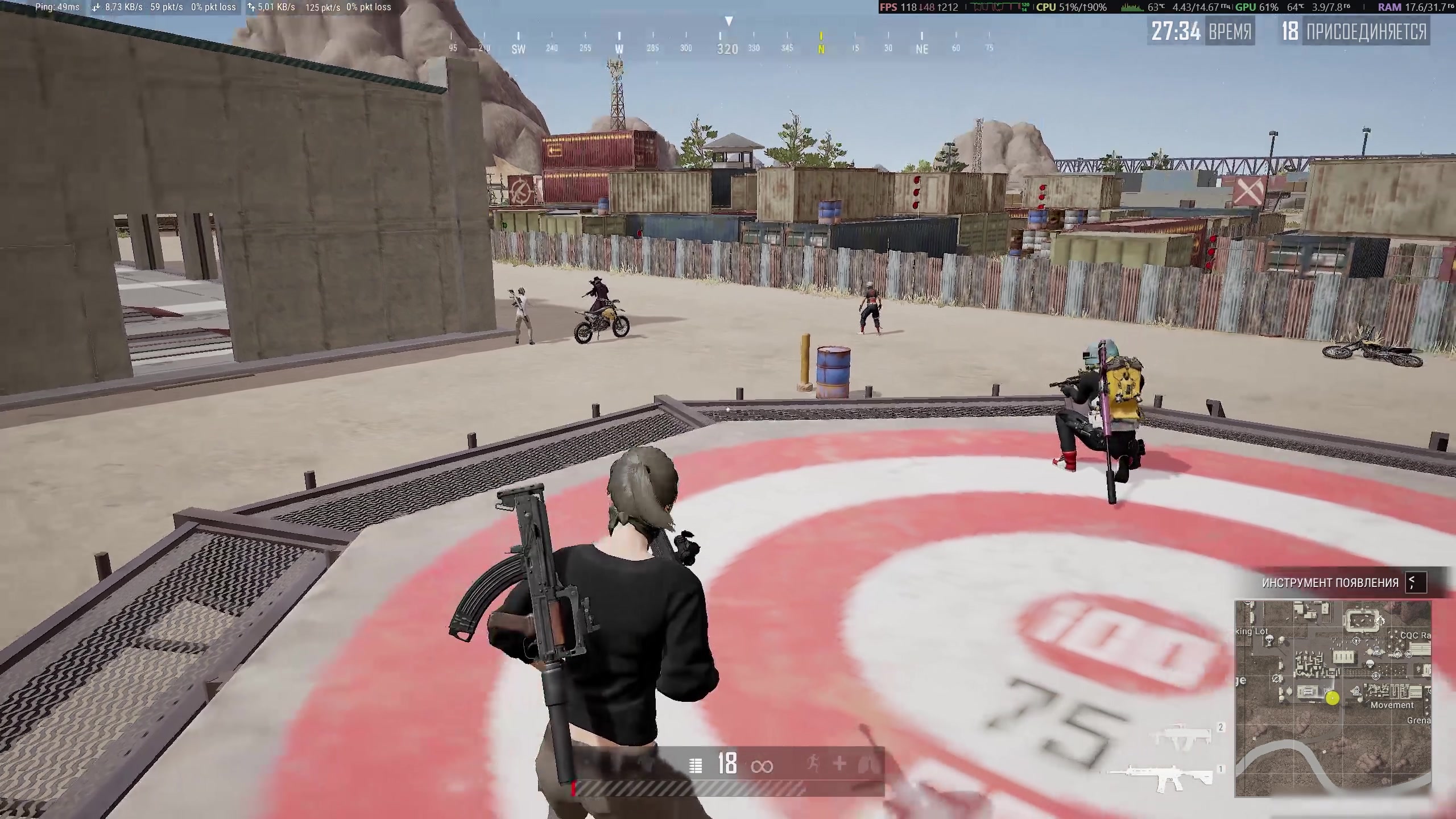
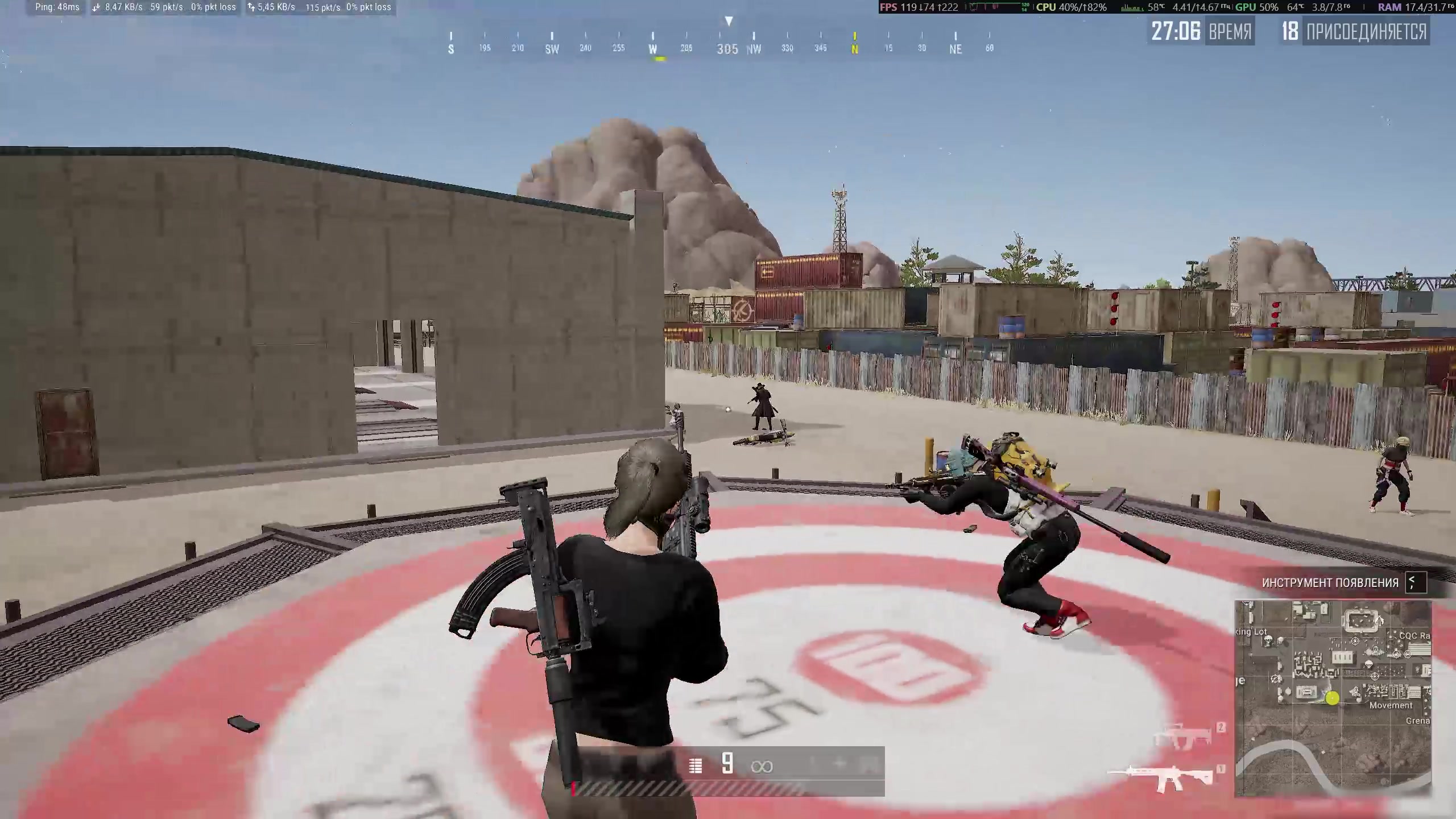
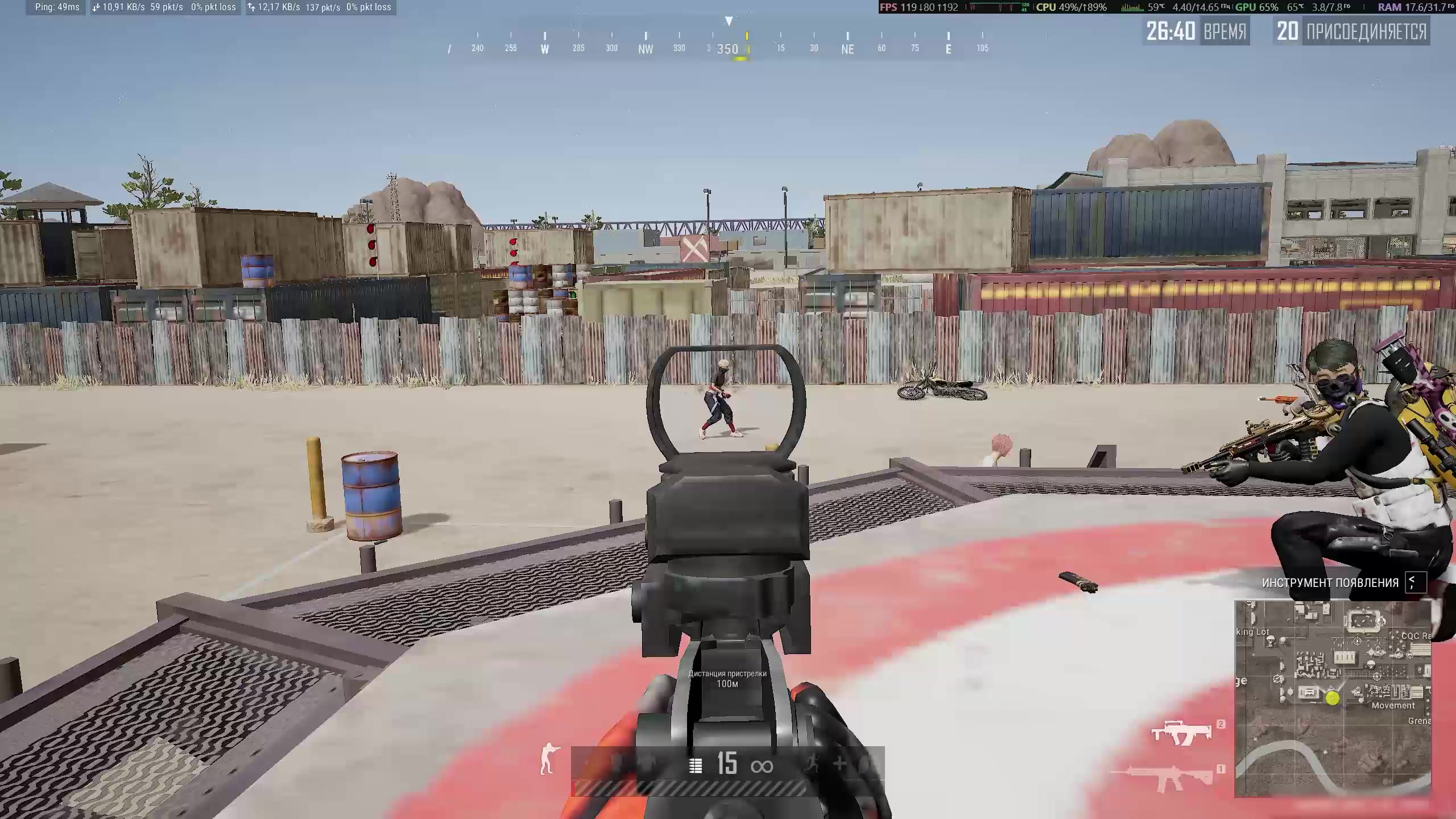
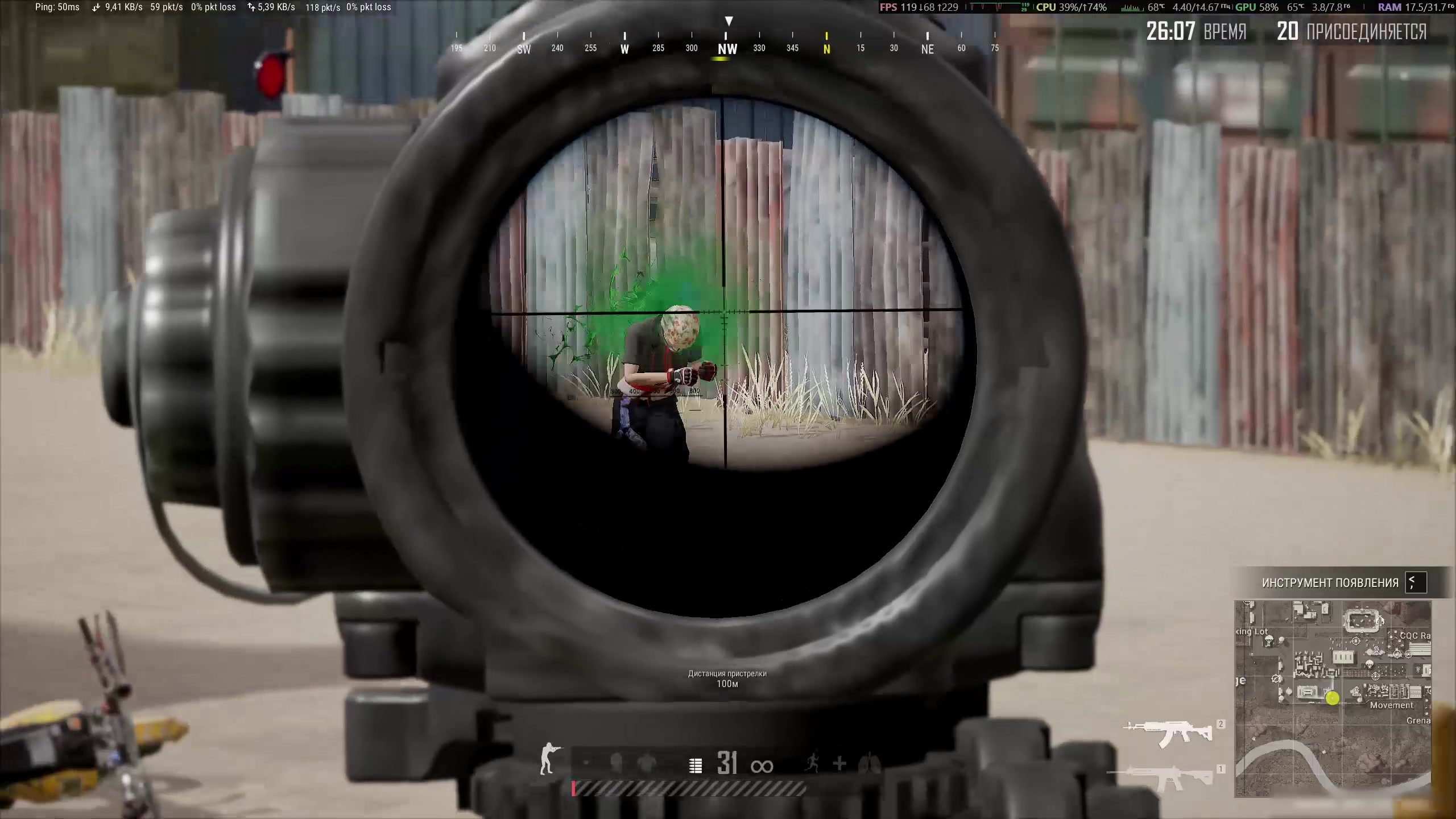

Fsociety Macro for PUBG (Steam, PC) — Recoil Compensation Macro
- Price in currencies:
- 4.24 $
- Category:
- Private cheats
- Item:
- text information
- Uploaded:
- 18.09.2026 22:00:38
- Sales:
- 1
- Refunds:
- 0
- Seller:
- Best-Sales · about the seller and their products
DESCRIPTION
Fsociety Macro for PUBG (Steam, PC) — Recoil Compensation Macro
Fsociety Macro is an automatic recoil compensation macro for PUBG.
The software automatically accounts for the selected weapon, scope, attachments, and character stance. You do not need to create a separate profile manually for every combination.
⚠️ IMPORTANT: CHECK YOUR WINDOWS BUILD BEFORE PURCHASE
The macro does not support every recent Windows 11 build.
Supported:
• Windows 10 — any build
• Windows 11 x64 24H2 / 25H2 — up to and including build 26200.8037
Not supported:
• Windows 11 builds newer than 26200.8037
Compatibility depends on the exact Windows build number, not the Windows language or edition. Please open your system information and check the build number before purchasing.
FEATURES
• Automatic RCS recoil compensation
• Automatically accounts for the weapon, scope, attachments, and stance
• Strength adjustment from 0 to 100
• Default Strength value: 100
• Randomize adjustment from 0 to 10
• Default Randomize value: 0
• Opening Pull option for the beginning of a burst
• Automatic reading of PUBG sensitivity settings
• Saving of the current configuration
• Keyboard hotkey controls
OPENING PULL
Opening Pull works only with automatic weapons and activates while the left and right mouse buttons are held at the same time.
SENSITIVITY
The software reads your PUBG sensitivity settings every time it starts. If you change the sensitivity in the game, restart both PUBG and the macro.
HOTKEYS
• F3 — enable or disable the macro
• F4 — restore default settings
• F5 / F6 — decrease or increase Strength by 5
• F7 / F8 — decrease or increase Randomize by 1
• F9 — enable or disable Opening Pull
• F10 — save the current settings
• End — completely unload the software
SYSTEM REQUIREMENTS
• Game client: PUBG through Steam
• Processor: Intel or AMD
• Display mode: Windowed or Borderless
• USB flash drive: not required
• Windows 10: any build
• Windows 11 x64 24H2 / 25H2: no newer than build 26200.8037
Please make sure that your Windows version meets these requirements before purchasing.
Additional information:
You will need to download the program, insert the key that will be sent to your email, select the cheat you bought and click "Activate".
Then follow the instructions.
REVIEWS
Reviews: (0)
No customer reviews yet.