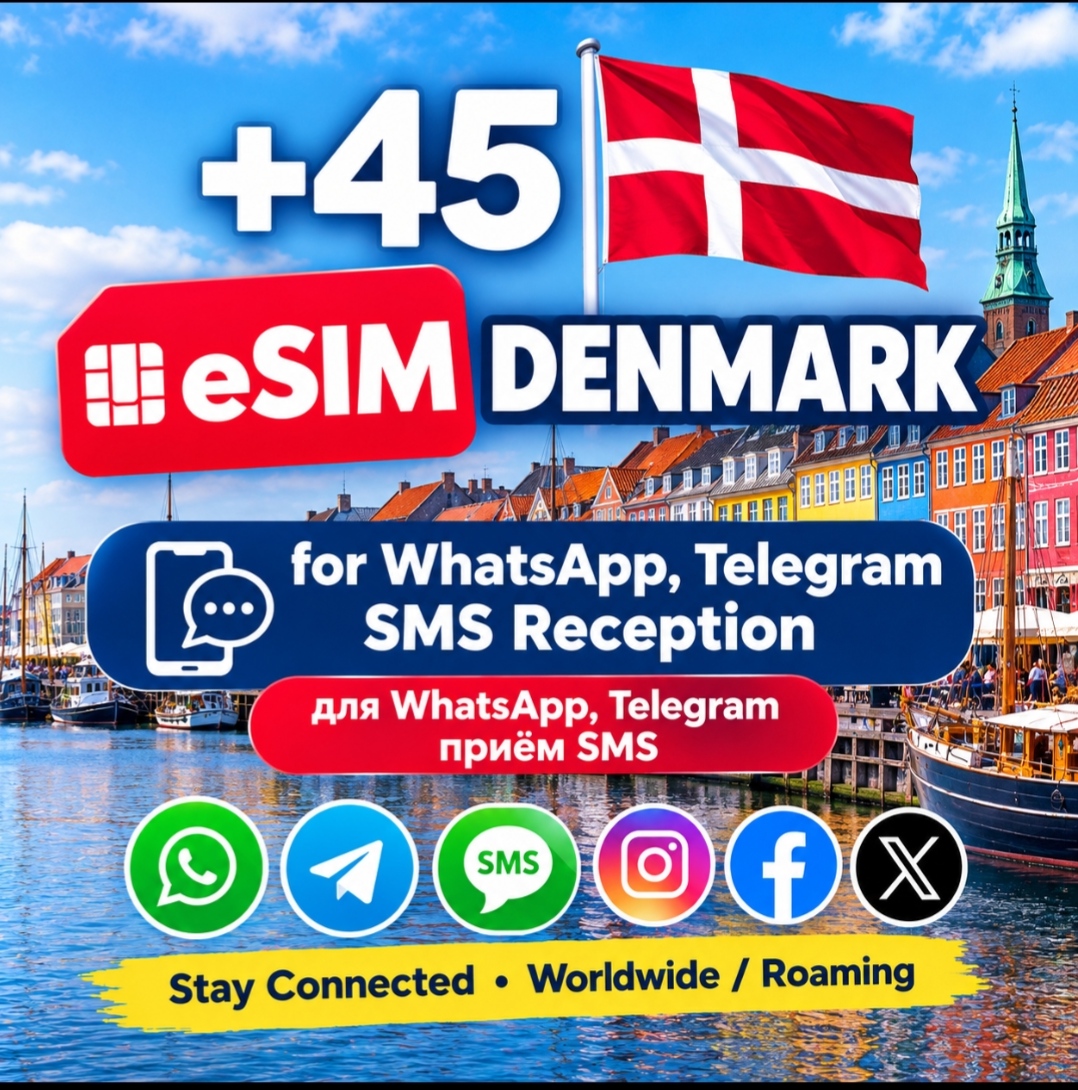
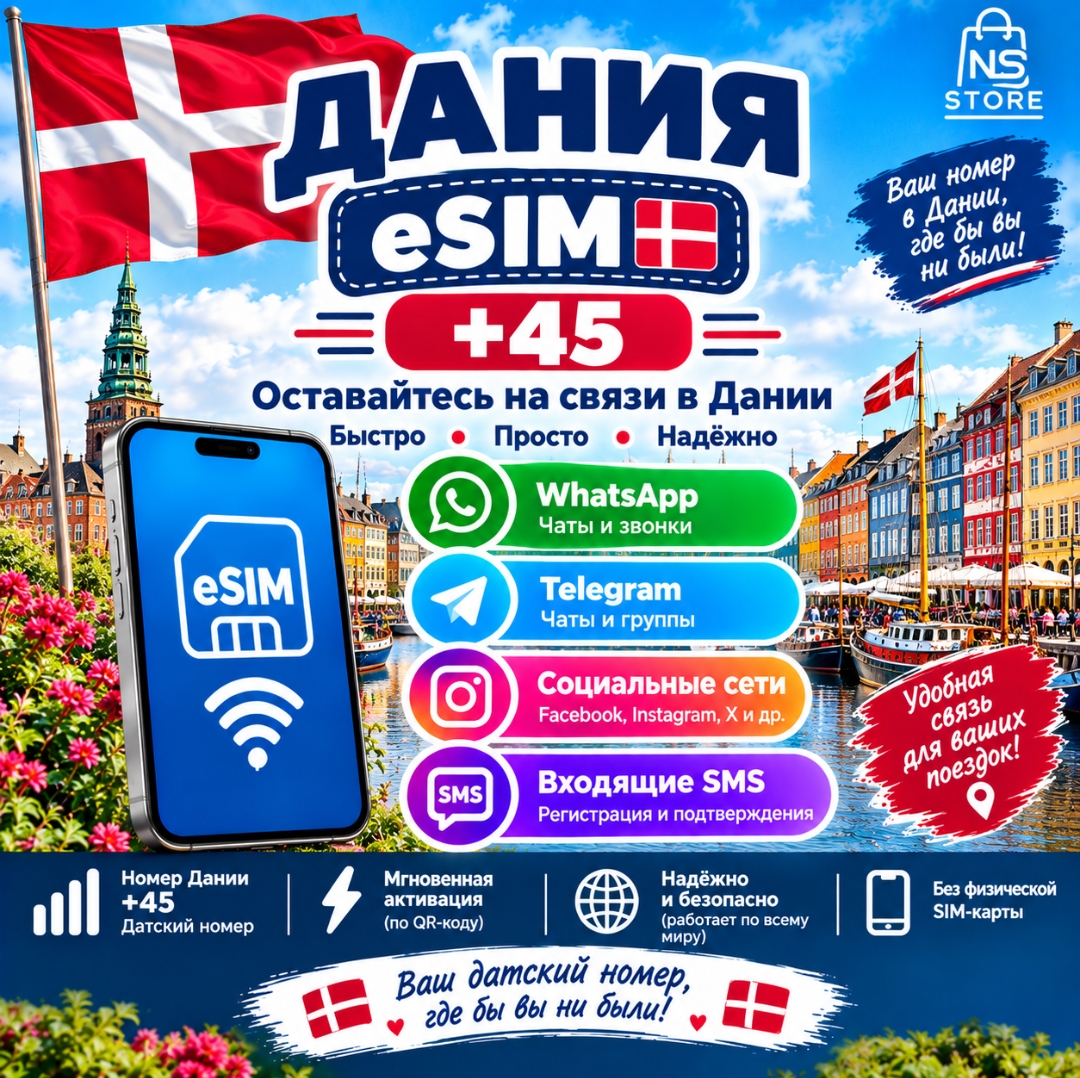
Denmark eSIM +45 Danish Phone Number eSIM for SMS Reception - Denmark eSIM
- Price in currencies:
- 19.5 $ · 1967 RUB · 17.37 €
- Category:
- Others
- Item:
- text information
- Sales:
- 0
- Refunds:
- 0
- Seller:
- NS STORE · about the seller and their products
DESCRIPTION
Denmark eSIM +45 Danish Phone Number eSIM for SMS Reception - Denmark eSIM
📱 Denmark 🇩🇰 eSIM +45 PHONE NUMBER - INCOMING SMS RECEPTION
Get a Denmark 🇩🇰 (+45) eSIM phone number for incoming SMS, Reception codes, verification messages and account confirmations where supported.
✅ USE FOR:
• WhatsApp & Telegram
• Facebook & social media accounts
• PayPal & international services
• Online platforms accepting international numbers
• Personal & business purposes
• Incoming SMS, Reception & verification codes
🌍 INTERNATIONAL / ROAMING USE
Use internationally where roaming and a supported partner network are available. SMS reception depends on the network and the individual service.
⏳ 180 DAYS VALIDITY
The number is valid for 180 days. To retain the number after expiry, make a small recharge/top-up or qualifying activity such as a call, SMS or other supported activity according to operator terms.
🇷🇺 RUSSIA IMPORTANT
When used in Russia, network registration and SMS reception may require up to 24 hours after activation. Please allow sufficient time for registration on an available partner network.
🛒 PURCHASE & DELIVERY
1. Place your order and complete payment.
2. eSIM QR code is normally delivered within 30 minutes–1 hour.
⚠️ IMPORTANT
Device must support eSIM. QR code is for one-time installation. DO NOT DELETE THE eSIM after installation. SMS reception is not guaranteed for every third-party service because some platforms may restrict certain numbers.
Additional information:
📌 Country: Denmark 🇩🇰
📞 Country Code: +45
📲 Type: eSIM / Digital SIM
📩 Service: Incoming SMS reception where supported
🌍 Usage: International / Roaming where supported
⏳ Validity: 180 Days
📱 Requirement: Unlocked eSIM-compatible device
INSTALLATION GUIDE:
1. Connect to Wi-Fi/mobile internet.
2. Settings → Mobile/Cellular → Add eSIM.
3. Scan the QR code received from the seller.
4. Follow the activation instructions.
5. If automatic network selection does not work: Network Selection → OFF Automatic → manually select an available supported network.
6. Wait for network registration, especially in Russia.
7. DO NOT DELETE THE eSIM after installation.
⚠️ QR code: One-time scan. SMS depends on the individual service.
REVIEWS
Reviews: (0)
No customer reviews yet.