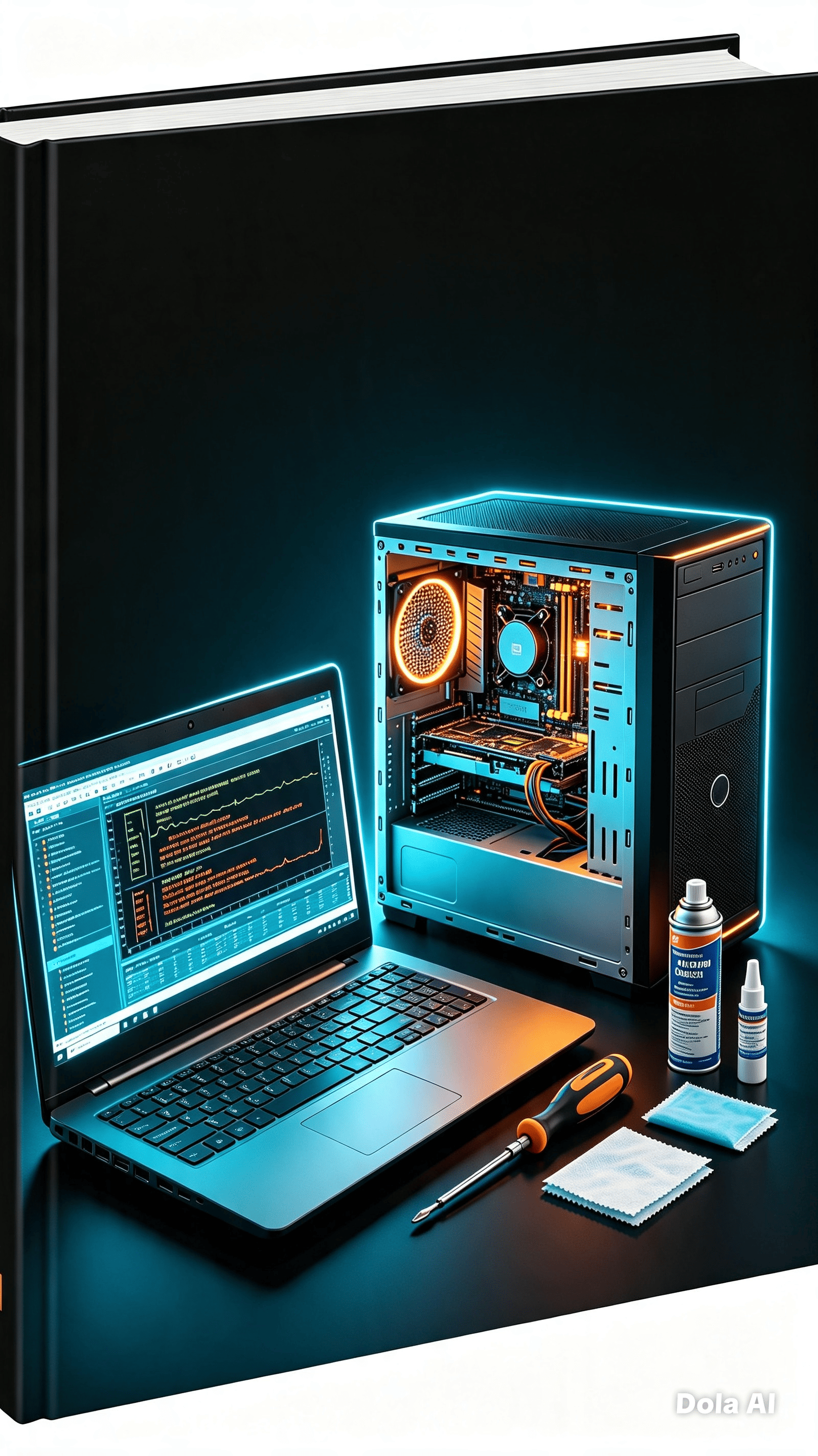
PC Emergency Resuscitation: A Practical Guide to Diagnostics and Repair
- Price in currencies:
- 3.6 $ · 332 RUB
- Category:
- Courses, Lessons
- Item:
- Экстренная реанимация ПК.pdf (2676.41 KB)
- Uploaded:
- 05.09.2026 21:01:48
- Sales:
- 0
- Refunds:
- 0
- Seller:
- Shop Alex a · about the seller and their products
DESCRIPTION
PC Emergency Resuscitation: A Practical Guide to Diagnostics and Repair
🔧 **Has your computer stopped turning on? Is it overheating? Is it showing a blue screen?**
Don´t rush to take your device to a service center and pay thousands of rubles for diagnostics. This guide is your personal technical specialist in your pocket.
📘 **What is this material about?**
This is a concentrated guide to PC recovery. We´ve removed everything outdated (forget floppy disks and parallel ports) and left only what works today with Windows 10/11, NVMe drives, and modern hardware. No unnecessary theory—just clear action algorithms.
⚡ **What´s inside the guide (11 slides):**
✅ **Golden rules of diagnostics.** How not to completely break your computer while trying to fix it. The process of elimination and safe testing.
✅ **The PC won´t turn on or boot.** A checklist from the power outlet to the BIOS. Deciphering beep codes for modern motherboards. What to do during a reboot loop.
✅ **SSD/HDD Disk Subsystem.** Why isn´t the drive visible in the system? How to check the drive´s health using SMART. When defragmentation is harmful, and when it´s helpful. The chkdsk and sfc commands for troubleshooting errors.
✅ **Overheating and Throttling.** Symptoms of CPU/GPU overheating. Proper dust cleaning and thermal paste replacement. Temperature standards and airflow settings in the case.
✅ **Video Card and Display.** Artifacts, black screens in games, flickering. Clean driver installation using DDU. Monitor calibration and checking HDMI/DP cables.
✅ **Peripherals and USB.** Sticky mouse, non-functioning keys, hub power conflicts. Troubleshooting wireless devices and Wi-Fi interference.
✅ **Network and Internet.** No connection? Wi-Fi constantly drops? Slow speed. DNS settings, router and network adapter diagnostics.
✅ **Software crashes and BSODs.** How to read blue screen error codes. Search for causes in the Microsoft database. MemTest86 RAM test. Protection against viruses and hidden miners.
✅ **Data security.** The 3-2-1 backup rule. Tools for backups and BitLocker encryption. Why prevention is cheaper than recovery.
✅ **Maintenance checklist.** Maintenance schedule: monthly, semi-annually, and annually. Links to official support resources.
🎯 **Who is this guide for?**
• Users who want to save money on service centers.
• Beginner PC builders and enthusiasts.
• Those who want to understand how their equipment works without complex jargon.
💡 **Why choose this material?**
Keeperlink´s author has created a results-oriented product. There are no abstract tips like "restart your computer." Only concrete steps, up-to-date utilities (CrystalDiskInfo, HWMonitor, MemTest86, DDU), and an understanding of modern PC architecture. The material is structured so you can open the required section directly while troubleshooting.
📥 **Deliver format:**
Instant delivery of the PDF file after payment. The file opens on any device: PC, tablet, or smartphone. You can print it or use it as an interactive reference.
⚠️ **Important:** This guide is intended for diagnostics and minor repairs. For complex hardware problems, we recommend contacting professionals. Use this information responsibly.
🛒 **Click the "Buy" button and get your computer back up and running today!**
REVIEWS
Reviews: (0)
No customer reviews yet.