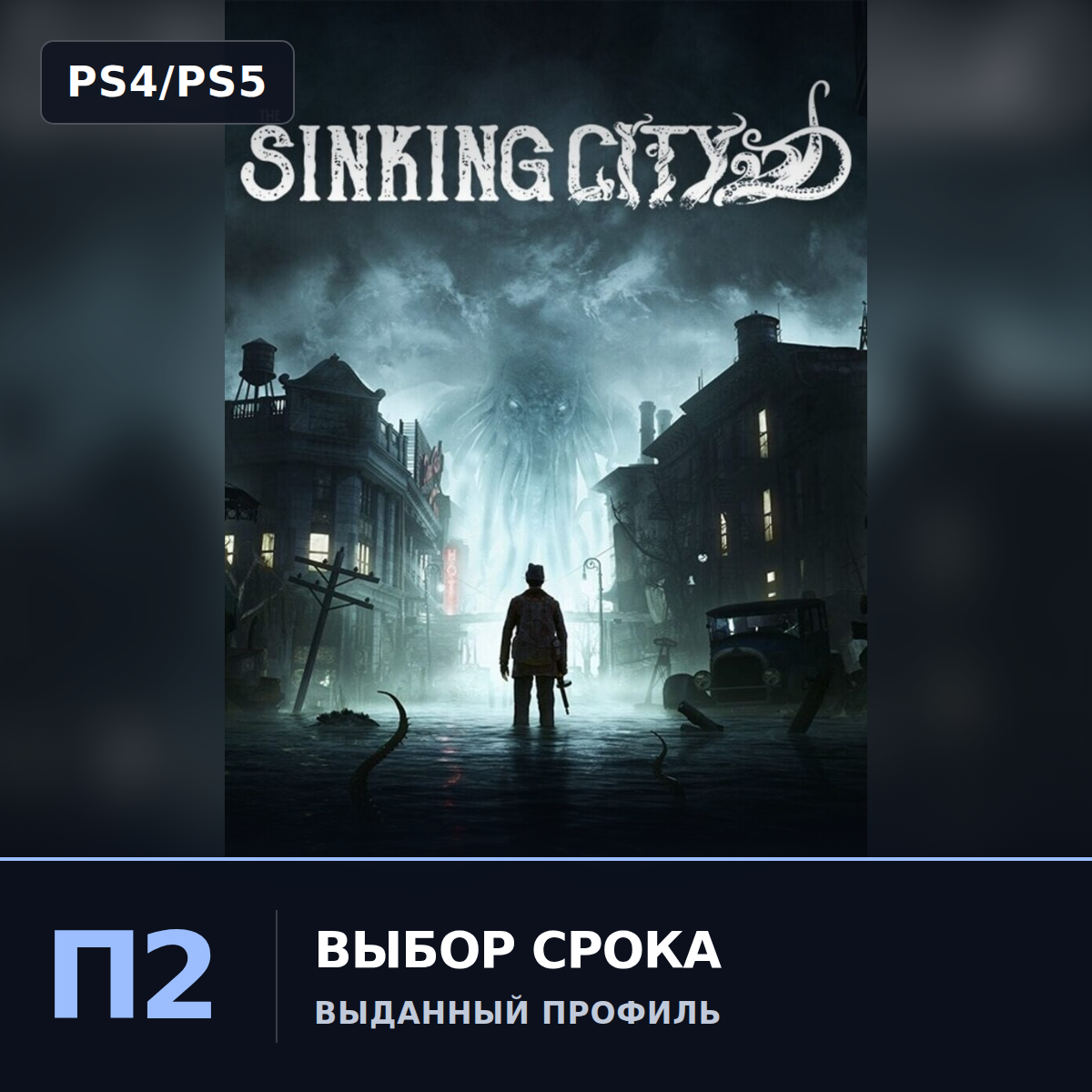
🟣 The Sinking City (PS4/PS5) Rent from 5 days
- Price in currencies:
- 1.87 $ · 109 RUB · 1.7 €
- Category:
- PlayStation Accounts
- Item:
- text information
- Sales:
- 0
- Refunds:
- 0
- Seller:
- Rentier · about the seller and their products
DESCRIPTION
🟣 The Sinking City (PS4/PS5) Rent from 5 days
🎮 The Sinking City
PS4/PS5 · P2 · Choose the term at checkout
🕹 How you will play
• On the provided profile, with a continuous internet connection.
• Saves and trophies stay on that profile.
⚠️ Important for P2
Do not enable Console Sharing and Offline Play on PS5 / Activate as Your Primary PS4.
If enabled automatically, disable activation on your own console only.
Otherwise access may be restricted: the P3 customer needs that activation.
🔑 Getting access
1. After payment, open the instructions in your order.
2. Add a new permanent user — not a guest.
3. On PS5, open QR sign-in and use the 6 digits below the QR.
4. Enter them on the access page or send them in the order chat, as instructed.
On PS4, follow the order instructions. Do not use a code from your personal account settings.
📌 Access conditions
• One console. The account remains owned by the seller.
• Do not share access or change account details.
• Do not deactivate other devices.
• PS Plus is not included. Online modes follow game and PlayStation requirements.
💬 Renewal and support
For renewal, early return or another sign-in, contact us in the order chat.
For P2/P3, the term is shown in the selected option and on the access page.
If an error occurs, attach a screen photo. Never send your personal account password.
Additional information:
P2 rental — no primary activation. Open the access page in your order or the order chat. If the bot requests purchase verification, send the unique order code; it is different from the console sign-in code.
Add a permanent console user (not a guest), choose PlayStation Network sign-in and open the QR screen. Use the fresh 6 digits below the QR, not sign-in inside your existing personal account and not an order/2FA code. Enter it on the access page or send it in the order chat when requested. If expired, refresh the console screen. If PS4 has no QR option, contact us.
After sign-in, download from Library → Your Collection (PS5) / Purchased (PS4). Play on the provided profile with continuous internet. Saves/trophies stay on the provided profile.
Do not enable activation. If enabled automatically, disable it for the provided account: PS5 Settings → Users and Accounts → Other → Console Sharing and Offline Play → Disable; PS4 Settings → Account Management → Activate as Your Primary PS4 → Deactivate.
Do not change account credentials. Contact support before signing in again; include the order number, game and a photo of the error.
REVIEWS
Reviews: (0)
No customer reviews yet.
DISCOUNTS
Discounts:
Discount for regular customers! If the total of your purchases from the seller Rentier exceeds:
- $1000 discount 3%
- $300 discount 2%
- $100 discount 1%