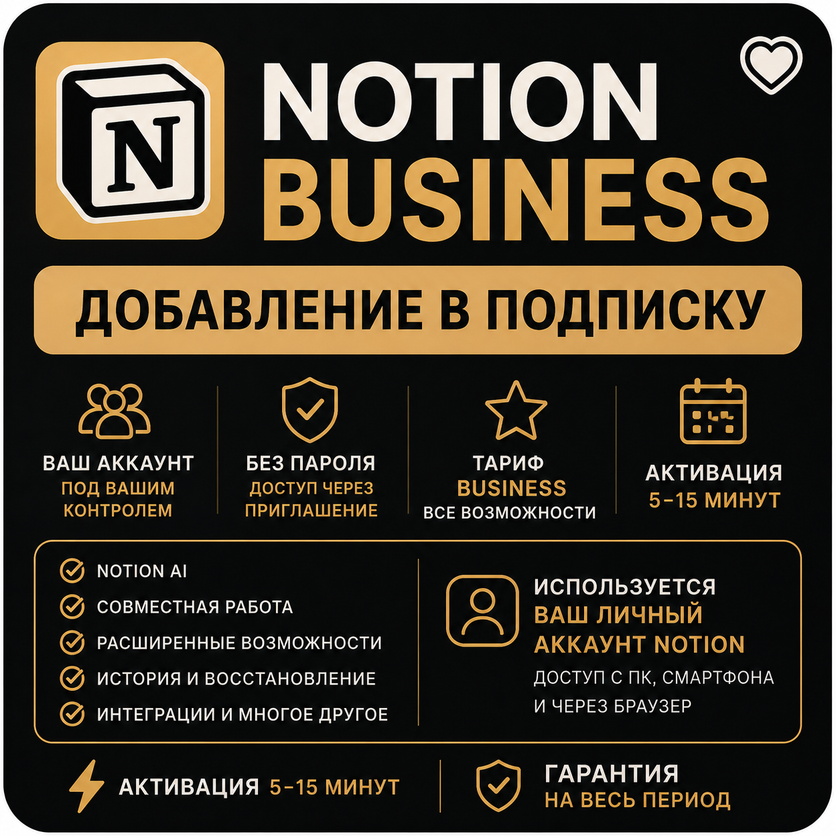
Notion Business | OPUS 5.5 | — Add to Subscription
- Price in currencies:
- 2 $ · 168 RUB · 1.79 €
- Category:
- Others
- Item:
- text information
- Sales:
- 41
- Refunds:
- 0
- Customer rating:
- 5.0 of 5 +9 / −0
- Seller:
- SpiritUmbra · about the seller and their products
DESCRIPTION
Notion Business | OPUS 5.5 | — Add to Subscription
🚀 Get access to Notion Business on your own account!
We add your personal Notion account to a workspace with a Business plan. You do not need to create a new account or share your password — your own account is used.
⚡ Activation: usually within 5–15 minutes after payment.
🔥 OUT OF LIMITS? THERE IS A FREE REPLACEMENT!
💥 If the provided workspace runs out of available limit, we will provide you with another workspace ONCE FOR FREE for the remaining duration of your subscription.
🔒 Personal Access
✔️ Your own Notion account is used
✔️ No need to share your password
✔️ Connection is done via an invitation to the workspace
✔️ Your account remains under your control
✔️ Access via PC, smartphone, and browser
🎯 What You Get
✔️ Access to Notion Business features
✔️ Collaboration and advanced workspace capabilities
✔️ Flexible access settings
✔️ Version history and page restoration
✔️ Advanced features for documents and databases
✔️ Integrations with popular services
✔️ Premium Claude 5.5 Opus model is active by default even in auto-mode
⚠️ Important: an additional workspace is provided only once per purchase.
🛒 How to Place an Order
Select the required subscription period.
1. Specify the email of your Notion account.
2. Place and pay for your order.
3. Send us the email used in Notion.
4. Receive an invitation to the workspace.
5. Accept the invitation — all done!
⏱️ Average activation time — 5–15 minutes.
🎁 Why Choose Us?
🚀 Fast activation
💬 Prompt support
🔐 Connection to your own account
💰 Great value
🆓 1 free additional workspace if limits are exhausted
📅 Warranty for the entire paid period
🔒 Warranty
Access is guaranteed for the entire paid period.
In case of any issues throughout the duration, a replacement will be promptly provided.
Example:
1 month paid → 1 month warranty
If necessary, we will provide an additional workspace once for free for the remaining subscription period.
💬 Any questions left? Write to us — we will help you with the connection.
Additional information:
📋 Buyer Instructions
1. After purchase, prepare the email address linked to your Notion account.
2. Send this email to the seller in a message after payment.
3. Wait for the invitation to the Notion Business workspace.
⏱️ Activation usually takes 5–15 minutes.
4. Open the invitation and accept it using your Notion account.
5. After accepting the invitation, access to the workspace will be activated.
🔥 If Limits are Exhausted
If the provided workspace runs out of available limit, we will provide another workspace once for free for the remaining subscription period.
🆓 You do not need to pay extra for it.
⚠️ Important
• Specify the exact email used in your Notion account.
• Do not send your account password.
• An additional workspace is provided only once per purchase.
• If you have not received the invitation within the specified time, please contact the seller.
💬 If you experience any questions or activation issues, please contact the seller.
REVIEWS
Reviews: (9)
Очень отзывчивый.
Не смотрите на малое кол-во отзывов.
Это не показатель.
Продавец - красавчик 🔥
thanks to seller