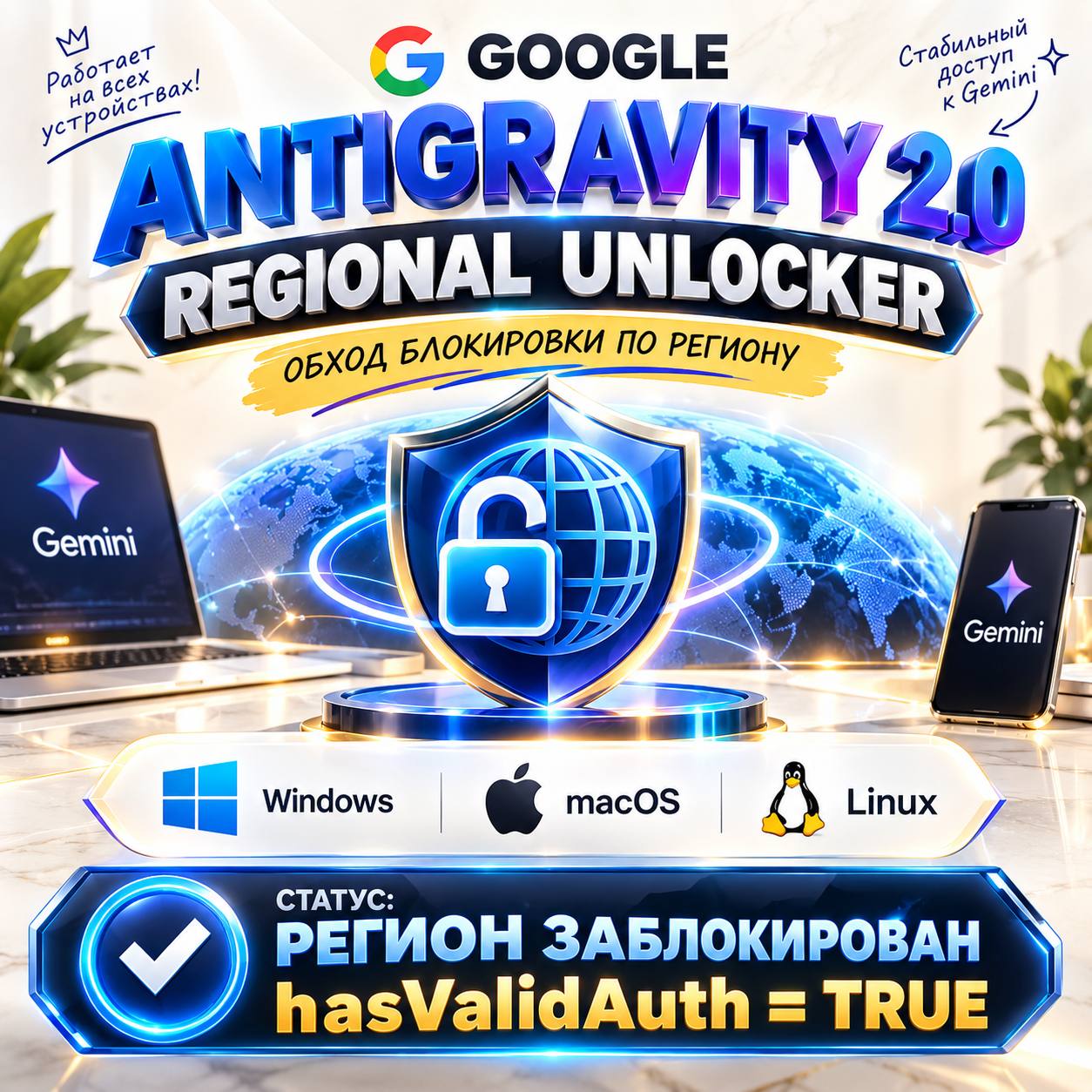
Google Antigravity 2.0 Patcher & Unlocker | Windows x64 ARM64 Fix
- Price in currencies:
- 2.34 $ · 172 RUB · 2.08 €
- Category:
- Others
- Item:
- Download Link.txt (0.08 KB)
- Uploaded:
- 10.09.2026 17:14:39
- Sales:
- 5
- Refunds:
- 0
- Seller:
- samiam · about the seller and their products
DESCRIPTION
Google Antigravity 2.0 Patcher & Unlocker | Windows x64 ARM64 Fix
⚡ INSTANT 24/7 AUTOMATED DELIVERY ⚡
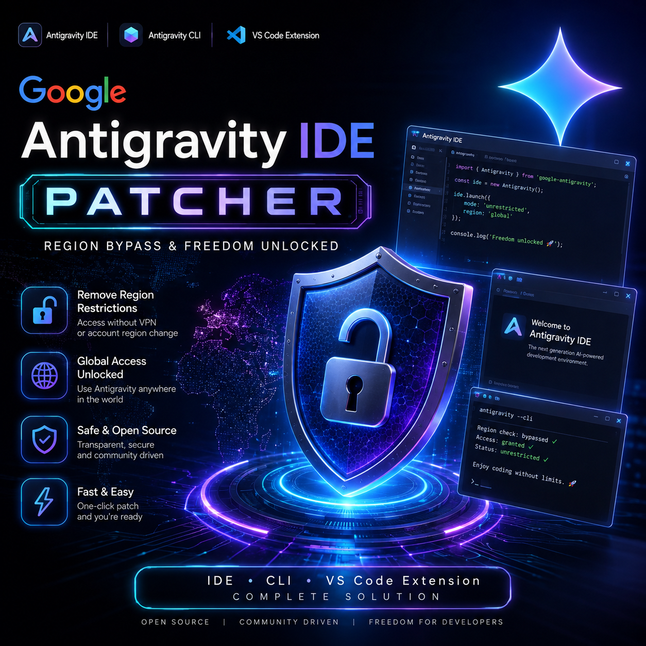
Unlock full functionality and bypass regional restrictions in Google Antigravity 2.0, Antigravity IDE, CLI, and VS Code on Windows!
AG is a specialized standalone utility that safely modifies local Antigravity components at the byte-signature level, bypassing internal account checks (hasValidAuth=true / isGoogleInternal bypass) without changing your Google profile region.
==================================================
🔥 KEY FEATURES:
==================================================
✔️ Bypass regional locks & "Account ineligible" errors
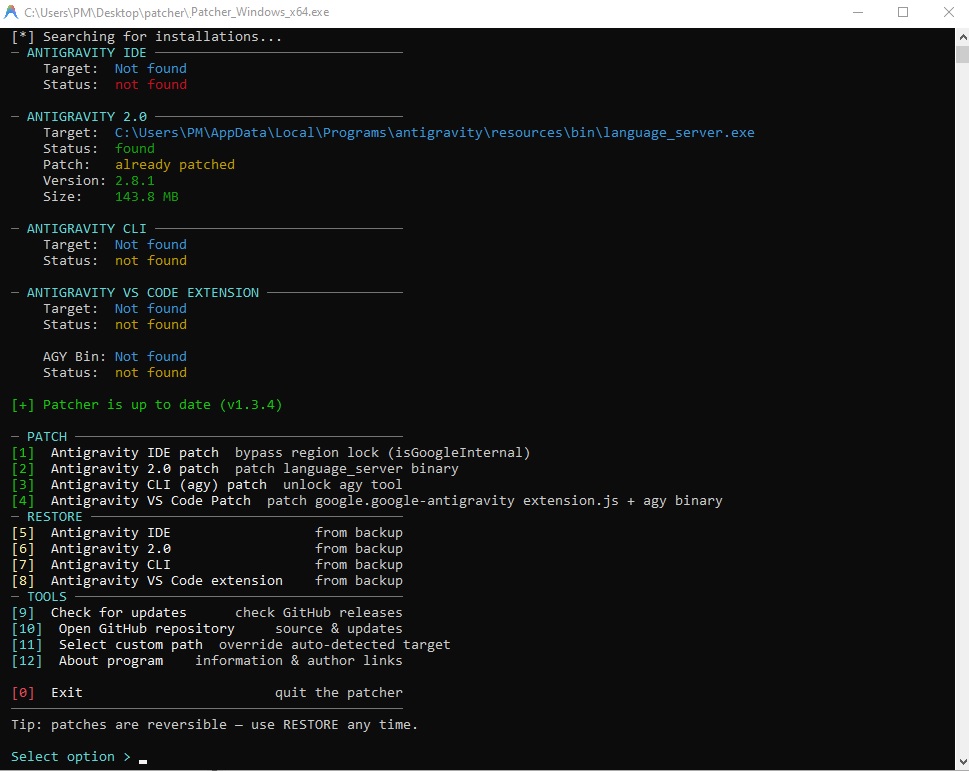
✔️ Modular 4-in-1 Patching:
1. Antigravity 2.0 Standalone (Byte-signature patch for language_server.exe)
2. Antigravity IDE (Legacy main.js patch)
3. Antigravity CLI (agy.exe binary patch)
4. Official VS Code extension (google.antigravity)
✔️ Full Windows Support: Native builds for x64 (Intel/AMD) and ARM64 (Snapdragon X Elite, Surface Pro)
✔️ Safe & Reversible: Automatic backup creation (.agybak) with 1-click restore
✔️ Standalone: No Python or runtime dependencies required
✔️ Illustrated step-by-step PDF guide (RU/EN) included
==================================================
📦 PACKAGE INCLUDES:
==================================================
• AG_Patcher_Windows_x64.exe (for Intel / AMD 64-bit systems)
• AG_Patcher_Windows_arm64.exe (for Windows on ARM systems)
• Illustrated PDF User & Troubleshooting Guide (English & Russian)
==================================================
⚠️ MANDATORY TO READ BEFORE PURCHASING:
==================================================
1. Application Version:
Requires Antigravity v2.9.1 or newer (including v2.12.x). Please make sure your software is updated before patching.
2. Menu Option Selection (IMPORTANT!):
• If you are running Antigravity 2.0 (Standalone app) — choose Option [2] (language_server.exe) in the menu! Option [1] is strictly for legacy IDE builds (selecting Option [1] on version 2.0 will report "pattern not found", which is completely normal).
3. Execution & Windows SmartScreen:
• Always run the executable as Administrator.
• If Windows SmartScreen displays "Windows protected your PC", click "More info" ➔ "Run anyway". This is a standard heuristic alert for unsigned developer utilities.
4. Network & VPN Requirement:
• The patcher 100% unlocks local client permissions. However, Google Cloud AI servers still inspect connection IPs.
• Browser extensions do NOT route desktop app background traffic. The error "HTTP 400 Bad Request: User location is not supported" means your system IP is detected in a restricted region.
• In restricted regions, you MUST route traffic through a system-wide VPN in TUN Mode (Global Routing) such as Sing-box, NekoBox, Hiddify, or Clash Verge with TUN enabled, or use unblocking DNS (Xbox DNS, GeoHide).
5. Troubleshooting Common Session Errors:
• For HTTP 429 (Too Many Requests) errors, simply reset the %appdata%\Antigravity cache folder (step-by-step instructions in the PDF guide).
• For HTTP 403 / HTTP 500 errors, simply switch to an alternative Google account.
==================================================
🛡️ GUARANTEE & SUPPORT POLICY:
==================================================
• 🤝 Full Customer Support: If you have any questions or encounter difficulty running the utility, message us in the order chat. We will guide you step-by-step to success!
• Due to the instant delivery of digital files, refunds are not provided after purchase. Buyers are responsible for having an updated Antigravity app and an active TUN VPN.
• We guarantee 100% functionality of the patcher utility itself on supported Windows versions!
REVIEWS
Reviews: (0)
No customer reviews yet.