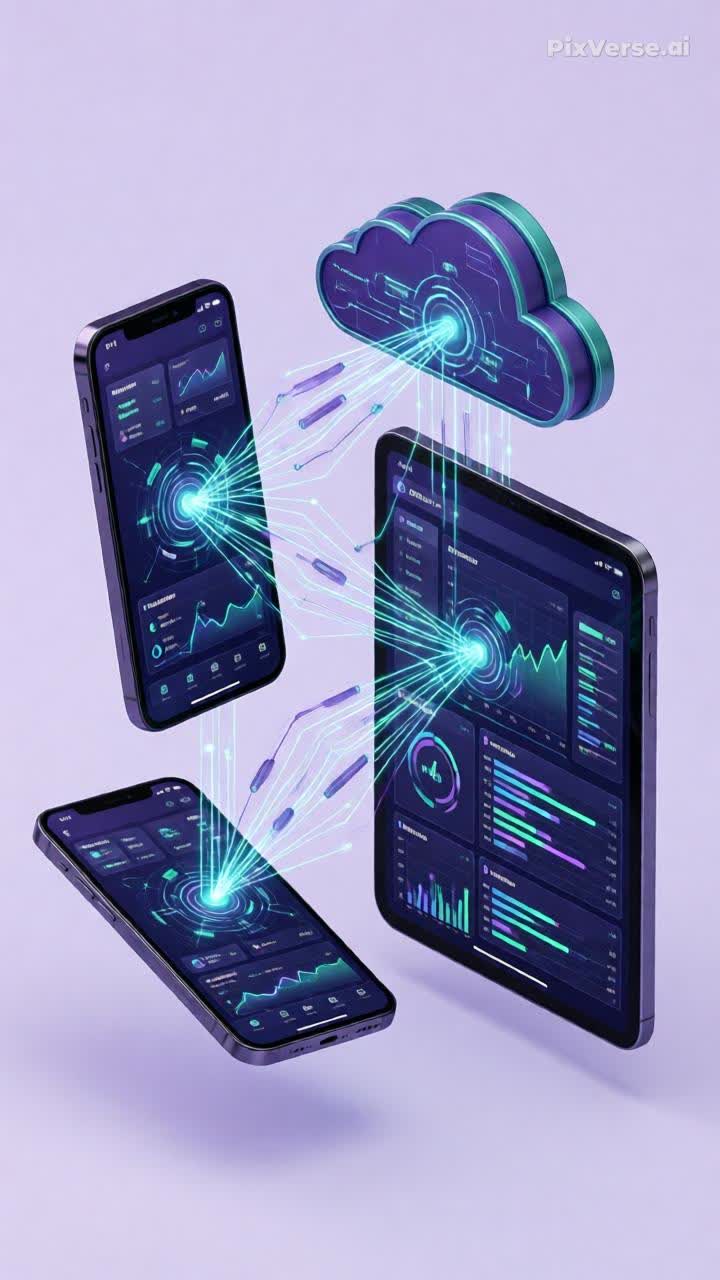
📱 Topic 4.5. Principles of designing interfaces and structures for 1C mobile solutio
- Price in currencies:
- 4.84 $ · 453 RUB
- Category:
- Textbooks for Colleges and Universities
- Item:
- Тема 4.5. Принципы построения интерфейсов и структур для мобильных решений.pdf (1786.62 KB)
- Uploaded:
- 23.08.2026 22:22:36
- Sales:
- 0
- Refunds:
- 0
- Seller:
- Shop Alex a · about the seller and their products
DESCRIPTION
📱 Topic 4.5. Principles of designing interfaces and structures for 1C mobile solutio
📱 **The 1C mobile app is not just a “cut‑down” version of the desktop app. It is a standalone product that requires a special approach to architecture, interface, and synchronization.**
This lecture (strictly 11 pages) is your guide to the world of mobile development on the 1C platform. You will master the development environment, understand the architecture of mobile apps, study the principles of synchronization and the offline‑first approach, and learn how to design UX/UI that works in any conditions — from an office with Wi‑Fi to a field without connectivity.
---
📦 **What’s inside the lecture (11 pages of Nebulae‑style content):**
• **Pages 1–2. Title page and outline.** Academic structure (GBPOU, specialty 09.02.07), lesson objectives, and an up‑to‑date list of sources (1C documentation, books by Khrustaleva, Radchenko, Gabets).
• **Page 3. 🛠️ 1C Mobile Application Development Environment.** Mobile platform, mobile and standalone clients, 1C:EDT. Supported platforms: iOS, Android, HarmonyOS. One code — two applications.
• **Page 4. 🏗️ Architecture of the 1C Mobile Application.** Server-side part, synchronization channel, local database, user. Interaction scheme and conflict resolution.
• **Page 5. 📱 Types of 1C mobile clients.** Comparative table: mobile client vs standalone client. When to use each. Applications: office, warehouse, couriers, sales representatives.
• **Page 6. 🔄 Data structure and synchronization.** Exchange plans, synchronization filters, automatic/manual synchronization, conflict resolution. Step‑by‑step data exchange setup.
• **Page 7. 🎨 UX/UI principles for mobile 1C applications.** Simplicity (the 3‑tap rule), large elements, feedback, offline mode, adaptability. Frequent UX/UI errors.
• **Page 8. 📡 Offline‑first approach and working without a network.** Offline‑first philosophy, local storage, change queue, status indication, caching. Real‑world scenarios: courier, sales representative, warehouse worker.
• **Page 9. 🤖 AI tools for mobile development in 1C.** Code generation, interface prototyping, synchronization optimization, testing, documentation. Ready‑made prompt for designing a mobile app.
• **Page 10. ✅ Checklists and practical tasks.** Mobile app quality checklist (8 points), 5 practical tasks, a weekly assignment with video tutorials.
• **Page 11. Final and legal section.****Plan of further actions (push notifications, camera, geolocation) and full legal protection of copyright.**
---
👤 **For whom this lecture is intended:**
• 🎓 Students of the specialty 09.02.07 “Information Systems and Programming”.
• 💼 Beginner 1C developers mastering the mobile platform.
• 🏢 Team leaders and architects of 1C projects planning mobile solutions.
• 🚀 Freelancers who take on orders for developing mobile applications using 1C.
• 👨💻 1C administrators who implement mobile clients in companies.
---
✓ **What you will get:**
• **A complete understanding of the 1C mobile platform:** from architecture to synchronization principles.
• **The skill to choose the type of client:** mobile vs standalone — tailored to a specific business task.
• **Knowledge of the offline-first approach:** how to ensure the application works under any conditions.
• **UX/UI principles for 1C mobile apps:** the 3‑tap rule, large elements, adaptability, feedback.
• **AI tools for mobile development:** ready‑made prompts to speed up design and code writing.
• **Quality checklist:** 8 points to check a mobile app before submission.
• **Practical tasks:** client installation, connecting to a demo database, working offline.
• **Aesthetics and usability:**PDF in the Nebulae style (purple and turquoise color scheme), which is easy to read on any device.
---
⚙️ **Technical details:**
• **Format:** PDF (strictly 11 pages, academic minimalism, lots of space).
• **Design:** Nebulae theme. Primary: #6C4CF1, accent: #14B8A6, background: #F8F5FF, text: #2D1B4E. Fonts: Unbounded (headin
Additional information:
⚖️ **INTELLECTUAL PROPERTY:**
All lecture materials (structure, author’s formulations, checklists, practical assignments) are the original authorial work of Keeperlink, 2026. The lecture is based on the educational materials of the DPO (lecturers: Popov A.L., Mozyrskaya G.S.) with full authorial revision, removal of outdated data, and addition of 50% new practical content (AI tools, offline‑first approach, UX/UI principles, quality checklists). The mention of the trademarks “1C”, “1C:Enterprise”, “iOS”, “Android”, etc. is purely nominative in nature and is intended to describe compatibility; it does not imply affiliation with the rights holders (Article 1484 of the Civil Code of the Russian Federation). © Keeperlink, 2026. All rights reserved.
---
🚀 **Open the checklist on page 10 and check your 1C mobile app today!** Click “Buy” to get a complete guide to mobile development on the 1C platform and create your first mobile app that works in any conditions.
REVIEWS
Reviews: (0)
No customer reviews yet.