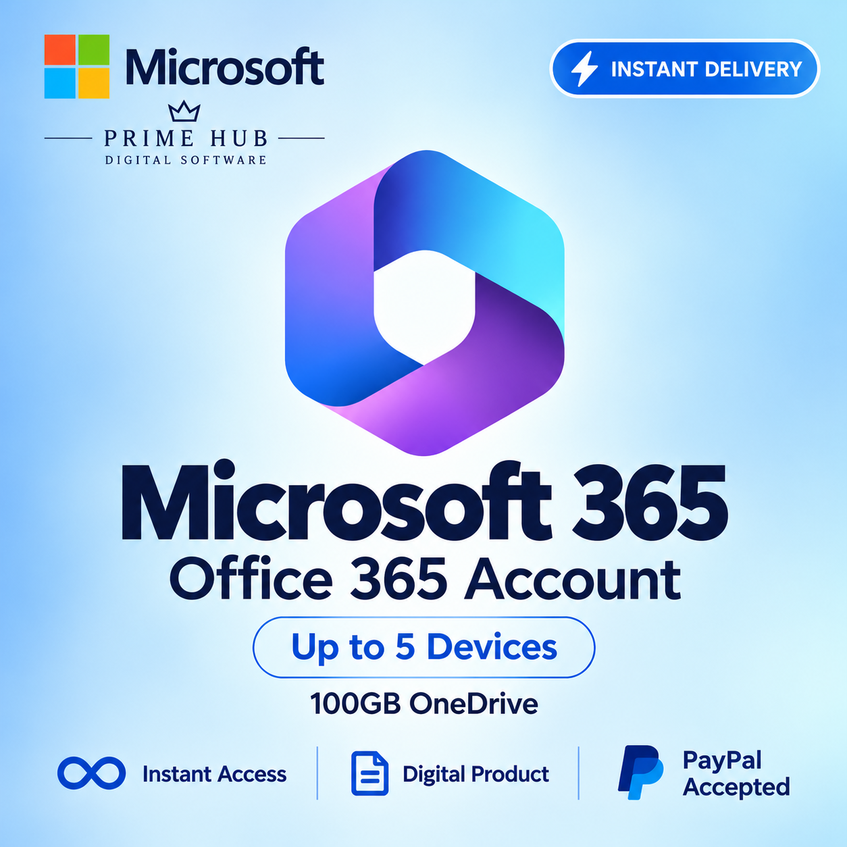
Office 365 – Account | Up to 5 Devices | 100GB OneDrive
- Price in currencies:
- 4.49 $ · 425 RUB · 4.03 €
- Category:
- Office
- Item:
- text information
- Uploaded:
- 23.08.2026 3:05:51
- Sales:
- 4
- Refunds:
- 0
- Seller:
- Prime Hub · about the seller and their products
DESCRIPTION
Office 365 – Account | Up to 5 Devices | 100GB OneDrive
Microsoft Office 365 Personal Account — 1 Year
✅ PRODUCT DETAILS
• Brand-new Microsoft Office 365 Personal account
• Individual account with login and password
• Valid for 1 year
• Use on up to 5 devices
• 100GB OneDrive cloud storage
• Password can be changed after the first login
• No regional restrictions
• Supports all available languages
• Compatible with Windows, macOS, Android and iOS
• Access to the latest available updates
⭐ INCLUDED APPLICATIONS
• Microsoft Word
• Microsoft Excel
• Microsoft PowerPoint
• Microsoft Outlook
• Microsoft OneNote
• Microsoft Access
• Microsoft Publisher
📦 DELIVERY
After payment, you will automatically receive the account login details.
Simply sign in to your Microsoft account and start using the available Office applications and OneDrive.
⚡ Instant digital delivery
🛡️ 1-year warranty
💬 Fast and professional customer support
⚠️ IMPORTANT INFORMATION
• This product is a Microsoft Office 365 account, not a product key.
• Please save your login details in a secure place.
• Change the password after your first login.
• Do not share your account credentials with third parties.
• No physical product will be shipped.
💬 PRIME HUB SUPPORT
Detailed instructions for login, activation and installation are provided.
If you experience any issue, contact us through DigiSeller / Plati correspondence and we will assist you.
Additional information:
📘 BUYER INSTRUCTIONS
1. SIGN IN
Open:
https://login.microsoftonline.com/
Enter the account login details provided after purchase.
2. CHANGE PASSWORD
After your first login, change the password if this option is available and keep your new password secure.
3. INSTALL OFFICE
After signing in, select Install Apps, download Microsoft Office and follow the installation instructions.
4. ACTIVATE OFFICE
Open Word, Excel or PowerPoint and sign in using the purchased Microsoft account.
Office should activate automatically after successful sign-in.
⚠️ IMPORTANT
• Do not change the account email address or username.
• Do not remove the account from the subscription.
• Keep your account credentials secure.
• Do not share the account with unauthorized third parties.
• If you experience any login, installation or activation issue, contact us before making major changes to the account.
💬 PRIME HUB SUPPORT
Contact us through DigiSeller / Plati correspondence and we will assist you.
REVIEWS
Reviews: (0)
No customer reviews yet.