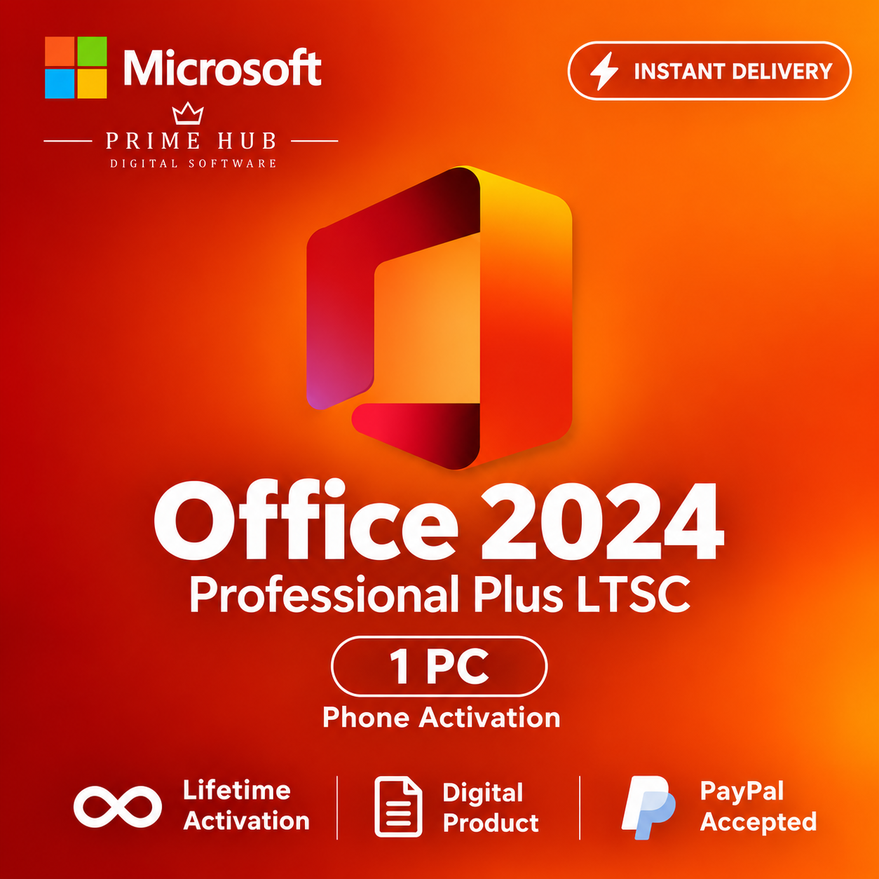
Office 2024 Pro Plus LTSC | 1 PC | Phone Activation | Instant Delivery
- Price in currencies:
- 4.99 $ · 472 RUB · 4.48 €
- Category:
- Office
- Item:
- text information
- Uploaded:
- 23.08.2026 2:26:19
- Sales:
- 1
- Refunds:
- 0
- Seller:
- Prime Hub · about the seller and their products
DESCRIPTION
Office 2024 Pro Plus LTSC | 1 PC | Phone Activation | Instant Delivery
Microsoft Office 2024 Professional Plus LTSC | 1 PC | Phone Activation
✅ PRODUCT DETAILS
• Product: Microsoft Office LTSC Professional Plus 2024
• Platform: Windows PC
• Devices: 1 PC
• Activation: Phone Activation
• Prime Hub CID Bot Credit: Included
• Architecture: 32-bit & 64-bit
• Language: Multilingual
• Subscription: No recurring subscription
• Delivery: Instant automatic delivery 24/7
⭐ INCLUDED APPLICATIONS
• Word 2024
• Excel 2024
• PowerPoint 2024
• Outlook 2024
• OneNote 2024
• Access 2024
⚠️ Microsoft Publisher is not included with Office LTSC 2024.
📦 WHAT YOU RECEIVE
After successful payment, you will receive:
• 1 × Office LTSC Professional Plus 2024 product key
• 1 × Prime Hub CID Bot Credit
• Step-by-step phone activation instructions
• Instructions for using the automated activation assistant
• Customer support if required
⚡ Your order is delivered automatically immediately after payment.
⚠️ IMPORTANT INFORMATION
• Valid for 1 Windows PC only.
• This product requires Phone Activation.
• Install Microsoft Office LTSC Professional Plus 2024 before activation.
• Microsoft 365 or another Office edition may not work with this key.
• Do not share your product key, Installation ID or Confirmation ID.
• Please follow the activation instructions provided after purchase.
💬 PRIME HUB SUPPORT
Need help with installation or activation?
We can assist with:
• Correct Office edition
• Phone activation
• Prime Hub CID Bot Credit
• Installation ID
• Confirmation ID
• Common activation errors
Please contact us through DigiSeller / Plati correspondence if you need assistance.
Additional information:
📘 PHONE ACTIVATION INSTRUCTIONS
1. Install Microsoft Office LTSC Professional Plus 2024.
2. Open any Office application and enter the product key received after purchase.
3. Select:
“I want to activate the software by telephone.”
4. Office will display an Installation ID (IID).
5. Redeem your included Prime Hub CID Bot Credit and send the Installation ID to the automated activation assistant.
6. You will receive a Confirmation ID (CID).
7. Enter the Confirmation ID in the Office activation window.
8. Complete the activation.
✅ Office should now be activated.
⚠️ IMPORTANT
• Make sure Office LTSC Professional Plus 2024 is installed.
• Do not send the Installation ID to multiple activation services at the same time.
• Keep your product key and activation information private.
• If you receive an activation error, contact us before reinstalling Office or making major changes.
💬 PRIME HUB SUPPORT
If you need help, contact us through DigiSeller / Plati correspondence.
REVIEWS
Reviews: (0)
No customer reviews yet.