
0 1
🔥 YouTube Premium 3 / 12 Months 🎬 | 👤 Individual Account | 🔑 No Password | 🚫 No
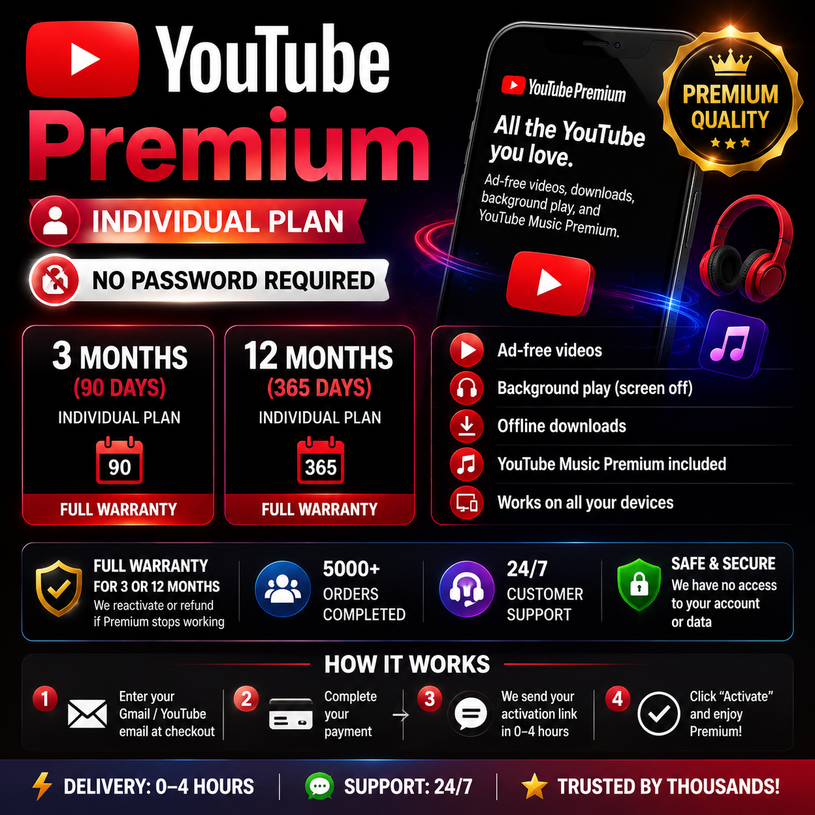
# 🎬 YouTube Premium — Individual Plan | No Password Required ⭐
Choose your plan at checkout:
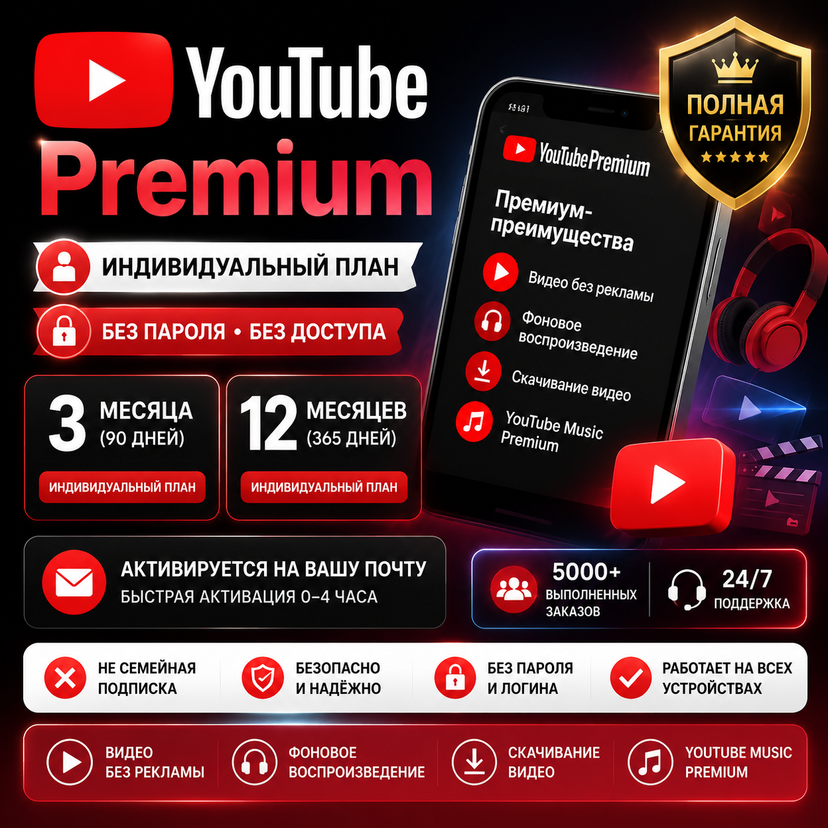
⏳ **3 Months (90 Days)** — Individual Premium subscription
⏳ **12 Months (365 Days)** — Individual Premium subscription
✅ Individual plan only
❌ Not a Family Plan
🔐 No password required
🚫 No account login access
📩 Activated on your own Google/YouTube email
---
# ✅ WHAT YOU GET
✨ Watch YouTube without ads
🎵 YouTube Music Premium included
📱 Background playback (screen off)
⬇️ Offline video downloads
💻 Works across your devices
---
# 🛡️ WARRANTY & TRUST
✅ Warranty covers the purchased subscription period (3 or 12 months)
✅ If Premium stops working due to activation issues, we will help resolve the problem
✅ 5,000+ completed orders
✅ 24/7 customer support
---
# 💰 IMPORTANT INFORMATION
YouTube Premium uses regional pricing.
✅ Your country/region settings remain unchanged
✅ No password sharing required
✅ No access to your account or personal data
✅ Your account information remains private
⚠️ In some countries where YouTube Premium is not officially available, certain features may be limited depending on regional availability.
---
# 📦 HOW IT WORKS
1️⃣ Enter your Google/YouTube email during order processing.
2️⃣ Complete payment.
3️⃣ We send the activation instructions/link through the **Plati order chat** within **0–4 hours**.
4️⃣ Click **"Activate"** and enjoy YouTube Premium 🎉
⏰ Delivery time: 0–4 hours
💬 Support: 24/7
---
# ⚠️ ACCOUNT REQUIREMENTS BEFORE ACTIVATION
Your account must meet these requirements:
✅ Google account must currently be FREE (without active Premium)
✅ Existing Premium subscriptions cannot be extended
✅ Standard personal Gmail accounts are supported
✅ Previously used Premium accounts (now free) are usually supported
---
# 🔑 AFTER RECEIVING THE ACTIVATION LINK
✅ Make sure you are logged into the correct Google account
✅ Use the activation link only once
❌ Do not enter your password anywhere
Wrong account activation cannot be reversed.
---
# ❓ FAQ
**Q: Is this a Family Plan?**
A: No. This is an Individual Premium plan.
**Q: Do you need my password?**
A: No. Password is never required.
**Q: Will you have access to my account?**
A: No. We do not access or control your account.
**Q: What happens after the subscription ends?**
A: The account returns to the free plan. No additional charges are made.
---
# 💳 Refund Policy
Refunds are available only if the activation process fails.
❌ No refunds for:
• Wrong Google account selected during activation
• Regional limitations
• Change of mind after successful activation
# ⚠️ IMPORTANT BEFORE PURCHASE
Please make sure your Google account meets these requirements:
✅ Account must currently be FREE (without active YouTube Premium)
✅ Existing Premium subscriptions cannot be extended
✅ Personal Gmail accounts are supported
✅ Previously used Premium accounts (now free) usually work
---
# 🔗 AFTER RECEIVING THE ACTIVATION LINK
⚠️ Please activate the link within 1 hour.
Before activation:
✅ Make sure you are logged into the correct Google account
✅ Use the activation link only once
❌ Never enter your password anywhere
⚠️ Activation on the wrong Google account cannot be reversed.
---
# ⏰ ABOUT THE "RENEWS ON" DATE
After activation, YouTube may show:
**"Renews on [date]"**
This does NOT mean you purchased only one month.
Your subscription is fully prepaid:
✅ 90 days included (3-month plan)
✅ 365 days included (12-month plan)
✅ No additional charges
✅ No automatic payment after expiration
YouTube displays renewal dates instead of expiration dates — this is normal.
---
# ❓ FAQ
**Q: YouTube shows "Provided by Flipkart". Is this normal?**
A: Yes. It is a YouTube billing partner. We do not have access to your account.
**Q: Is this safe?**
A: Yes. No password or account access is required for activation.
**Q: Is this a Family Plan?**
A: No. This is an Individual YouTube Premium plan.
**Q: Background playback is not working?**
A: Restart YouTube → Settings → Background play → Enable "Always On".
**Q: Do I need to cancel after activation?**
A: No. The subscription remains active for the full purchased period.
**Q: What happens after expiration?**
A: Your account returns to the free plan. No automatic charges will be made.
---
# 💳 REFUND POLICY
Refunds are available only if YouTube Premium activation cannot be completed.
❌ No refunds for:
• Regional availability limitations
• Activation on the wrong Google account
• Change of mind after successful activation
Cancellation before delivery may include a service fee.