
1 0
Self-serve Microsoft key activation | no VPN | up to 3 codes | instant
⚡ XBAY — self-serve automatic Microsoft / Xbox key activation on your account
No VPN · instant · secure
Do it yourself, right away:
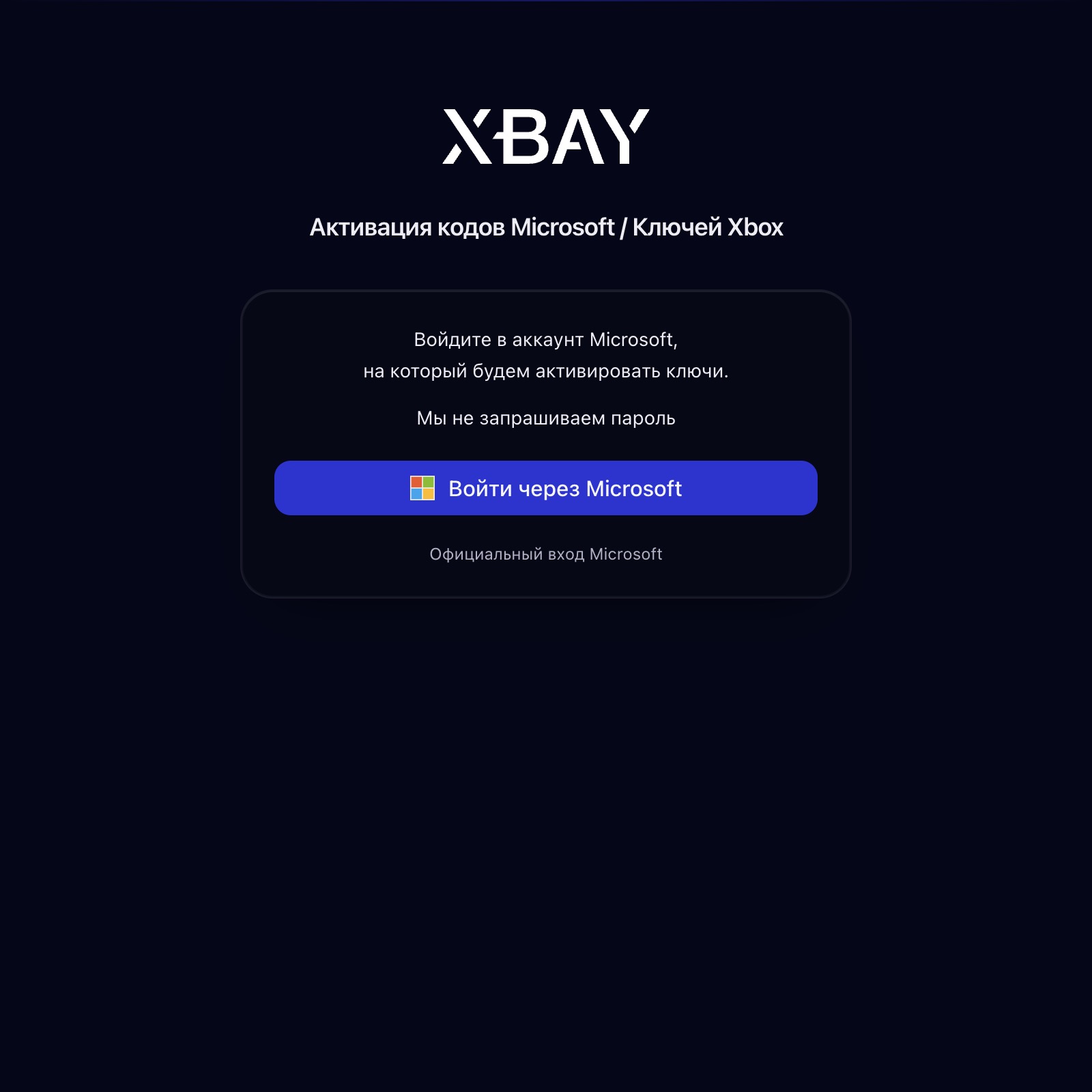
After payment you are automatically taken to the activation page → sign in with Microsoft → enter the key, instantly see the product → confirm activation.
• No VPN: we handle the key region on our side
• Secure — your password is not required: official Microsoft sign-in
• No need to know the activation country: region is detected automatically from the key
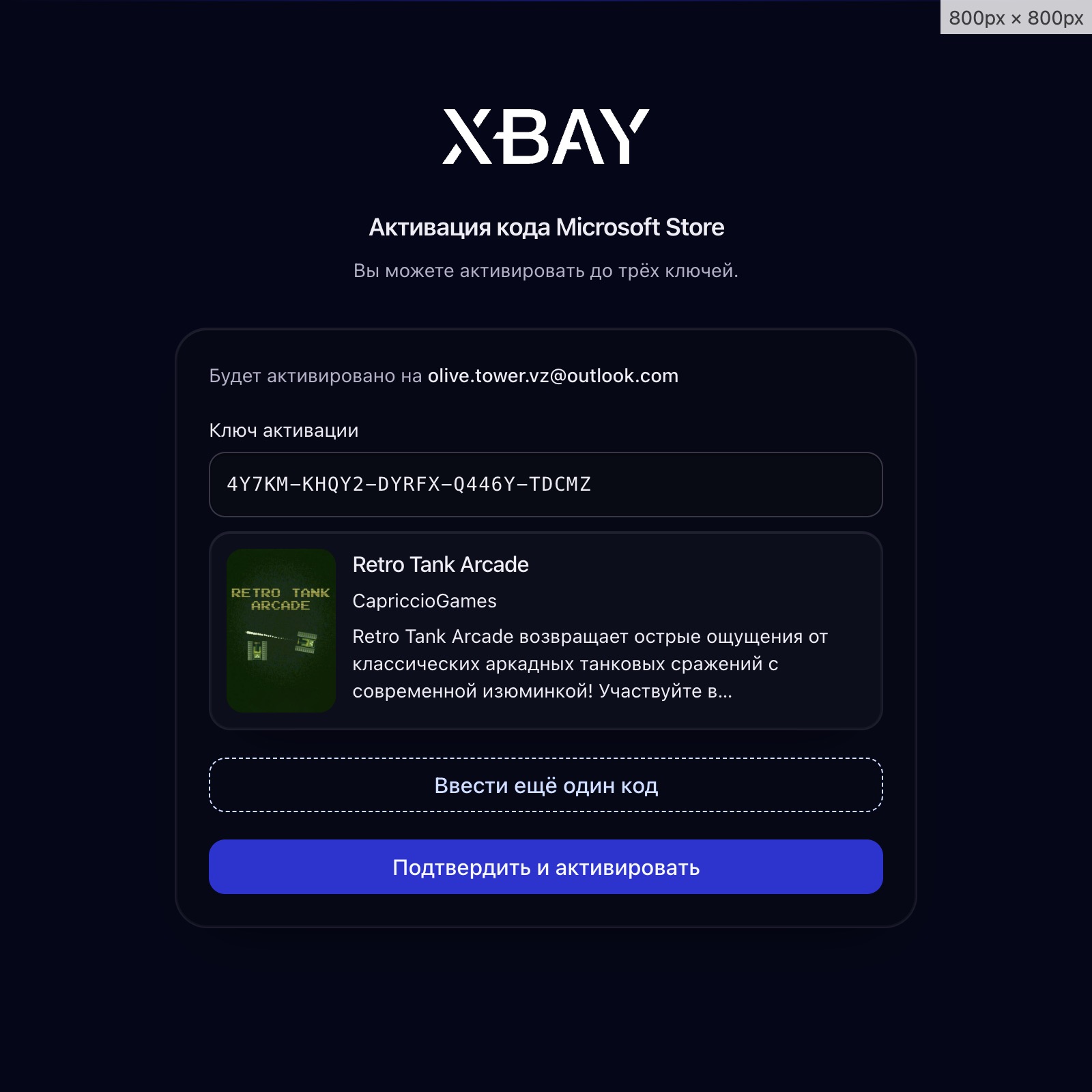
• Transparent: after entering the key you immediately see the cover and product title — you confirm activation yourself
• Up to 3 keys per payment · any region
INSTRUCTIONS
1) Pay for the product — the activation page opens
2) Sign in to your Microsoft account using the button
3) Enter a Microsoft key (XXXXX-XXXXX-XXXXX-XXXXX-XXXXX) and any additional keys — up to three keys at once — via the “Enter another code” button
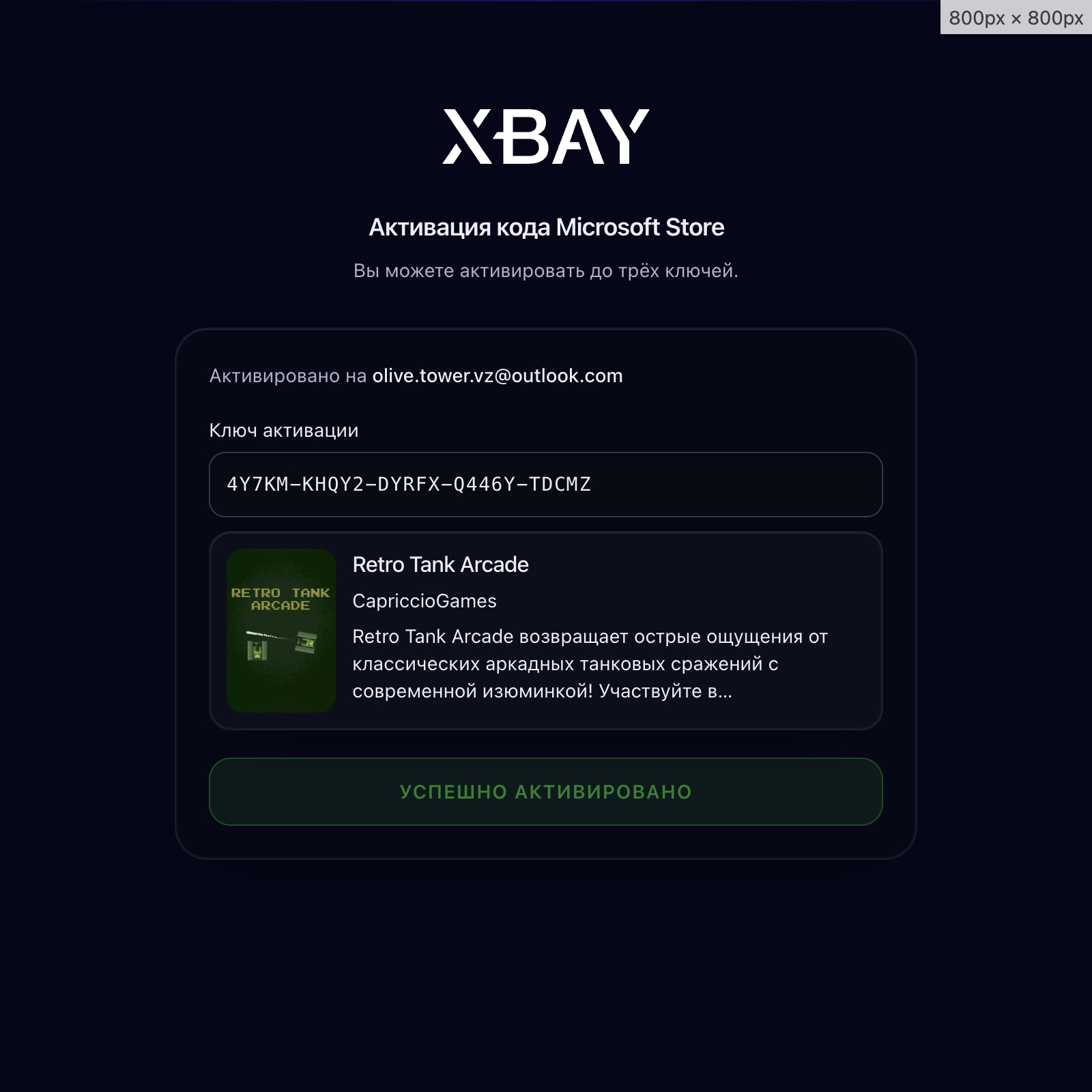
4) Check the product card → press “Confirm and activate”
NOT NEEDED
• Password / email in chat
• VPN on your PC
• Waiting for an operator
• Typing a separate payment code manually (post-payment redirect)
IMPORTANT
• The service = activating your keys. You buy the keys themselves separately.
• An already redeemed / invalid / card-binding-required key cannot be activated — you can enter another key (up to 3).
• After a successful activation the payment is considered used. Activate all keys you have in one go.