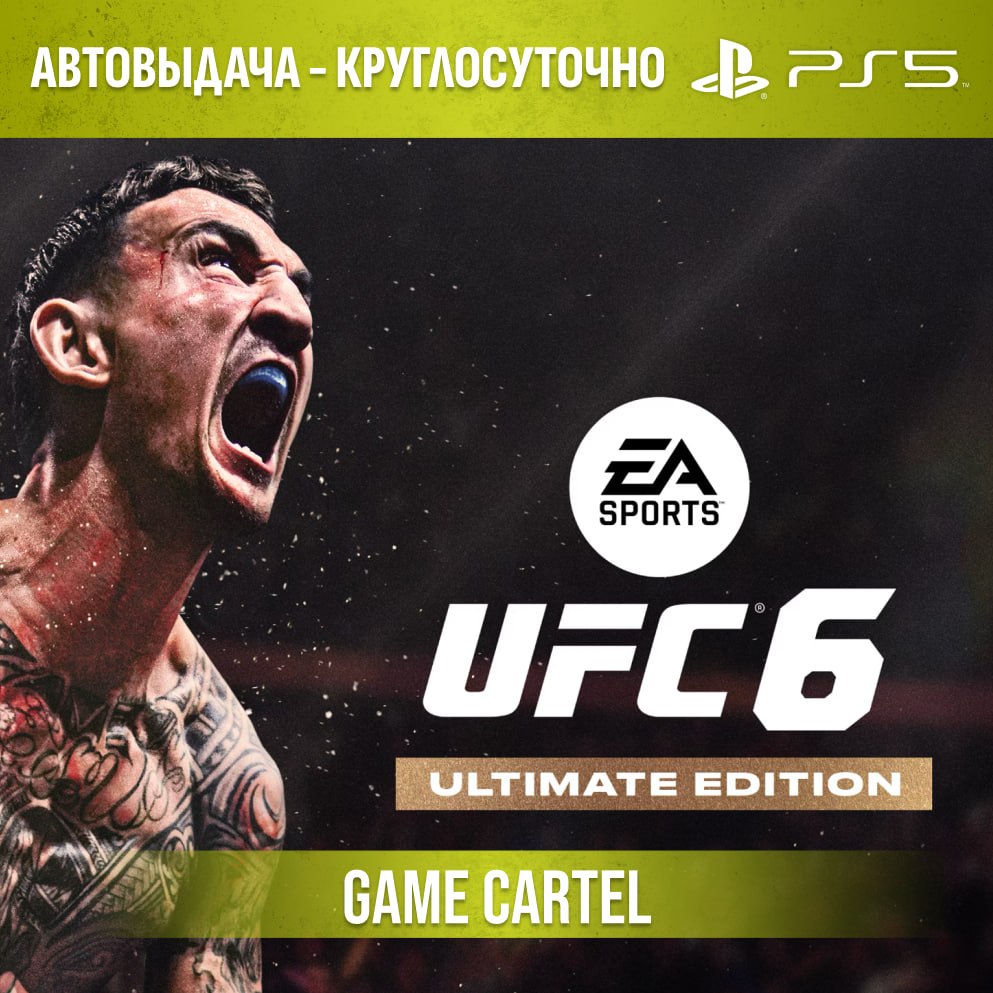
UFC 6 Ultimate (PS5) Rental 7–30 days
- Price in currencies:
- 5.37 $ · 440 RUB
- Category:
- PlayStation Accounts
- Item:
- text information
- Uploaded:
- 29.09.2026 1:00:09
- Sales:
- 6
- Refunds:
- 0
- Seller:
- GamesCartel · about the seller and their products
DESCRIPTION
UFC 6 Ultimate (PS5) Rental 7–30 days
Set the Octagon ablaze with the world´s best fighters. UFC 6 delivers adrenaline, realism, and pure fighting glory on PS5.
Version - ⬆️Ultimate Edition⬆️
The set contains a large number of fighters.
Instant delivery 24/7 🔥
(After payment, you automatically receive access to the game account—no waiting required. Your username and password will be sent to your email address.)
❗ Important information before purchasing❗
You are not purchasing the account itself, but temporary access (rental).
After receiving your information, you can:
1) Download the game
2) Play on the provided profile for the paid period
3) Before purchasing, be sure to read the instructions and terms of use.
🔐 Security - The account was created by us and is our property; the game was purchased from the official store.
👤 Access - During the rental period, the account is assigned exclusively to you. No one will interfere with your play.
🗣️ Voiceover - Английская озвучка с русскими субтитрами
🌍 Account Region - IN (Most games have Russian voiceovers and subtitles.)
🎮 Platform - PS5
🎁 Gifts - Leave a review on the first day of your rental and receive a promo code for a discount on your next purchase.
⚠️ Terms of Use
1) Use your account strictly according to the instructions.
2) Logging in to your account from other devices (phone, PC, etc.) is prohibited.
3) You cannot change your account information. If you attempt to do so: You will lose access and will not receive a refund.
4) Access is blocked after the rental period.
5) Support is available for the entire rental period. If you encounter any issues, please contact us first – we will help.
📝 How to start playing
1. Adding a user
PS5: Add a user → "GET STARTED" → Log in manually
2. Login to your account
Enter the username and password you received after purchase. If prompted for a one-time code, enter it.
3. Activation settings
After logging in, select:
PS5 → "Do not enable console sharing"
4. Downloading a game
Go to Library → "Purchased" → download the game.
5. Gameplay
Play only with a rented account!
If necessary, you can switch to your profile using the PS button.
6. Ending the rental
After the rental period ends, delete your account and the game.
Happy gaming✅
Your Game Cartel🥷
REVIEWS
Reviews: (0)
No customer reviews yet.
DISCOUNTS
Discounts:
Discount for regular customers! If the total of your purchases from the seller GamesCartel exceeds:
- $200 discount 17%
- $100 discount 15%
- $50 discount 12%
- $30 discount 10%
- $10 discount 8%
- $1 discount 5%