Microsoft Office 2024/2021 Pro Plus | Lifetime Key
- Price in currencies:
- 1.4 $ · 118 RUB · 1.25 €
- Category:
- Office
- Item:
- text information
- Uploaded:
- 13.10.2026 18:33:19
- Sales:
- 96
- Refunds:
- 0
- Customer rating:
- 5.0 of 5 +13 / −0
- Seller:
- dep-kep · about the seller and their products
DESCRIPTION
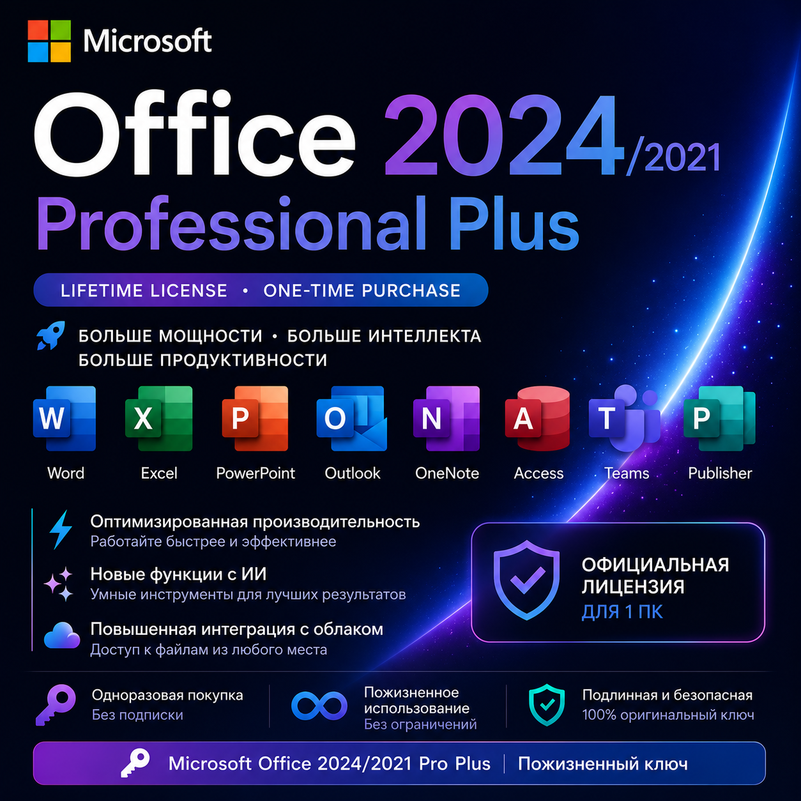
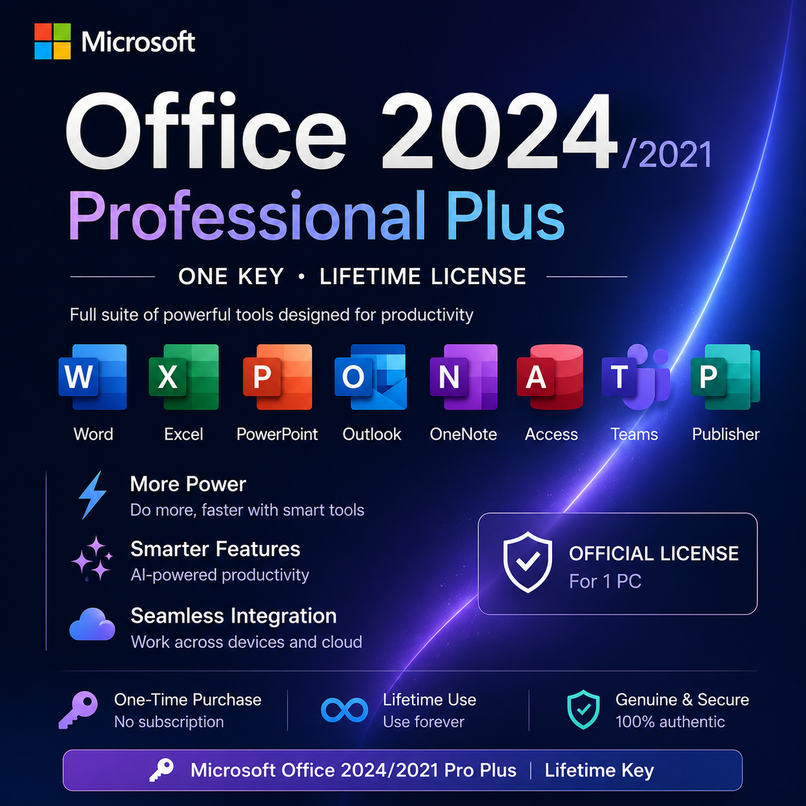
Microsoft Office 2024/2021 Pro Plus | Lifetime Key
This product is a genuine digital license key for Microsoft Office 2024 Pro Plus LTSC /Office 2021 Pro Plus
A one-time purchase provides lifetime usage with no subscription required.
Get full access to all professional Office applications:
📦 Included Applications
Word
Excel
PowerPoint
Outlook
OneNote
Access
LTSC version: Ideal for corporate and professional use.
📍 Important Notes
❌ Activation cannot be done via CMD or third-party software.
❌ Activation is not supported via setup.office.com.
✅ Activation must be completed directly within an Office application.
🔄 Compatibility
✅ Supports 32-bit & 64-bit systems
✅ Fully compatible with Windows 10 / 11 (Home, Pro, Enterprise, Workstation)
❌ Not supported on macOS
• Friendly and professional customer support.
Additional information:
The activation code has already been sent to you.
Your Microsoft Office 2024 Pro Plus LTSC / Office 2021 Pro Plus key:
**[PRODUCT KEY]**
This version requires **Phone Activation**.
### Step 1 — Open Office
Open **Word or Excel** and start the activation process.
### Step 2 — Select Phone Activation
When the activation window appears, select **"Phone Activation"** and choose your country/region.
### Step 3 — Get the Installation ID
Office will display an **Installation ID** consisting of several groups of numbers.
Please copy the **complete Installation ID**.
### Step 4 — Get the Confirmation ID
Open the following website:
https://gvgmall.com.br/pages/ativar-o-windows-ou-office-por-telefone?brid=YWdncwGAOFc-c-k5HFNSDfyqmw1Z
Follow the instructions on the website and enter your **Installation ID** when requested.
The website will provide the **Confirmation ID** required to continue the activation.
### Step 5 — Complete activation
Enter the **Confirmation ID** into the Office activation window and follow the instructions to complete activation.
If you encounter any error, please send me a **full screenshot of the activation window**, and I will help you.