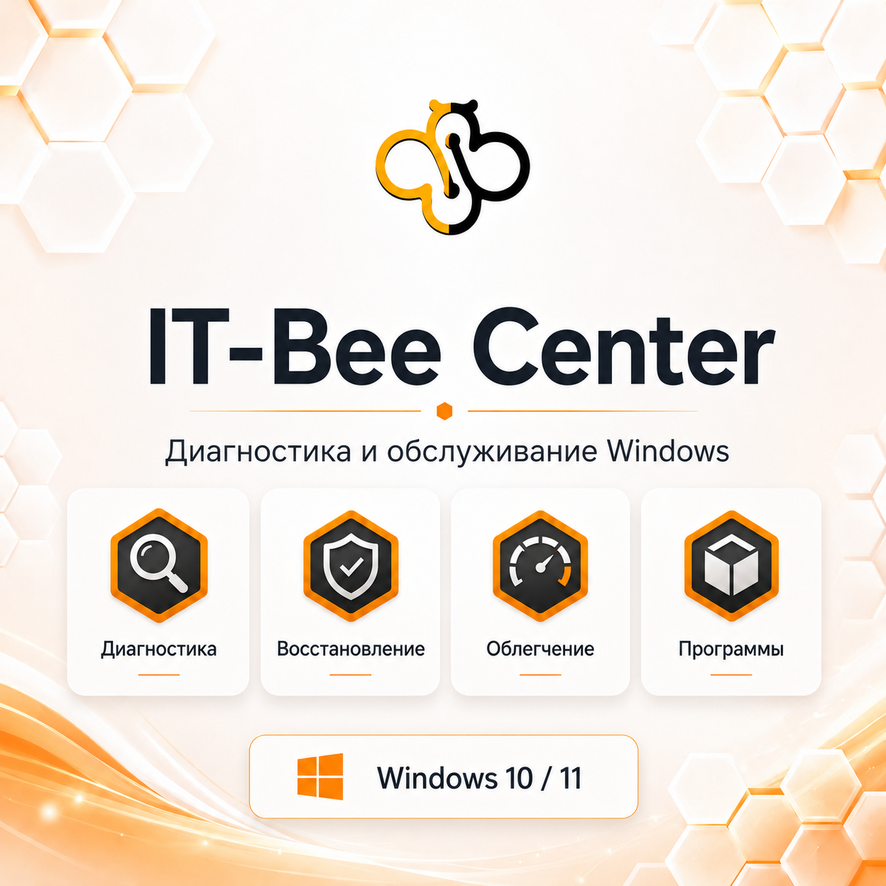
IT-Bee Center Pro 1.1 — Windows diagnostics and maintenance
- Price in currencies:
- 12.1 $ · 990 RUB · 10.74 €
- Category:
- Miscellaneous
- Item:
- IT-Bee-Center-Pro-1.1.zip (252163.48 KB)
- Uploaded:
- 11.09.2026 15:45:40
- Sales:
- 50
- Refunds:
- 0
- Customer rating:
- 5.0 of 5 +5 / −0
- Seller:
- IT-Bee · about the seller and their products
DESCRIPTION
IT-Bee Center Pro 1.1 — Windows diagnostics and maintenance
🛠 IT-BEE CENTER PRO 1.1 — WINDOWS DIAGNOSTICS, REPAIR, AND CLEANUP
IT-Bee Center Pro 1.1 is a program for diagnosing, repairing, cleaning, and maintaining Windows 10/11.
The utility helps you quickly check your PC´s status, identify basic system issues, restore Windows and internet functionality, and safely free up disk space.
✅ WHAT´S INCLUDED IN THE PRO VERSION
— PC health diagnostics
— Drive and S.M.A.R.T. checks
— Windows core component checks
— Advanced system diagnostics
— Internet connection repair
— Windows repair tools
— Full Cleanup Pro
— Potential space-saving analysis
— Windows temporary file cleanup
— User temporary file cleanup
— Safe browser cache cleanup
— Code Cache cleanup
— Additional space-saving options
— Detailed cleanup report
— Additional Windows maintenance tools
🆕 WHAT´S NEW IN VERSION 1.1
"Full Cleanup Pro" has been completely redesigned.
Before cleaning, the program analyzes the system and shows how much space can potentially be freed up.
Safe temporary data is selected automatically, while the user can manually enable additional actions.
Browser account data, cookies, saved logins, and core profile data are not included in the standard automatic cleanup.
🆚 DIFFERENCE FROM THE FREE VERSION
The Free version is designed for basic diagnostics and getting to know the program. Pro features include:
— advanced diagnostics
— Windows and internet repair
— full Pro cleanup
— additional space-freeing methods
— advanced maintenance tools
— support package creation
📦 WHAT YOU GET AFTER PAYMENT
Archive:
IT-Bee-Center-Pro-1.1.zip
Contents:
✅ IT-Bee-Center-Pro-1.1-Setup.exe
✅ INSTRUCTIONS.txt
✅ EULA_RU.txt
✅ CHECKSUMS_RU.txt
✅ VERIFY_SHA256.cmd
✅ SUPPORT_RU.txt
🔐 AUTHENTICITY CHECK
After extracting the archive, run:
VERIFY_SHA256.cmd
The script will automatically verify the installer´s SHA-256 hash.
SHA-256 for the Pro 1.1 installer:
c2457a93d0f4769c6294315913bff6f611c2c4ba87b271e55f2a948c8c642f66
🛡 WINDOWS SMARTSCREEN
IT-Bee Center is currently distributed without a commercial publisher´s digital signature, so Windows SmartScreen may display a warning upon the first launch.
This does not in itself indicate the presence of malware.
You can verify the file´s authenticity using VERIFY_SHA256.cmd before installation.
💻 SYSTEM REQUIREMENTS
— Windows 10 / Windows 11
— 64-bit system
— administrator privileges for system operations
— internet connection for specific features and update checks
📥 After successful payment, the archive will be available for download in your order details.
REVIEWS
Reviews: (5)
В бесплатной версии не хватало функционала, решила купить полную версию. Теперь буду осваивать)