 Discount for regular customers! If the total of your purchases from the seller
Код Кодыч
exceeds:
Discount for regular customers! If the total of your purchases from the seller
Код Кодыч
exceeds:
- $150 discount 3%
- $100 discount 2%

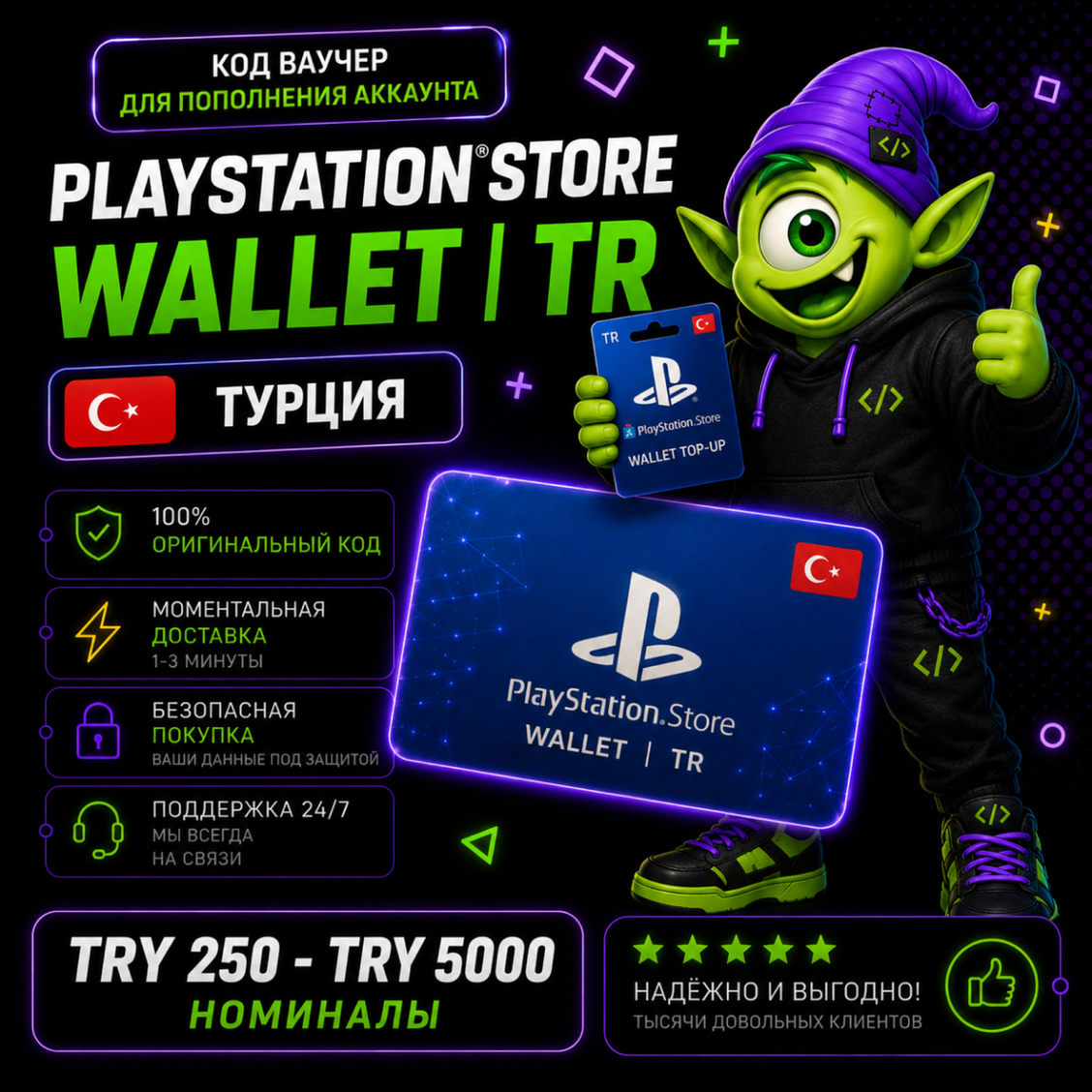
⭐ PlayStation Store Wallet Türkiye | TR TRY 250-TRY 5000 | 24/7 Auto Pickup ⭐ PSN
⚡ Instant delivery 24/7
🔒 Secure purchase
🎮 Suitable for PlayStation games, add-ons, and subscriptions
💬 The best deals
✅ PS4 and PS5 games
✅ Add-ons and DLC
✅ PlayStation Plus
✅ In-game currency
✅ Pre-order new games
✅ Any digital content from PlayStation Store Türkiye
You will receive a unique 12-digit code to top up your PSN card. Only available for accounts with the Türkiye region with ⚡️instant delivery from Kodych
This card is only for PlayStation Network accounts with the Türkiye region 🇹🇷.
Balance top-ups are processed in $. You can change the region or create a new account if you want to use the card!
How to redeem a PlayStation Store voucher in a web browser:
1. Go to PlayStation Store and click your avatar at the top of the screen.
2. Select "Redeem Codes" from the drop-down menu.
3. Carefully enter the code and click "Redeem."
4. The credit or content has now been added to your account.
How to redeem a PlayStation Store voucher on PS5:
1. Go to Settings > Users & Accounts.
2. Select Account > Payments & Subscriptions > Redeem Codes.
3. Enter the code and click "Redeem."
You can also redeem the voucher during checkout by selecting "Redeem Codes & Gift Cards" in the payment methods menu.
How to redeem a PlayStation Store voucher on PS4:
1. Go to PlayStation Store > scroll down the side menu > Redeem Codes.
2. Carefully enter the code and click "Redeem."
3. The credit or content has now been added to your account.
Code Kodych - digital goods without the hassle 🎮
After payment, click "Receive item" in the email or on the purchase page. You´ll then be taken to a page with a unique code. 🎉There´s no need to send the unique code to the seller via chat.
We help you get your favorite services quickly, securely, and hassle-free 🚀
No customer reviews yet.
Discount for regular customers! If the total of your purchases from the seller
Код Кодыч
exceeds: