
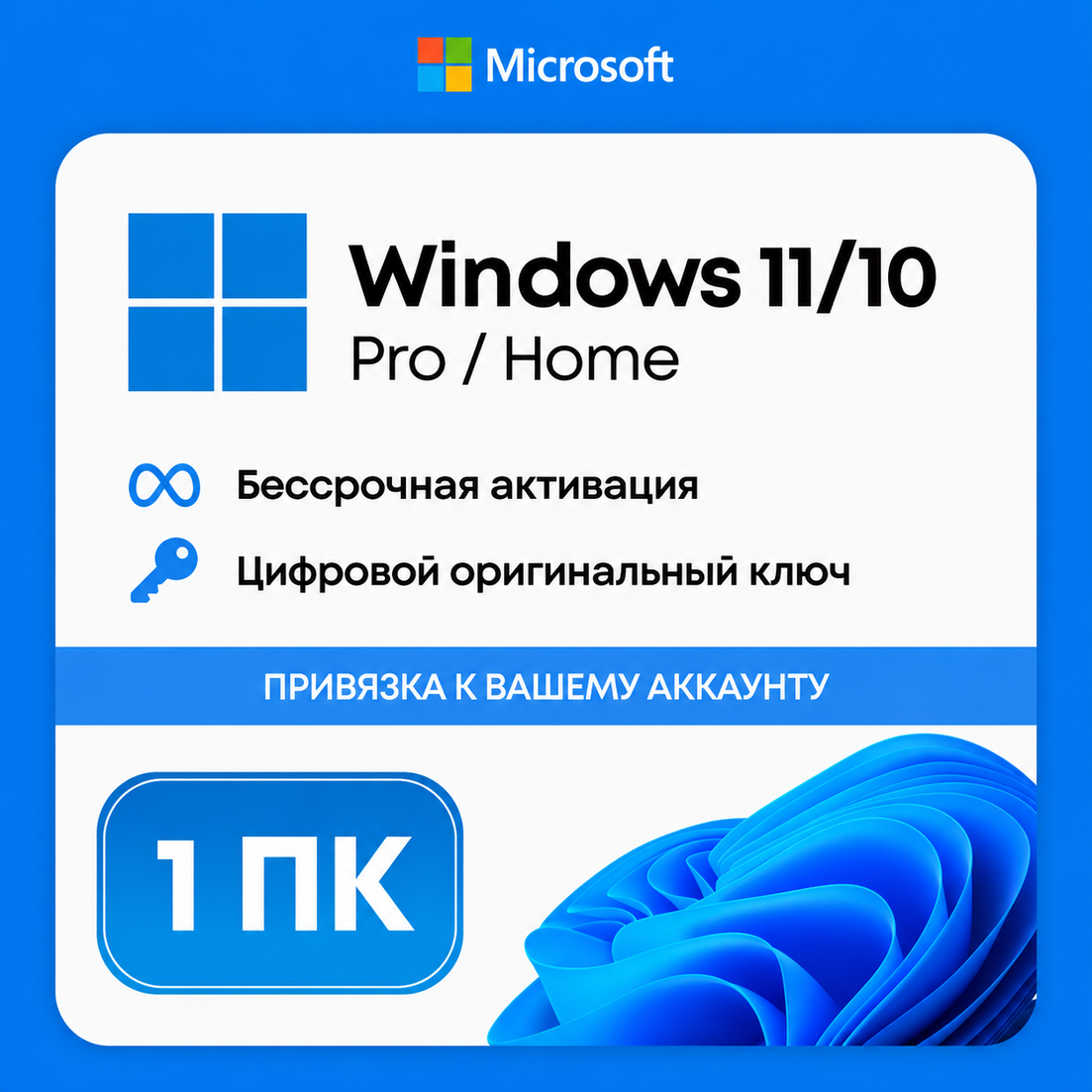
💻 WINDOWS 10/11 PRO/HOME/OEM | LICENSE ACTIVATION KEY | AUTO ⚡
🔥 After payment you instantly receive the original license key for the Windows edition you picked. Activates one device; the license binds to the motherboard.
🎁 THIS LISTING CONTAINS 3 DIFFERENT EDITIONS — pick the one you need in the purchase options:
• Windows 10 OEM Home — for home use (standard home OS)
• Windows 11 OEM Home — Windows 11 home edition (new design, Copilot)
• Windows 10 OEM Pro — Pro edition (BitLocker, Remote Desktop, Hyper-V, domain join)
🔑 Key type: OEM (One-time activation key)
🖥 Platform: Windows devices (PC / laptop)
🌎 Region: global (multi-language installation image)
🎯 Type: digital Windows activation code
✅ Original genuine license key
✅ Activates any retail build of the matching edition (Home / Pro)
✅ Supports every language and updates via Windows Update
✅ Regular security updates
✅ Perpetual licence (no subscription) — activation is permanent
⚠️ IMPORTANT — OEM LICENCE
❗ An OEM key binds to ONE PC (motherboard) on first activation.
❗ Transferring to another PC is OFFICIALLY restricted by the licence (differs from Retail).
❗ When you change the motherboard the licence may need re-activation via support.
❗ Compatibility: check system requirements for your Windows version before buying.
❗ No refund after activation.
❗ Single-use code — keep secret until redemption.
🔥 Original keys only.
📌 How to redeem the Windows key?
▶️ Activation after Windows is installed:
1. Open Settings (Win + I) → System → Activation.
2. Click "Change product key".
3. Enter the 25-character key (XXXXX-XXXXX-XXXXX-XXXXX-XXXXX format).
4. Wait for activation — usually 10-30 seconds.
5. Done! Licence activated.
▶️ Activation during Windows install:
1. Download the install image from https://www.microsoft.com/software-download
2. Make a bootable USB drive.
3. Boot from USB → select the edition matching what you bought.
4. Enter the key when installer asks.
5. Finish the installation.
⚠️ IMPORTANT:
• OEM licence binds to ONE PC — pick the device carefully
• Cannot transfer to another PC after activation (Microsoft rules)
• Motherboard replacement may need re-activation via Microsoft support
• Key region is global, works with any Windows language pack
• No refund after activation
• Microsoft support — https://support.microsoft.com/contactus
No customer reviews yet.