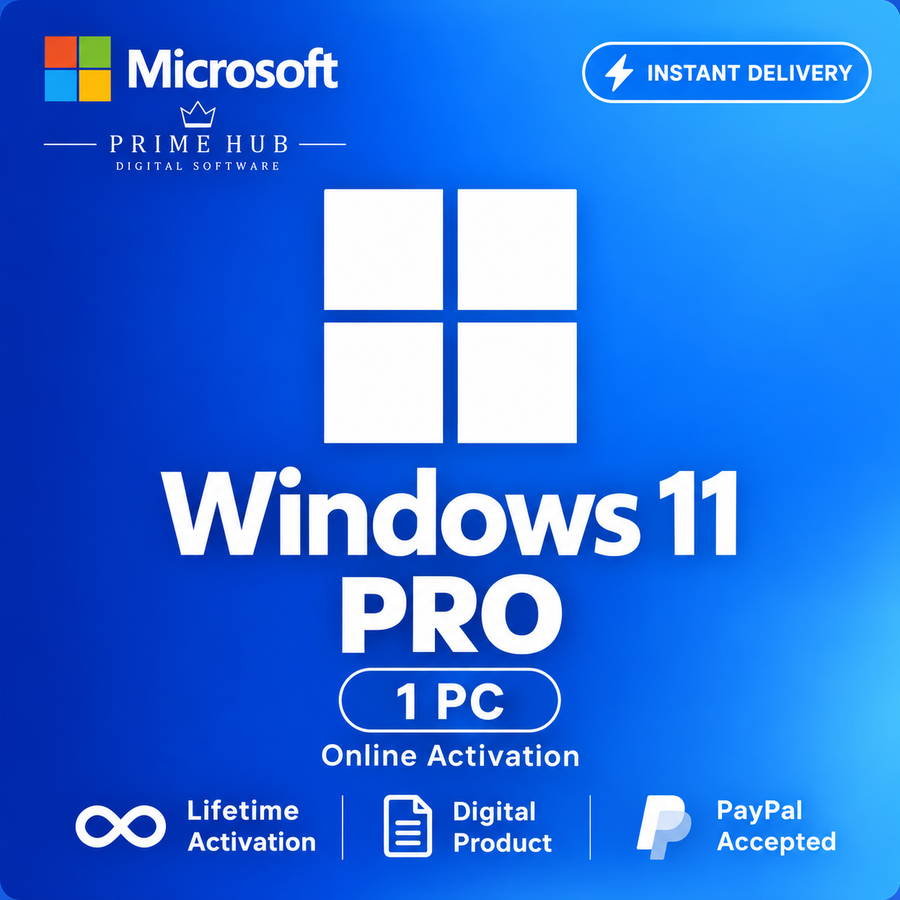
Windows 11 Pro OEM Key / Windows 10 Pro | 1 PC | Instant Delivery
- Price in currencies:
- 4.99 $ · 472 RUB · 4.48 €
- Category:
- Windows
- Item:
- text information
- Uploaded:
- 25.10.2026 4:21:08
- Sales:
- 3
- Refunds:
- 0
- Seller:
- Prime Hub · about the seller and their products
DESCRIPTION
Windows 11 Pro OEM Key / Windows 10 Pro | 1 PC | Instant Delivery
✅ PRODUCT DETAILS
• Product: Windows 10 Pro / Windows 11 Pro
• Edition: Professional
• License Type: OEM
• Devices: 1 PC
• Activation: Online
• Region: Global / Region Free
• Architecture: 32-bit & 64-bit for Windows 10; 64-bit for Windows 11
• Language: Multilingual
• Delivery: Instant automatic delivery 24/7
💻 COMPATIBILITY
This key is intended for:
• Windows 10 Professional
• Windows 11 Professional
Please make sure the correct Professional edition is installed before activation.
⚠️ Windows Home may require an edition upgrade before activation. This key is not intended for Enterprise or Education editions.
📦 WHAT YOU RECEIVE
After successful payment, you will receive:
• 1 × Windows 10 / 11 Pro OEM product key
• Simple activation instructions
• Customer support if required
⚡ Your product key is delivered automatically immediately after payment.
⚠️ IMPORTANT INFORMATION
• Valid for 1 PC only.
• The OEM license is tied to the first activated device and cannot be transferred to another PC.
• Replacing the motherboard may require a new license.
• Please verify your Windows edition before purchasing.
• An internet connection is required for online activation.
• The key must be used with a compatible Windows Pro edition.
• Do not share your product key with third parties.
• A successfully activated key cannot be considered unused afterward.
• Please follow the activation instructions provided after purchase.
💬 PRIME HUB SUPPORT
If you experience an activation issue, we can help you check:
• Installed Windows edition
• Product key entry
• Activation status
• Common Windows activation errors
Contact us through DigiSeller correspondence if you need assistance.
Additional information:
📘 WINDOWS ACTIVATION INSTRUCTIONS
1. Make sure Windows 10 Pro or Windows 11 Pro is installed.
2. Connect your PC to the Internet.
3. Open the activation settings:
• Windows 11: Settings → System → Activation
• Windows 10: Settings → Update & Security → Activation
4. Select Change product key.
5. Enter the 25-character product key received after purchase.
6. Select Next, then Activate, and wait for activation to complete.
✅ After successful activation, Windows should display that the system is activated.
⚠️ IMPORTANT
• This OEM key is intended for 1 PC running Windows Pro.
• The license is tied to the first activated device and cannot be transferred to another PC.
• Replacing the motherboard may require a new license.
• Do not test the key on another computer or virtual machine before activating your intended PC.
• If Windows Home is installed, an edition upgrade to Pro may be required.
• The key is not intended for Enterprise or Education editions.
• Do not share your product key.
• If activation fails, do not repeatedly enter the key or reinstall Windows immediately.
💬 PRIME HUB SUPPORT
Contact us through DigiSeller correspondence and send a screenshot showing your Windows edition and the activation error code. Hide the full product key.
REVIEWS
Reviews: (0)
No customer reviews yet.