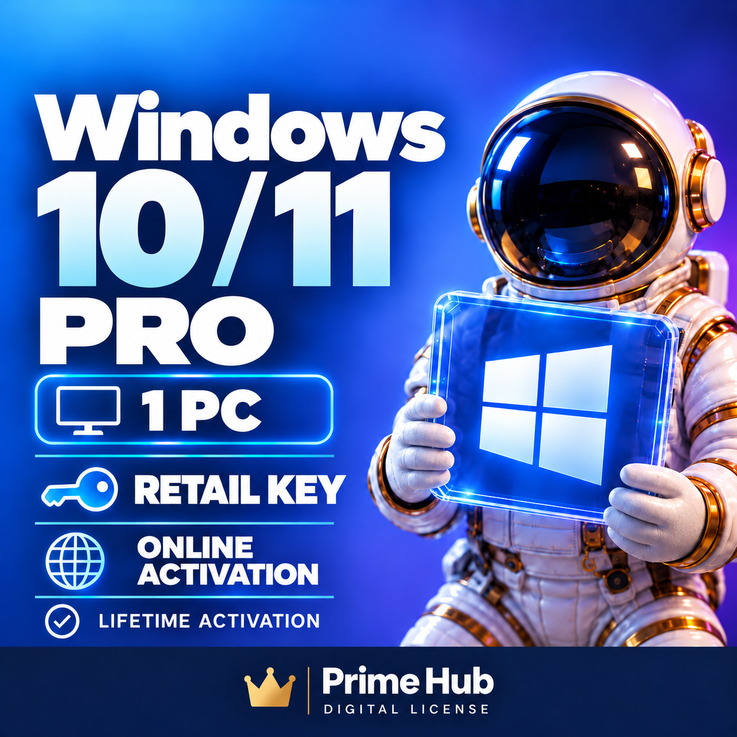
Windows 10 / 11 Pro Retail | 1 PC | Online Activation | Instant Delivery
- Price in currencies:
- 4.99 $ · 484 RUB · 4.46 €
- Category:
- Windows
- Item:
- text information
- Uploaded:
- 22.07.2026 13:03:30
- Sales:
- 3
- Refunds:
- 0
- Seller:
- Prime Hub · about the seller and their products
DESCRIPTION
Windows 10 / 11 Pro Retail | 1 PC | Online Activation | Instant Delivery
Windows 10 / 11 Pro License Key | 1 PC | Online Activation
✅ PRODUCT DETAILS
• Product: Windows 10 Pro / Windows 11 Pro
• Edition: Professional
• License Type: Retail
• Devices: 1 PC
• Activation: Online
• Region: Global / Region Free
• Architecture: 32-bit & 64-bit
• Language: Multilingual
• Delivery: Instant automatic delivery 24/7
💻 COMPATIBILITY
This key is intended for:
• Windows 10 Professional
• Windows 11 Professional
Please make sure the correct Professional edition is installed before activation.
⚠️ A Windows Home installation may require an edition upgrade before a Pro key can be activated.
📦 WHAT YOU RECEIVE
After successful payment, you will receive:
• 1 × Windows 10 / 11 Pro product key
• Simple activation instructions
• Customer support if required
⚡ Your product key is delivered automatically immediately after payment.
⚠️ IMPORTANT INFORMATION
• Valid for 1 PC only.
• Please verify your Windows edition before purchasing.
• An internet connection is required for online activation.
• The key must be used with a compatible Windows Pro edition.
• Do not share your product key with third parties.
• A successfully activated key cannot be considered unused afterward.
• Please follow the activation instructions provided after purchase.
💬 PRIME HUB SUPPORT
If you experience an activation issue, we can help you check:
• Installed Windows edition
• Product key entry
• Activation status
• Common Windows activation errors
Contact us through DigiSeller / Plati correspondence if you need assistance.
Additional information:
📘 WINDOWS ACTIVATION INSTRUCTIONS
1. Make sure Windows 10 Pro or Windows 11 Pro is installed.
2. Open:
Settings → System → Activation
3. Select:
Change product key
4. Enter the product key received after purchase.
5. Make sure your PC is connected to the Internet.
6. Select Activate and wait for Windows to complete online activation.
✅ After successful activation, Windows should display that the system is activated.
⚠️ IMPORTANT
• The key is intended for Windows Pro.
• If Windows Home is installed, you may need to upgrade the edition to Pro before activation.
• Check that the installed Windows edition matches the purchased product.
• Do not share your product key.
• If activation fails, do not repeatedly enter the key or reinstall Windows immediately.
💬 PRIME HUB SUPPORT
If you receive an activation error, contact us through DigiSeller / Plati correspondence and send a screenshot of the error message.
REVIEWS
Reviews: (0)
No customer reviews yet.