O&O DiskImage 21 Premium Lifetime License Key
- Price in currencies:
- 2.19 $ · 189 RUB · 1.95 €
- Category:
- Others
- Item:
- text information
- Uploaded:
- 06.06.2026 23:59:08
- Sales:
- 0
- Refunds:
- 0
- Seller:
- trustmeitsworks · about the seller and their products
DESCRIPTION
O&O DiskImage 21 Premium Lifetime License Key
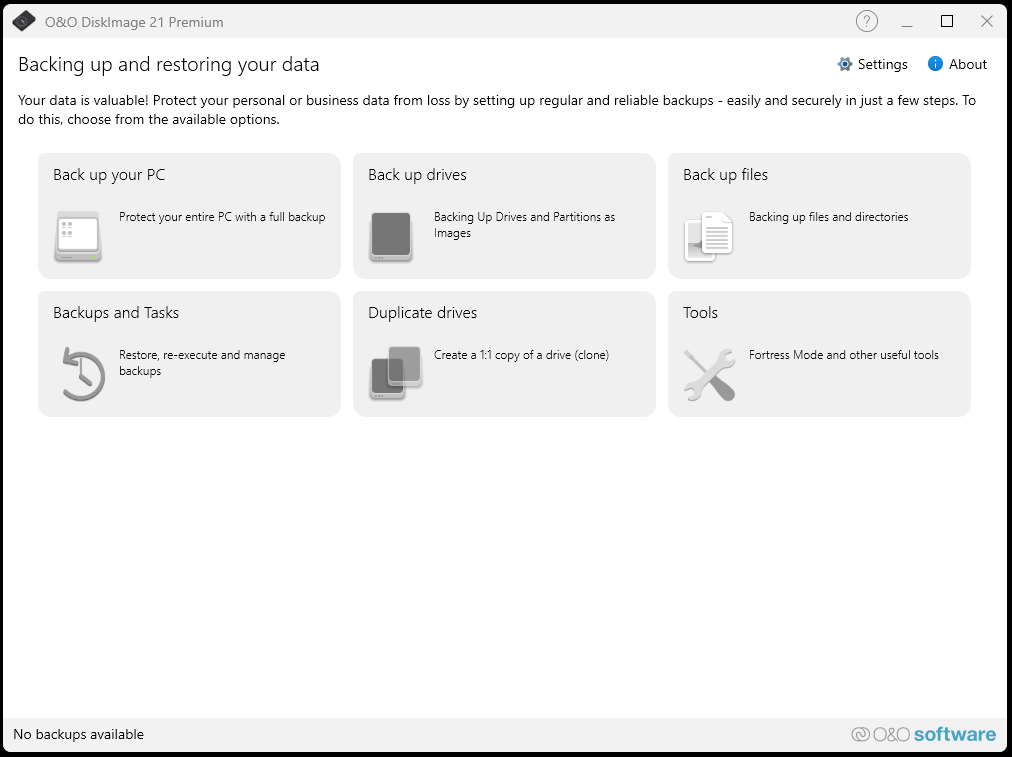
💗 A comprehensive backup, system imaging, and cloning utility redesigned with a streamlined, user-friendly interface to protect your entire PC from data loss, ransomware, and hardware failures. 💗
Software Features
🛠️ Backs up an entire computer, individual hard drives, or partitions with just two clicks.
🛠️ Supports selective, file-based backups for specific folders and documents.
🛠️ Offers flexible imaging options, including complete, incremental, and differential backups.
🛠️ Includes Fortress Mode, running the app in a completely isolated, secure environment for interference-free, direct forensic imaging of all sectors.
🛠️ Features the O&O RecoveryPartition, allowing you to boot into a protected recovery environment directly at system startup without needing external media.
🛠️ Automatically triggers a data backup the moment a preconfigured external USB storage device is connected (Plug-and-Play backup).
🛠️ Provides hardware-independent restoration, allowing you to seamlessly migrate and restore your system backup onto entirely new hardware.
🛠️ Full support for virtualization, allowing you to create, merge, mount, and convert images into modern VHD and VHDX file formats.
🛠️ Includes an integrated WinPE-based rescue system builder to quickly create bootable USB sticks or DVDs.
🛠️ And many more...
Software Specifications
🖥️ System Requirements: Windows 11, Windows 10, Windows 8, Windows 7
🌐 Internet connection is required to activate the program (license key)
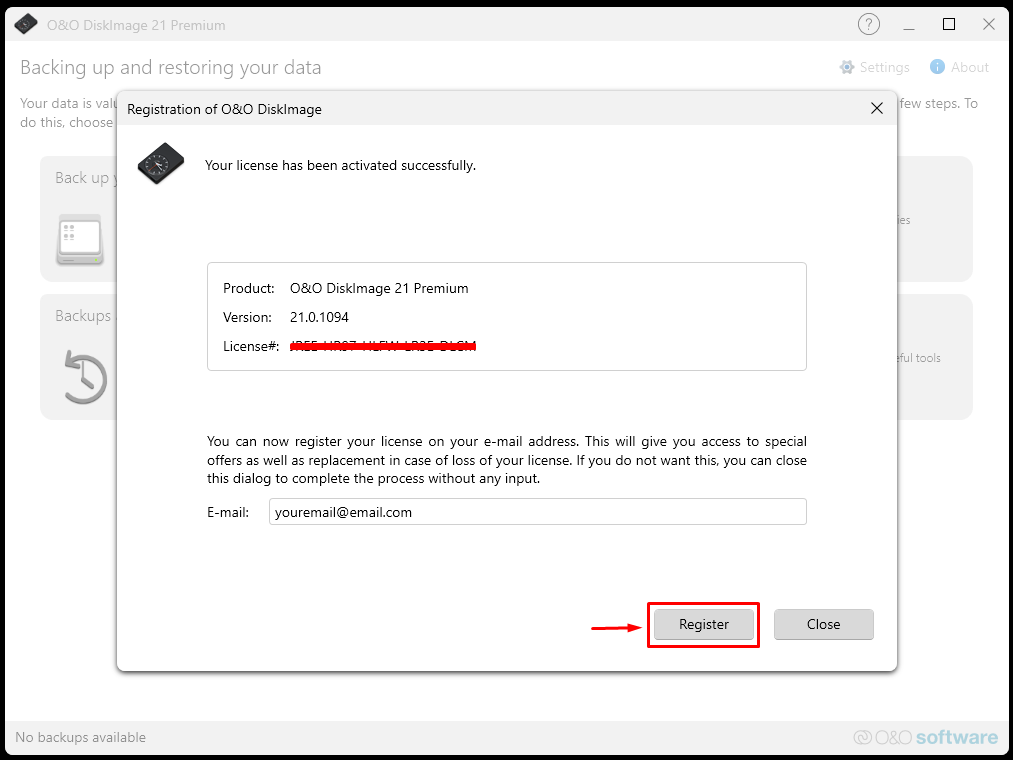
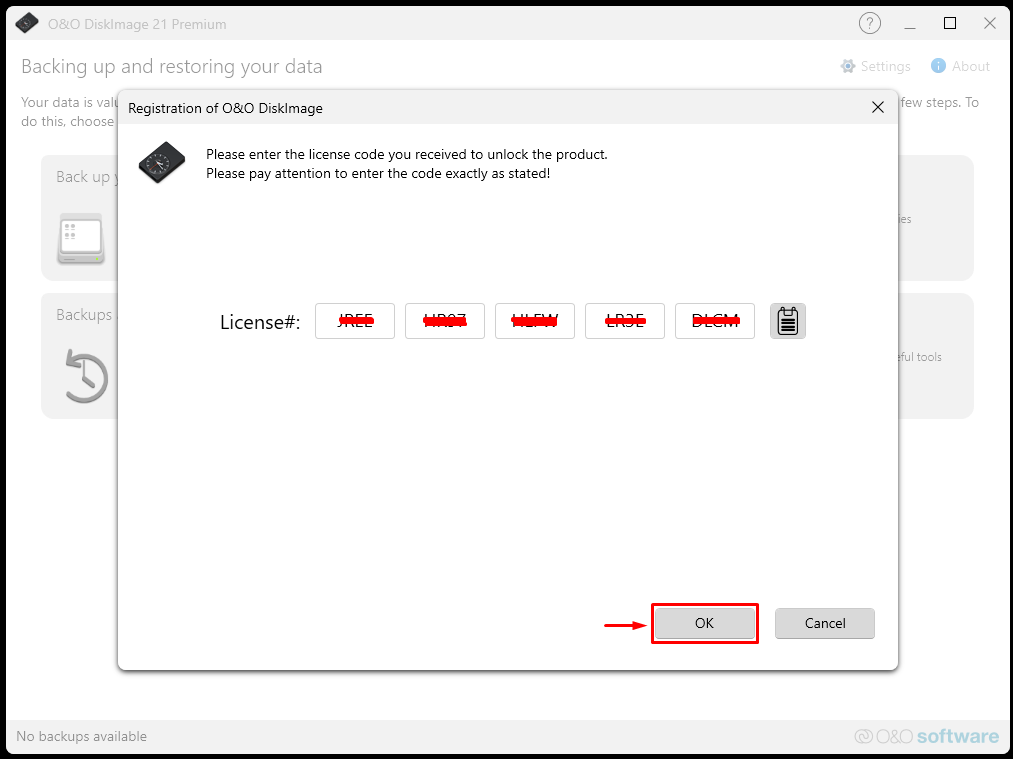
🔑 After payment, you instantly receive license key in the form of (XXXX-XXXX-XXXX-XXXX-XXXX)
License Spesification
📌 Original: Official from the store.
📌 Unique license key: A special code just for you.
📌 Valid for lifetime (O&O DiskImage 21 Premium)
How to use license
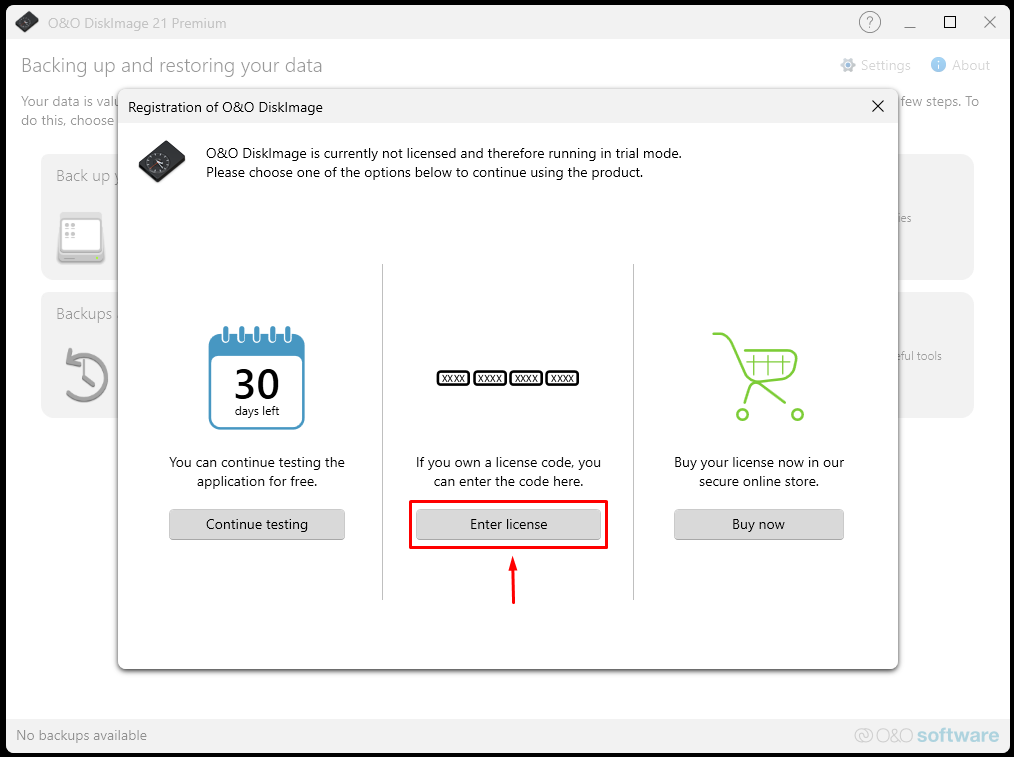
🔐 Follow the instructions during the program installation, then go to the "Enter license" in menu.
Troubleshooting guidelines
❌ Do not write negative reviews.
✅ Go to "chat" tab and explain the problem.
✅ We will response within 24 hours.
✅ For effective communication, we may request you to record a video confirming your activation attempt (using the purchased key).
REVIEWS
Reviews: (0)
No customer reviews yet.
DISCOUNTS
Discounts:
Discount for regular customers! If the total of your purchases from the seller trustmeitsworks exceeds: