Microsoft 365 Enterprise | 12 Months | All Office Apps | 1TB Cloud Storage
- Price in currencies:
- 16.49 $ · 1516 RUB · 15.07 €
- Category:
- Office
- Item:
- text information
- Sales:
- 4
- Refunds:
- 0
- Seller:
- Nextelligence Store · about the seller and their products
DESCRIPTION
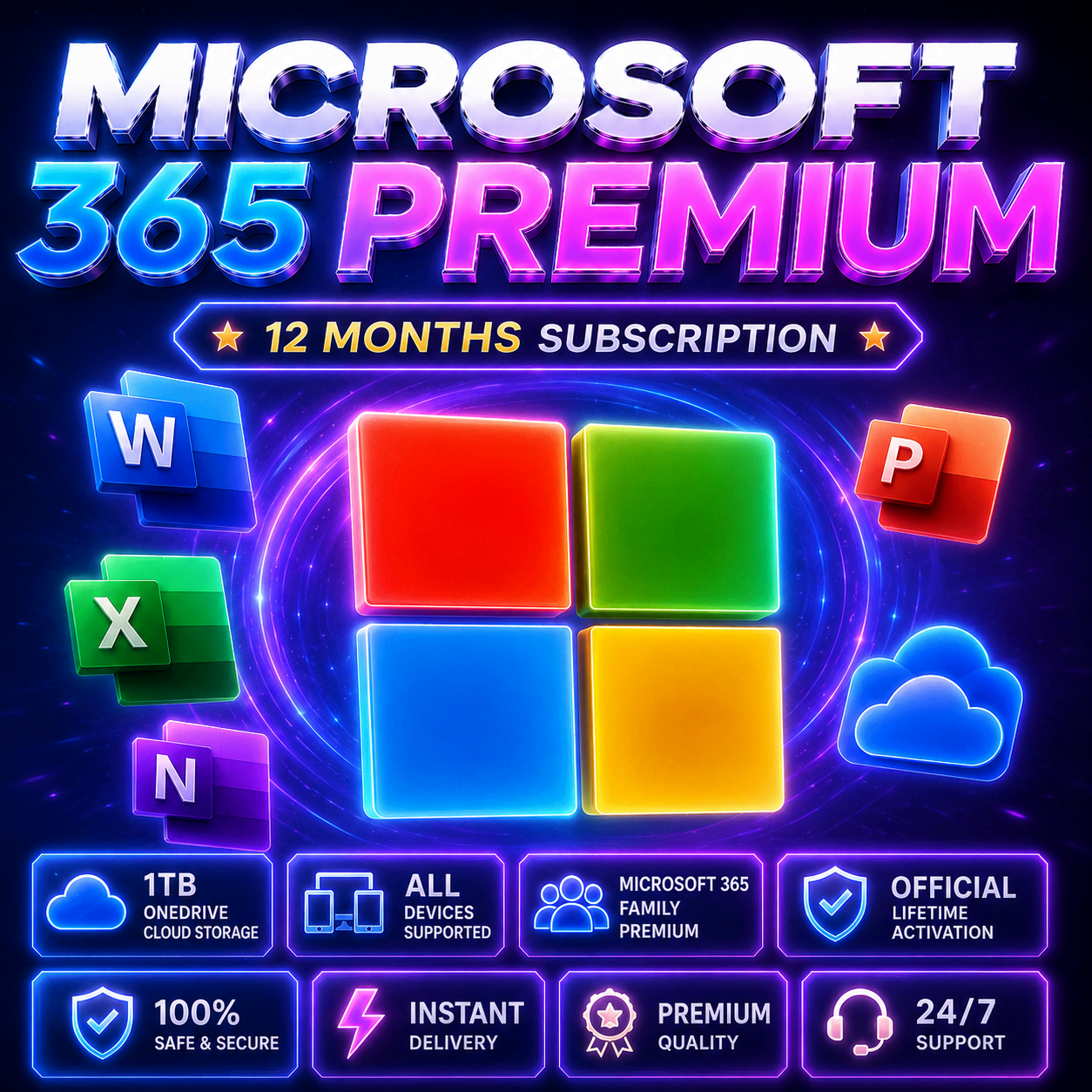
Microsoft 365 Enterprise | 12 Months | All Office Apps | 1TB Cloud Storage
Microsoft 365 Enterprise | 12 Months | All Office Apps | 1TB Cloud Storage
Upgrade your productivity with a complete Microsoft 365 environment, offering essential Office applications, cloud storage, and convenient access for 12 months.
Whether you´re working, studying, managing projects, or creating professional documents, enjoy the tools you need to stay productive across your devices.
━━━━━━━━━━━━━━━━━━
WHAT´S INCLUDED
━━━━━━━━━━━━━━━━━━
🟦 Microsoft Word – Professional document creation
🟩 Microsoft Excel – Spreadsheets, calculations, and data management
🟧 Microsoft PowerPoint – Professional presentations
🟦 Microsoft Outlook – Email and productivity management
🟪 Microsoft OneNote – Digital notes and organization
☁️ Microsoft OneDrive – 1TB cloud storage
✔ Access to the included Microsoft Office applications
✔ 12-month access period
━━━━━━━━━━━━━━━━━━
TWO CONVENIENT DELIVERY METHODS
━━━━━━━━━━━━━━━━━━
Depending on availability, you can receive your product through one of the following methods:
① PERSONAL ACCOUNT – FAMILY INVITATION
Receive an invitation directly to your existing Microsoft account.
✔ Invitation sent to your personal email
✔ Use your existing Microsoft account
✔ No separate account credentials required
✔ Simple invitation acceptance process
✔ Your personal account remains yours
② READY-TO-USE ACTIVATED ACCOUNT
Receive login credentials for a prepared Microsoft account with access already activated.
✔ Login credentials delivered digitally
✔ Account prepared before delivery
✔ Ready for initial login
✔ Easy application installation and setup
✔ No additional activation steps required
━━━━━━━━━━━━━━━━━━
SUPPORTED DEVICES
━━━━━━━━━━━━━━━━━━
✔ Windows PC and laptops
✔ macOS
✔ Android smartphones and tablets
✔ iPhone and iPad
Access your applications across supported devices.
━━━━━━━━━━━━━━━━━━
DIGITAL DELIVERY
━━━━━━━━━━━━━━━━━━
After your purchase, your delivery details will be provided digitally.
Our support includes:
• Account setup assistance
• Microsoft Office installation guidance
• Login assistance
• Activation support
• Basic troubleshooting
━━━━━━━━━━━━━━━━━━
IMPORTANT INFORMATION
━━━━━━━━━━━━━━━━━━
• Access duration: 12 months.
• Delivery method depends on availability.
• Family invitation and ready-to-use account are two different delivery methods.
• Microsoft Copilot is NOT included.
• Please follow the provided instructions carefully.
• The included applications and storage depend on the assigned subscription and account configuration.
━━━━━━━━━━━━━━━━━━
WHY CHOOSE THIS OFFER?
━━━━━━━━━━━━━━━━━━
✔ Essential Microsoft Office applications
✔ Convenient digital delivery
✔ Two flexible delivery methods
✔ Cloud storage
✔ 12 months of access
✔ Professional customer assistance
WORK SMARTER. CREATE MORE. STAY PRODUCTIVE.
Thank you for your purchase!
Additional information:
📋 BUYER INSTRUCTIONS
━━━━━━━━━━━━━━━━━━
① PERSONAL ACCOUNT ACTIVATION – FAMILY INVITATION
━━━━━━━━━━━━━━━━━━
✅ After purchase, please send your Microsoft account email through:
• “Contact Seller”
OR
✅ Enable automatic contact sharing during checkout for faster processing.
📩 We will send an invitation directly to your personal Microsoft account.
To complete activation:
1. Open the invitation received by email.
2. Sign in using your personal Microsoft account.
3. Accept the invitation.
4. Follow the instructions to access the included Microsoft 365 applications.
━━━━━━━━━━━━━━━━━━
② READY-TO-USE ACTIVATED ACCOUNT
━━━━━━━━━━━━━━━━━━
✅ Login credentials are delivered automatically after purchase.
Follow these steps:
1. Visit: https://www.office.com
2. Sign in using the provided login credentials.
3. Change the password during your first login, if prompted.
4. Navigate to the Office installation section.
5. Select “Install Office Apps” if available.
6. Download and install the supported applications.
⚠️ IMPORTANT:
• Keep your login credentials secure.
• Save your new password carefully.
• Lost or changed passwords may not be recoverable.
• Please do not change additional account security settings without instructions.
━━━━━━━━━━━━━━━━━━
💻 SUPPORTED DEVICES
━━━━━━━━━━━━━━━━━━
✔ Windows
✔ macOS
✔ Android
✔ iPhone / iPad
✔ Tablets
━━━━━━━━━━━━━━━━━━
💬 NEED HELP?
━━━━━━━━━━━━━━━━━━
If you experience any issues with your invitation, login, installation, or setup, please contact us through “Contact Seller”.
We are happy to assist you!
Thank you for your purchase!
REVIEWS
Reviews: (0)
No customer reviews yet.