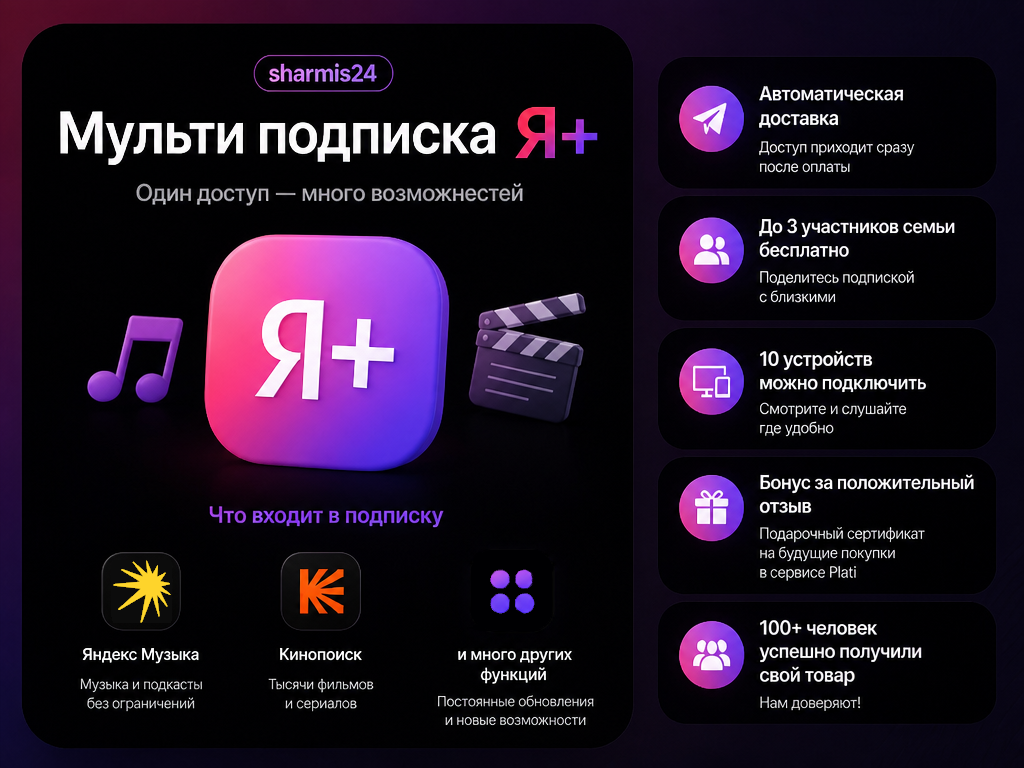
Multi-subscription/Ya+/45 days /Close friends in the +3 people group/Yandex.Music
- Price in currencies:
- 1.24 $ · 118 RUB
- Category:
- Яндекс Плюс
- Item:
- text information
- Uploaded:
- 30.10.2026 14:29:35
- Sales:
- 100
- Refunds:
- 0
- Customer rating:
- 5.0 of 5 +4 / −0
- Seller:
- Sharmis24 · about the seller and their products
DESCRIPTION
Multi-subscription/Ya+/45 days /Close friends in the +3 people group/Yandex.Music
‼️‼️Refund Condition - If the promo code doesn´t work, a partial refund or replacement promo code if it doesn´t
There will be no refund if you activated the promo and you accidentally connected an option instead of a subscription; instead, you will be offered to join a family group
is activated (expires) PARTIAL REFUND IS RECEIVED BY EVERYONE REGARDLESS OF THE PROBLEM!
A partial refund does not provide for compensation to the buyer of any commissions and deductions at the seller´s expense‼️‼️
‼️If, when you have no subscription at all, they try to activate a 7-day option for you, contact Yandex support with the question of whether there is a restriction on your account that you cannot activate this or that promo, write a message to support similar to this Example: "Hello, I have a question, when activating a promo code, a 7-day option is connected for me, is it possible to activate promo codes for subscriptions on my account?" After receiving a response from support, write to the seller, please try to get a non-template response from support, but an exact answer to your question.
If, when entering the promo code, it says that it has been activated or something else, write to the seller for a replacement/solution to the problem‼️
🎫Promo Code for Ya+ valid for 1.5 months on all devices🎫
Important: When activating the Promo Code, Yandex will require payment of ~11 rubles, after which it will instantly return them
📃Activation Instructions📃
1. Copy the Promo code you received.
2. Go to the Ya+ website, log in if you are not logged in, and find the Promo Code activation button
3. Paste and activate
4. Enter the data that Yandex requires and pay ~11 rubles
5. Done, the Promo Code is activated
the product is only for Russian accounts
The promo code must be entered 24-48 hours after its FULL completion; also, if you already had a PLUS subscription, the promo code will activate only 30 days for you
💌Leave a positive review and receive a bonus in the form of a gift certificate for 30 rubles that can be used when purchasing other products on Plati.Market
⌚Response time from 10 minutes to 12 hours on weekdays from 10:00 to 20:00 MSK⌚
⌚On weekends response time from 5 minutes to 7 hours from 10:00 to 20:00 MSK⌚
Additional information:
❇️❇️If you don´t want to contact support but are having trouble activating a promo code, there is a simple workaround: create a "dummy" account using the same details as your main account. You will use this new account to activate the promo and then add your main account to the family group. Here is how to create such an account:
Go to the Yandex Plus website and locate your avatar on the right; click the "Switch account" button and then select "Create account." When the phone number entry window appears, look for the "More" button below it and select "Create account for myself." You will receive a code on your phone; enter it and click "Next." Then, enter an account name and create a password. Once that’s done, enter the promo code on the new account. After the subscription appears, click the menu button (or the three-line icon) on the Yandex site and select "Manage Plus." Navigate to the "Family" (or "Close ones") section and click it. You will see an "Invite family member" button; click it, then select "Choose who to invite" (you can skip the step asking for the invitee´s relationship to you). Finally, you will see two options: copy the link or send it via email/SMS. Choose whichever you prefer—either send it to the email address linked to your main account or simply copy the link (which is the faster option). If you chose to copy the link, switch back to your main account by tapping the avatar in the top-right corner; you will see your current account and the one available to switch to. Once you’ve switched, paste the link into your browser´s address bar to visit the site; this will add you to the family plan and give you access to all the "Plus" features. It is advisable to remove your card details from the service after confirming the payment to prevent automatic future charges. If you chose the email option, follow the same steps to switch to your main account, then open your email and click the link; the subsequent steps remain the same. ❇️❇️
REVIEWS
Reviews: (4)
Однозначно рекомендую, спасибо большое!