CPE_903 - Web interface, Russian
- Price in currencies:
- 2.32 $ · 221 RUB · 2.06 €
- Category:
- Firmware
- Item:
- CPE_903_Root.rar (6657.04 KB)
- Uploaded:
- 18.08.2026 19:44:49
- Sales:
- 1
- Refunds:
- 0
- Seller:
- softprogs · about the seller and their products
DESCRIPTION
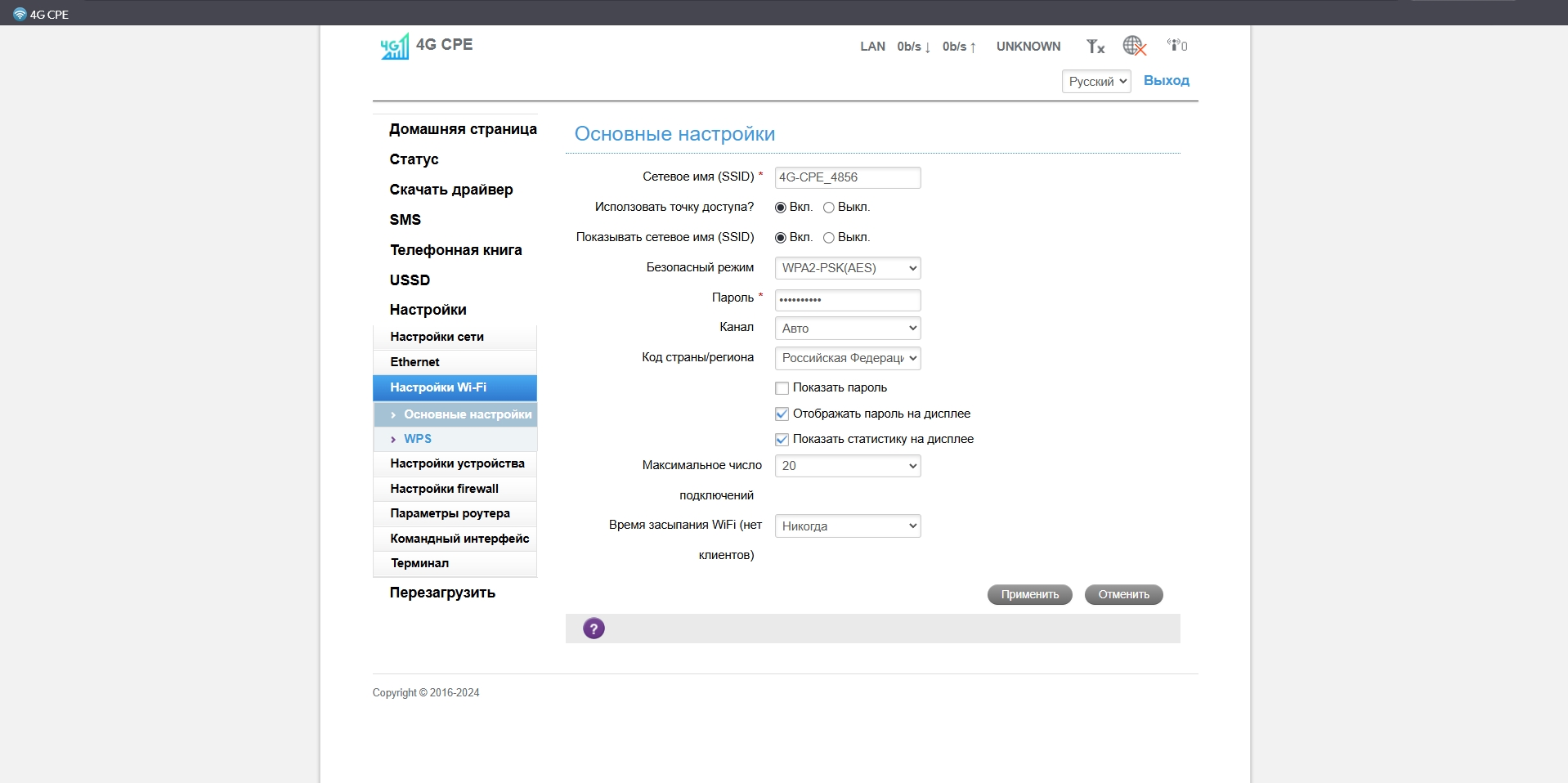
CPE_903 - Web interface, Russian
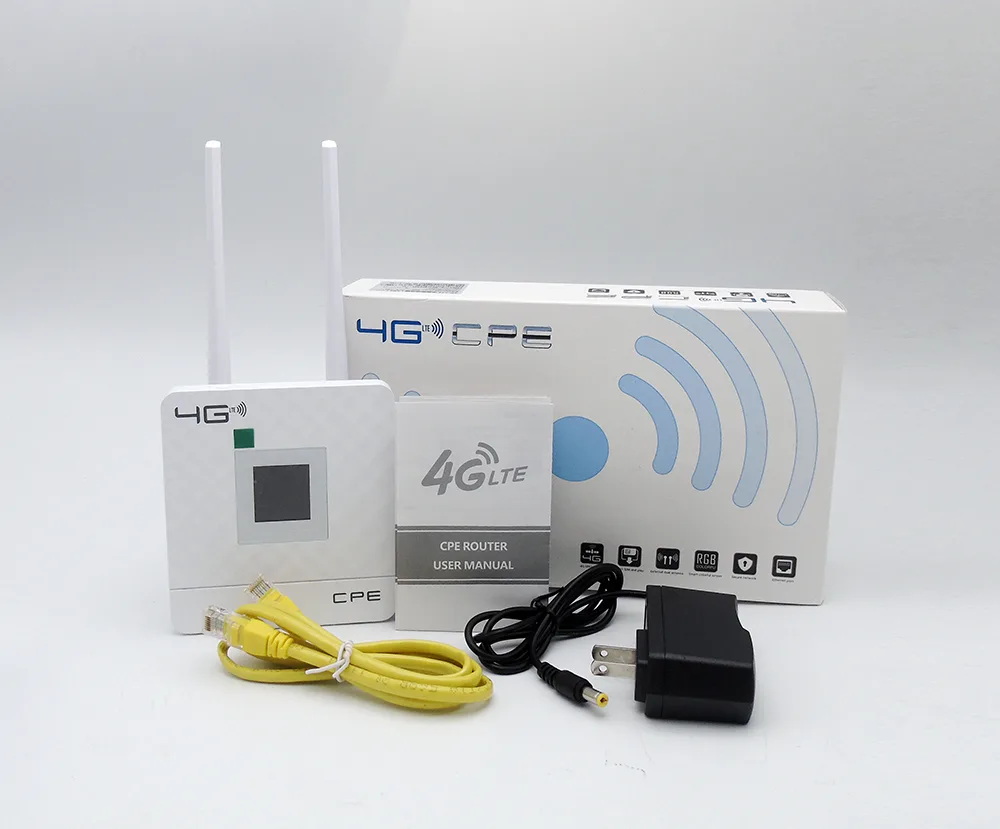
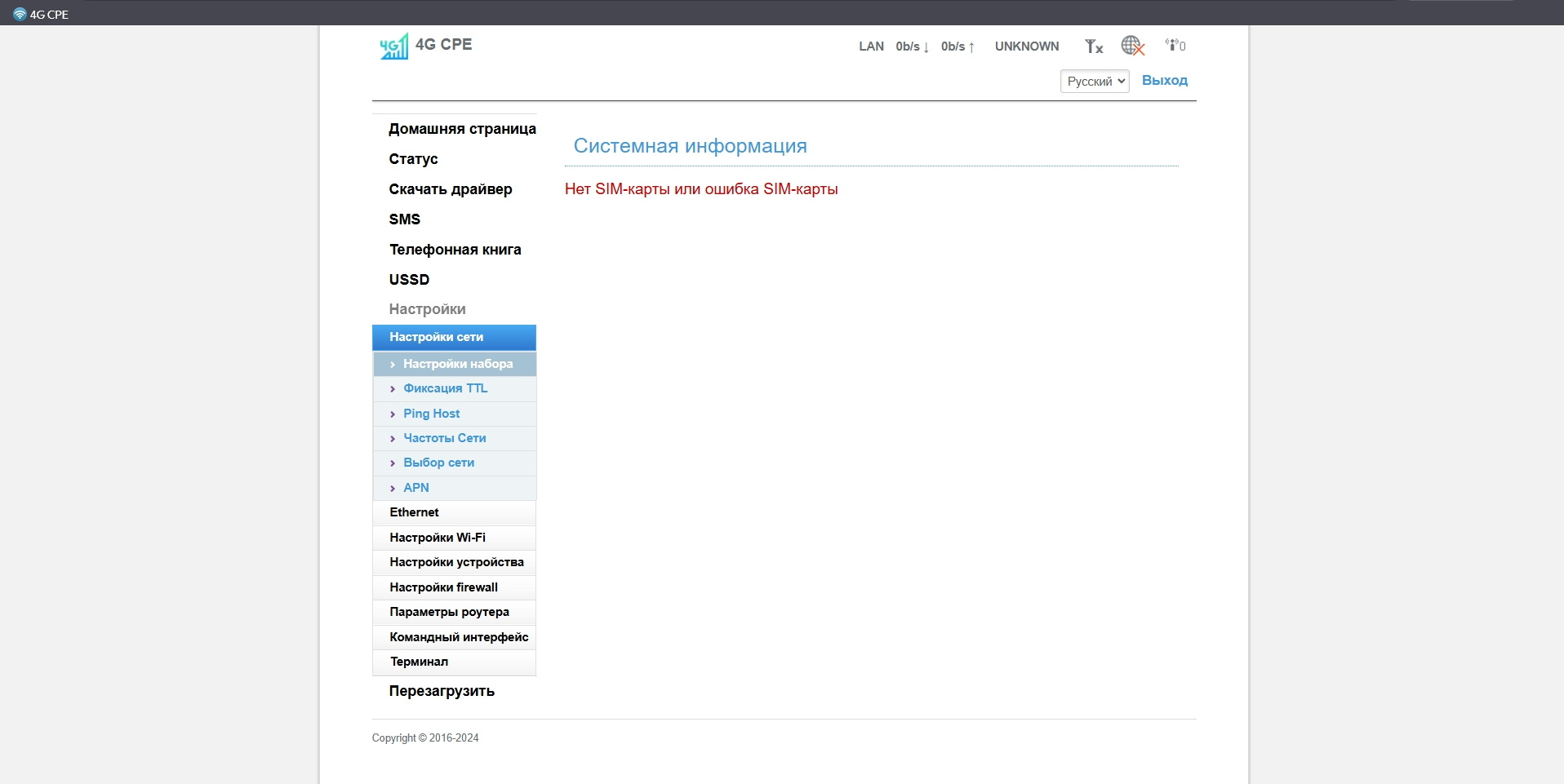
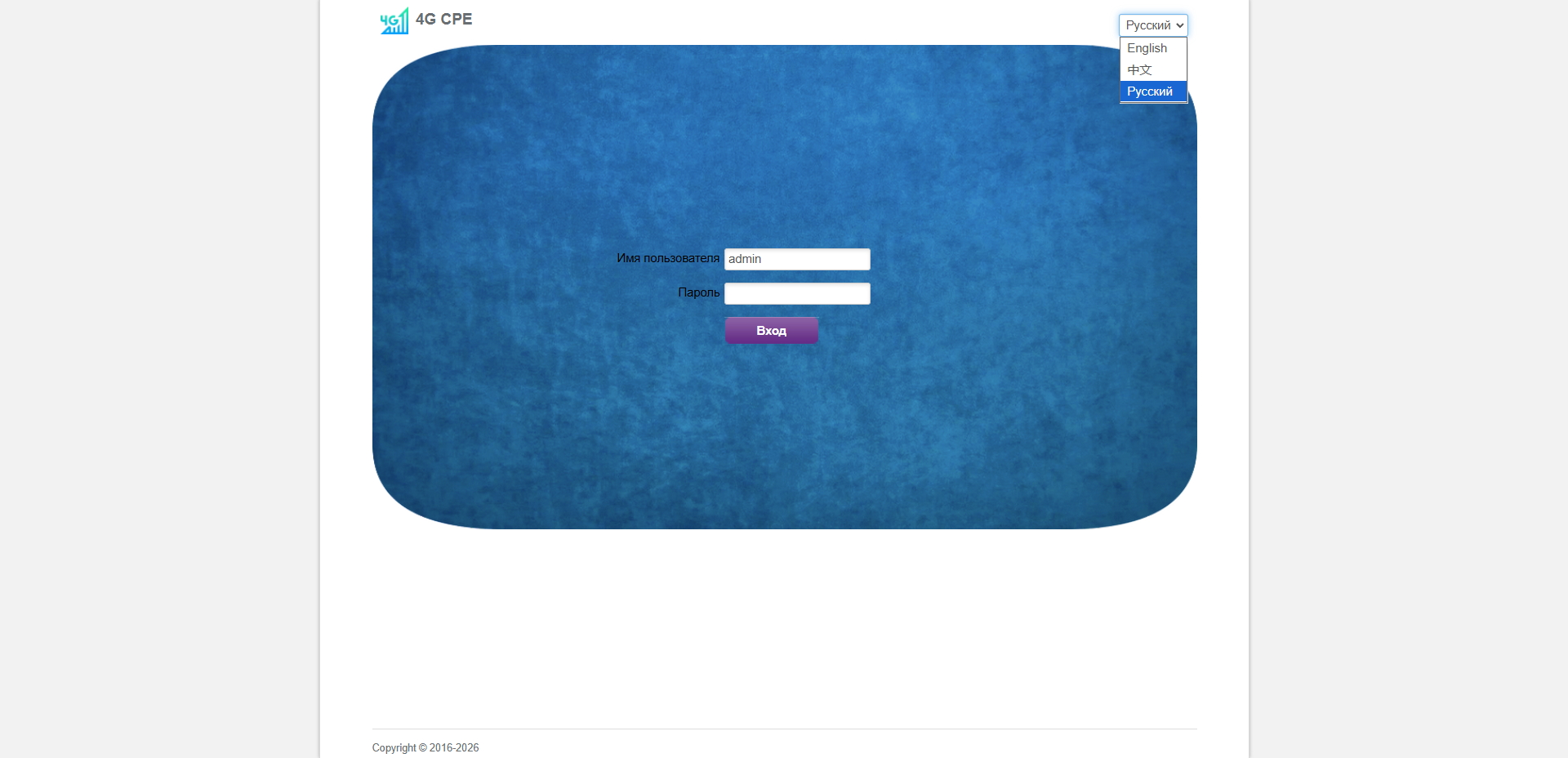
Simple step-by-step firmware for the Tianjie CPE 903 router modem. After the firmware, the Russian language is available in the router menu. The signal in decibels is also displayed for more precise antenna tuning. The USSD function becomes available, allowing you to check the balance on your SIM card directly from the router´s web interface. You can also fix the TTL in the router and change the IMEI. You can download the firmware from the 4pda website or purchase the improved web interface from me with easy installation! You can also watch the video: https://rutube.ru/video/7453d9d5c5208c9910d5aeb18daadf90
Additional information:
Installation.
1. Enter the login and password, go to the web interface http://192.168.199.1 and leave it like this, then enable ADB http://192.168.199.1/adbWifiDebugForm.do?adb=1 , and leave it like this too. The browser on the next page should appear: adb wifi debug enabled! If there is no inscription, then it is necessary to reset to factory settings through the reset button and clean the browser history!
2. Unpack the archive
3. Run CPE_903_Root.exe , wait until everything is installed, after the inscription about closing the window will appear, close the window.
4. Clear the cache in the Browser through the settings. An alternative way is to use the combination of two keys ctrl + F5 on each page, you can also update the cache.
5. Enjoy the new interface, Russian language and new features!
REVIEWS
Reviews: (0)
No customer reviews yet.