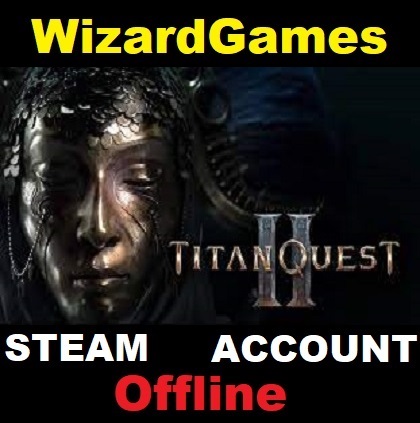
Titan Quest II🎮Steam 🌍(GLOBAL)🌍
- Price in currencies:
- 1.27 $ · 100 RUB · 1.13 €
- Category:
- Steam Accounts
- Item:
- text information (479 characters)
- Uploaded:
- 05.09.2025 22:03:51
- Sales:
- 0
- Refunds:
- 0
- Seller:
- WizardGames · about the seller and their products
DESCRIPTION
Titan Quest II🎮Steam 🌍(GLOBAL)🌍
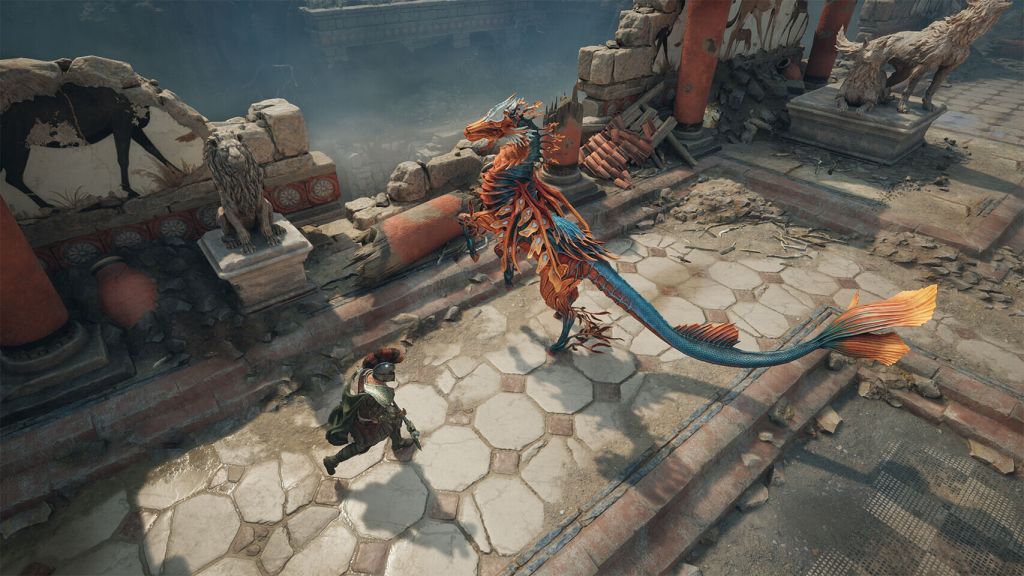
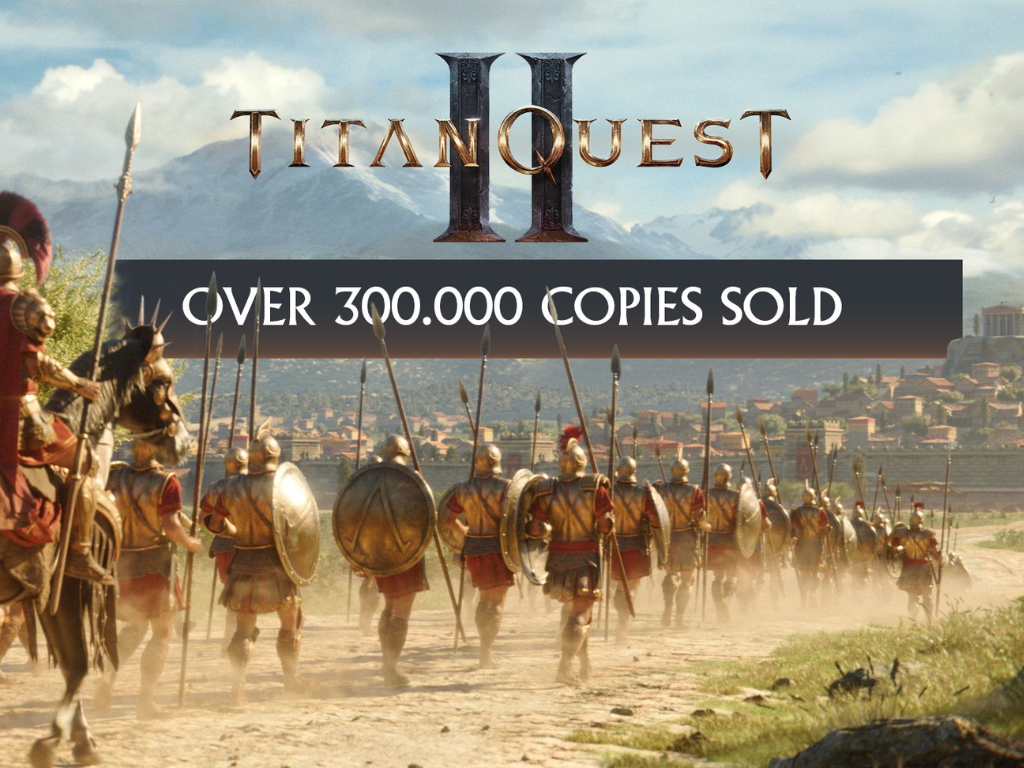
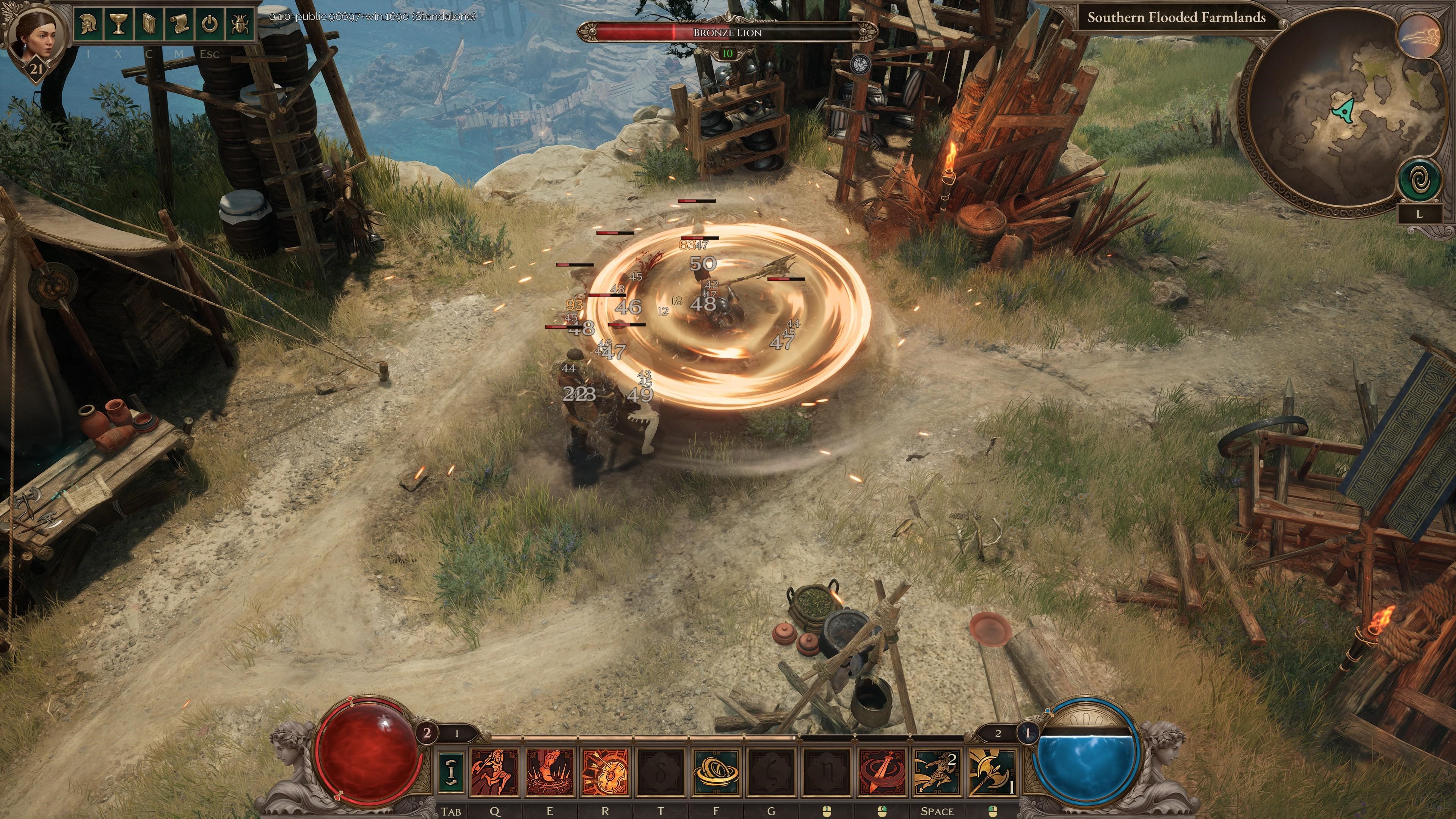
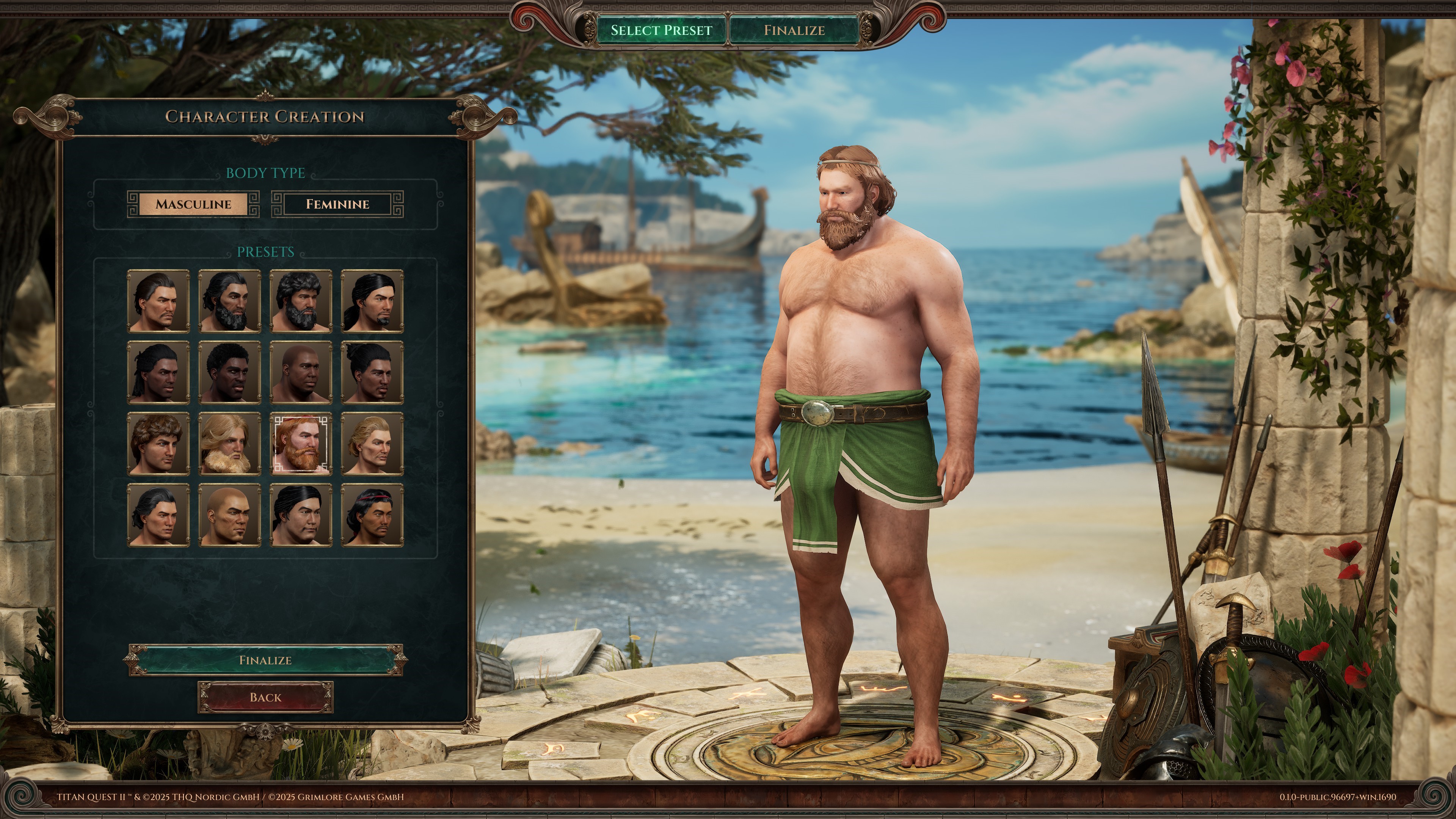
⭐Nemesis, Goddess of Retribution, is out of control. She is corrupting the Threads of Fate and punishing all those who oppose her. Take up your weapon, fight alongside gods, and change fate itself in Titan Quest II, an action RPG inspired by Greek mythology.⭐
🌍The game is available in any region🌍
🎮After purchase, you will immediately receive: Login:Password from the shared Steam account with the game
🔒 The game was purchased and activated on the seller´s personal account, so there will be no hacking, password changes,
or other dirty tricks affecting the game and access to the account.
✔️Instant access to account at any time.
✅The purchased game is constantly updated by the publisher (All updates are free)
🔄 Windows updates will not affect your game
📝Detailed instructions are attached.
💬Prompt support on all issues.
⚠️IMPORTANT:⚠️
Make sure that your PC meets the system requirements of the game. You can do this on the game´s Steam store page by scrolling down to the "System Requirements"
section.
🖥️To save the game progress on your PC, be sure to switch to offline mode (see point 4 of the instructions for activating the game)
☁️ The account is not suitable for cloud gaming (Geforce NOW, Playkey, etc.)
🔒The possible presence of account locks will not affect the game
👀We recommend that you refrain from changing any information and security settings on your account
🕙Support hours: from 10:00 to 23:00 Moscow time🕙
⚙️ Instructions for activating the game:⚙️
1. Log in to your Steam account using the received data;
2. Download the game from the library;
3. Log in to the game once online until the main menu, then exit ;
4. Switch the Steam client to offline mode: In the upper-left corner, click on "Steam" ➔ "Go offline"
5. Enjoy the game
REVIEWS
Reviews: (0)
No customer reviews yet.
DISCOUNTS
Discounts:
Discount for regular customers! If the total of your purchases from the seller WizardGames exceeds:
- $10 discount 5%
- $1 discount 1%