
Top Up Steam Wallet Balance (Russia/CIS)
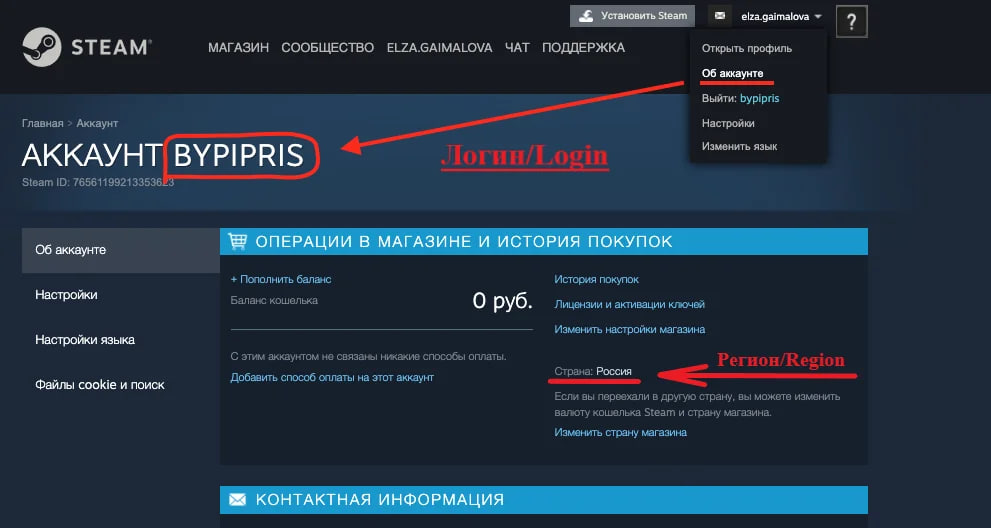
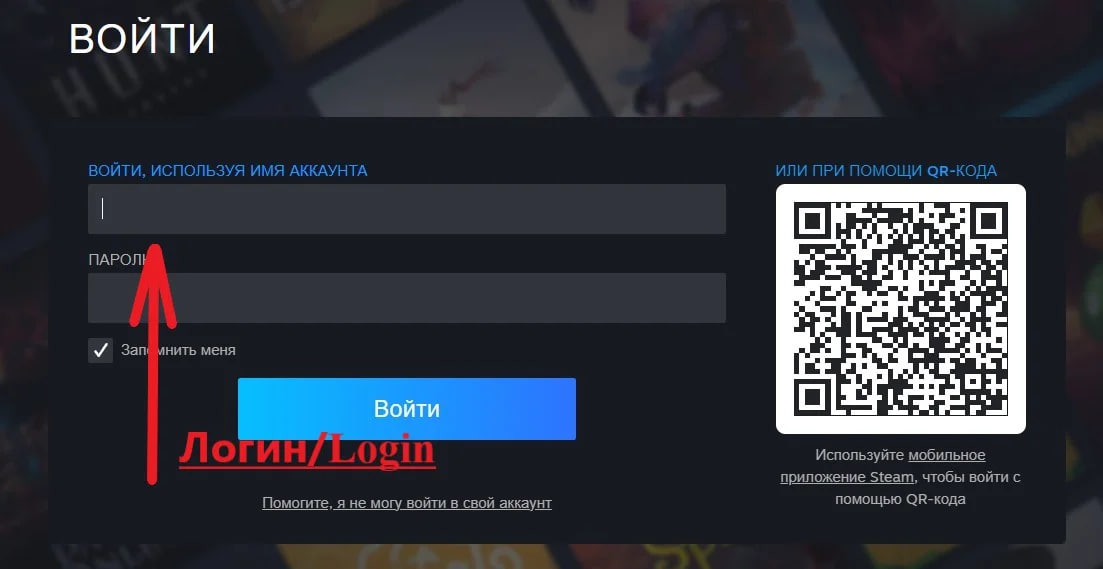
1. Specify the required amount and your login.
2. Pay using the selected method.
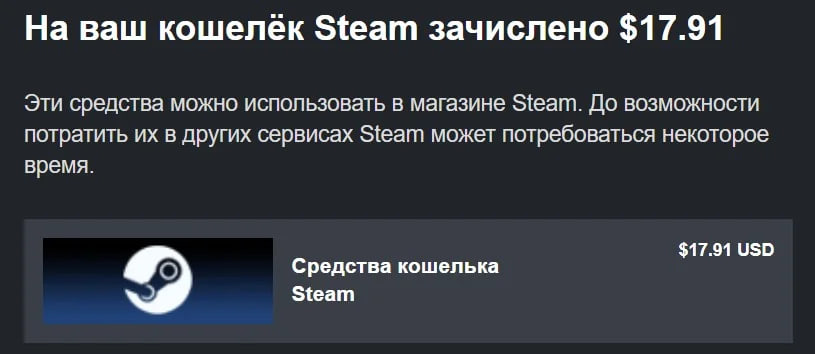
3. Your wallet has been replenished!
🌎Replenishment is available for accounts with the region: Russia, Ukraine, Kazakhstan, Armenia, Azerbaijan, Belarus, Georgia, Kyrgyzstan, Republic of Moldova, Tajikistan, Turkmenistan, Uzbekistan (RUB, UAH, KZT, USD).
🆘Attention! If you live in Crimea, Lugansk or Donetsk, you will need to take additional steps: 30-45 minutes before payment, you must exit Steam on your PC and turn off mobile Internet on your smartphone or switch it to airplane mode, and make the payment. After receiving a successful replenishment status on the site, you can open Steam. Sending a payment may be blocked if the session is active from Crimea, Lugansk or Donetsk. You will not be able to replenish your account without changing your geolocation or offline.
➕You may receive an amount slightly less than you ordered. This happens due to the very unstable exchange rate. The seller cannot influence this. Therefore, always replenish a slightly larger amount than you need.
🔑How to get a gift in the form of a key in "Steam" for a random game: order a replenishment of 300 rubles or more, leave a positive review with a couple of kind words and write that you want a gift in the "Correspondence with the seller" section. The gift will be sent within 72 hours!
✍🏻If you have any questions, please contact the seller. He will definitely answer you and help you.
No customer reviews yet.