
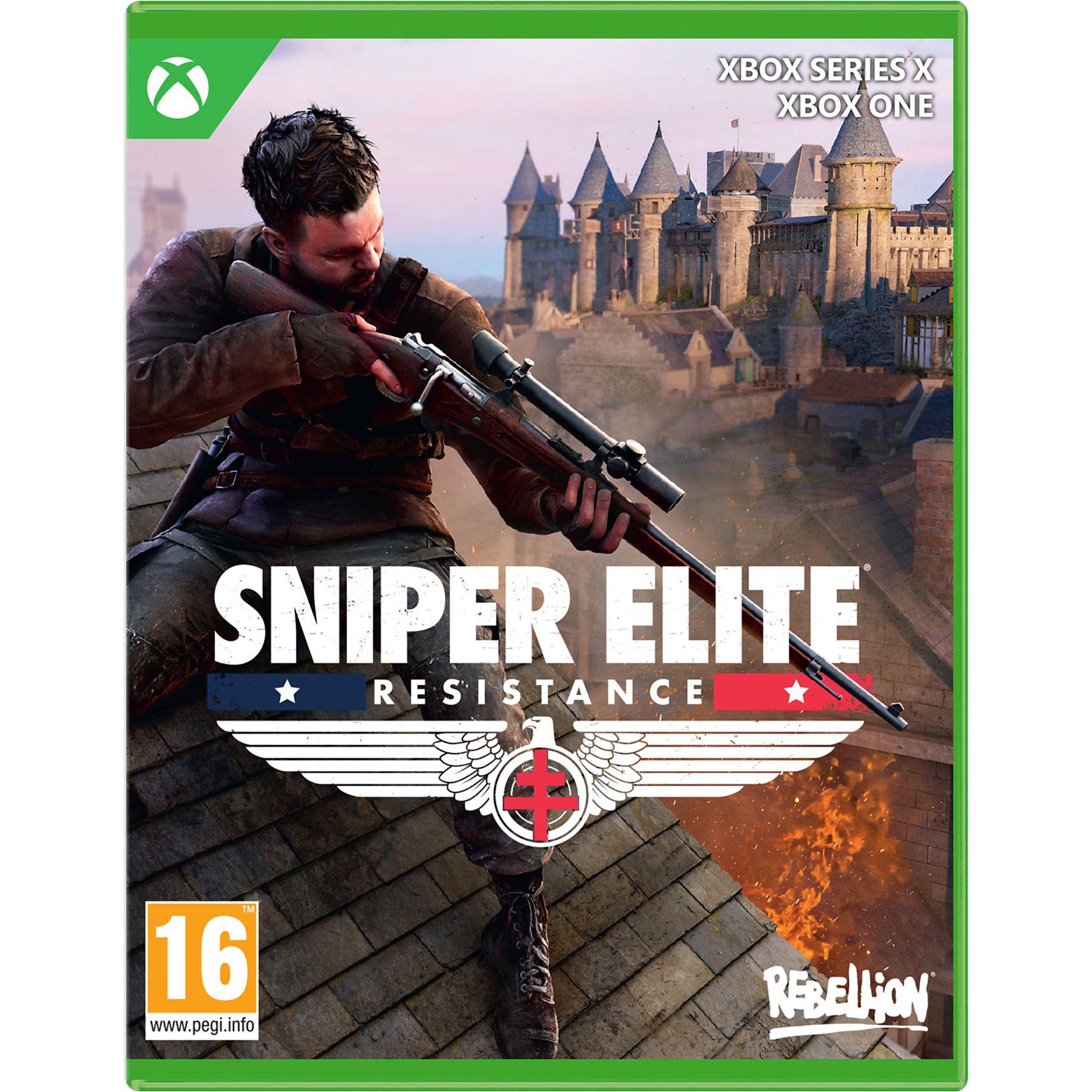
Sniper Elite: Resistance (Xbox Series X/S, Windows 10)
❗Key from XBOX game Sniper Elite: Resistance is displayed in the browser window and come to your e-mail automatically after payment
Title: Sniper Elite: Resistance
Product Type: Activation Code
ACTIVATION REGION - US.
Xbox Series X|S
Windows 10
✅ Description Game
Sniper Elite: Resistance is a third-person tactical shooter with stealth elements developed and published by Rebellion Developments. The game was released on 30 January 2025 on Xbox Series X/S platforms.
Story
The game is set in 1944 in Nazi-occupied France. The player takes on the role of Harry Hawker, a new character in the series who previously appeared in the co-op modes of Sniper Elite 3, 4, and 5. The Resistance storyline takes place parallel to the events of Sniper Elite 5.
Gameplay
Gameplay retains the core elements of previous instalments in the series. Players can use stealth tactics to evade enemies, explore maps in search of alternate routes, or engage in open firefights. Weapons in the game can be extensively customised to the player´s preference. Killing an enemy with a sniper rifle from a long distance activates the X-Ray kill cam system, showing how the bullet hits the enemy´s organs and bones.
The campaign is available for single player or online co-operative mode for two players. Propaganda mode has been added to the game, where players complete time-limited combat missions in the role of a resistance fighter, unlocked through collecting propaganda posters in the main game. Also returning is the asymmetrical multiplayer mode ‘Invasion,’ first introduced in Sniper Elite 5. In addition, the game supports a competitive multiplayer mode for up to 16 players.
How to activate your Xbox key via your phone or computer:
1️⃣. ⚠️ Go to your Microsoft profile page (account.microsoft.com/profile) and set the region specified in the key description.
2️⃣. ❗ Make sure your IP address matches the country for which the key is intended.
3️⃣. 🔗 Open the key activation page (https://redeem.microsoft.com) and enter the code you received.
4️⃣. 🤔 If an activation error occurs, carefully study the instructions on your order page.
5️⃣. 📥 After successful key activation the product will be ready for download. Enjoy your purchase! 🎮
🚨 What do I do if the product is not in my library after activation?
Go into your console settings and change the region to the one specified for the key.
Go to the Microsoft Store on your console.
Find your product. Instead of the ‘Buy’ button, an ‘Install’ button will appear.
💬 We´re sure you´ll be able to do it! But if there are any difficulties, our support is always ready to help. 🤗
No customer reviews yet.