
Opus Magnum 🔑STEAM KEY 🔥RUSSIA + GLOBAL
Edition type: Steam Key / REGION FREE
This edition has no regional restrictions and is activated in any country in the world
Game language: Russian (interface) / English
Release date: December 7, 2017
Platform: Windows
Region: Region Free (any country, no restrictions)
Activation: Steam
==========================================
Opus Magnum is a new puzzle game with endless gameplay from Zachtronics, the creator of SpaceChem, Infinifactory, TIS-100 and SHENZHEN I/O. Master the intricate transmutation mechanism, the most powerful and sophisticated tool in the alchemist´s arsenal, and use it to create vital medicines, precious stones, lethal weapons, and other useful household items.
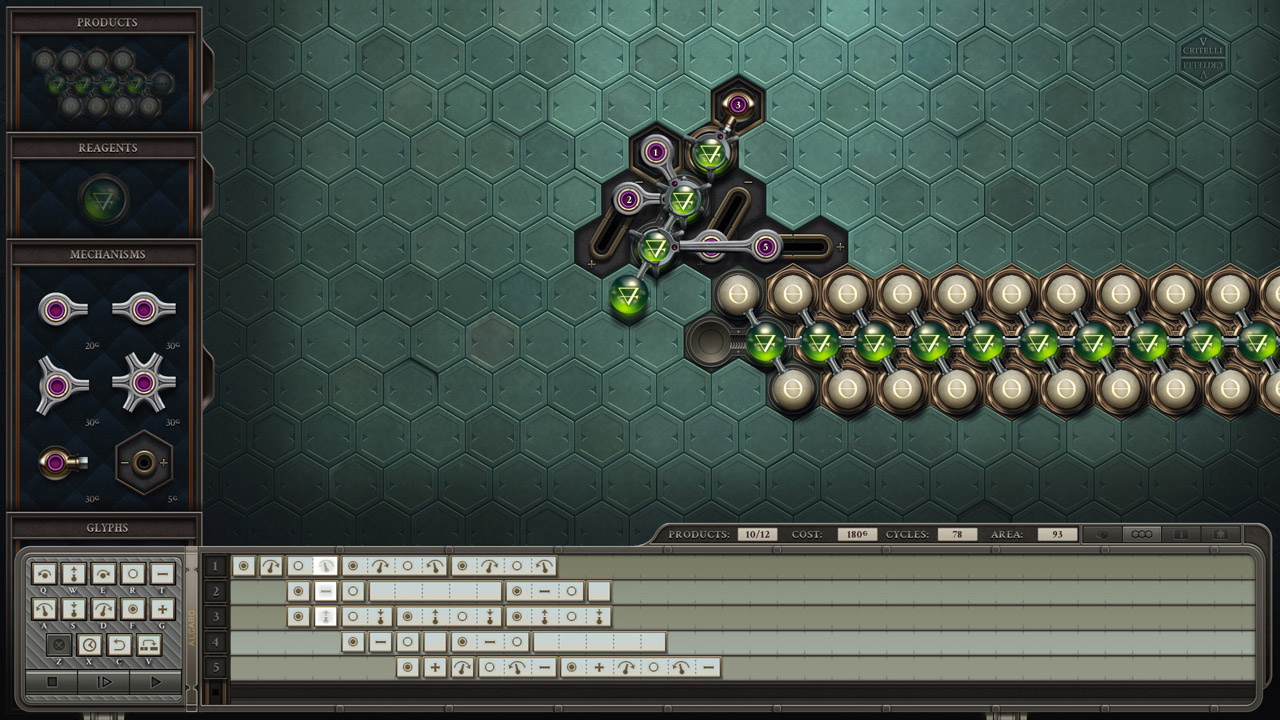
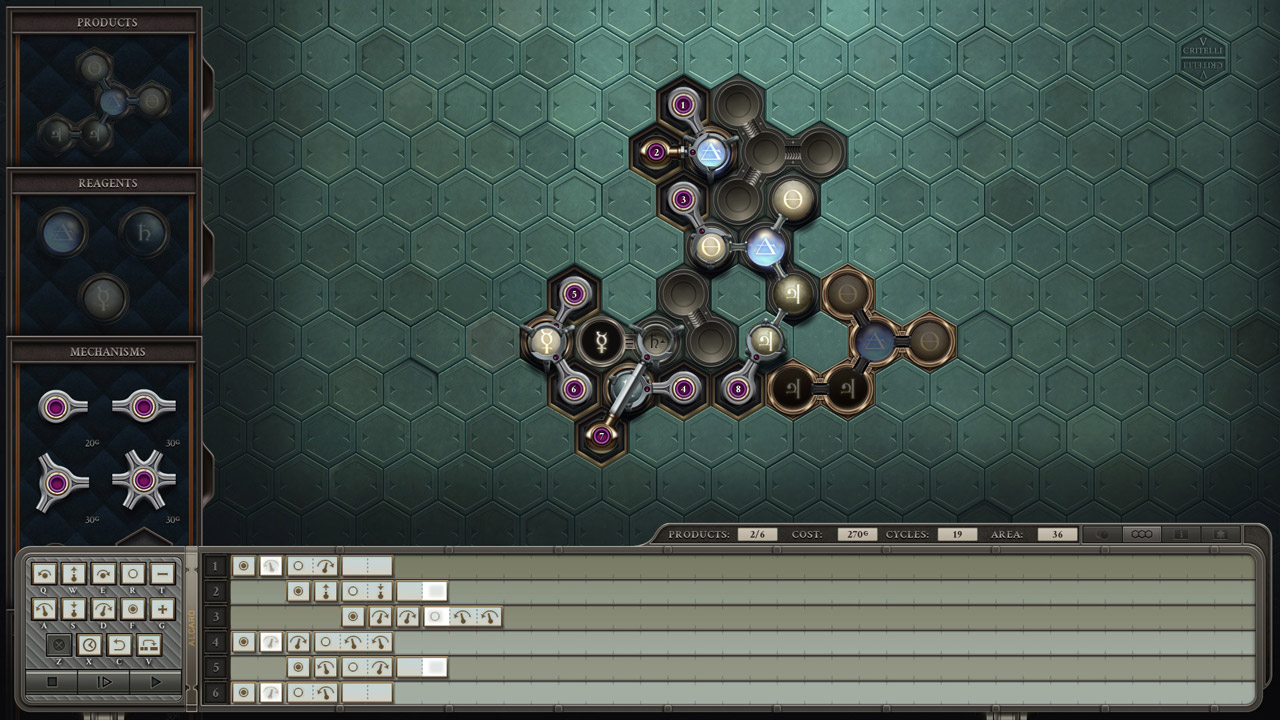
Build Machines: Design and build devices to carry out alchemical processes using a variety of parts such as programmable manipulators and adjustable guides, as well as outlandish devices such as the Van Berlo Wheel or the Animism Glyph.
Endless Puzzles: Compete with friends and other players from around the world to find the fastest, easiest, and most elegant solutions to the problems presented in the game. Export animated GIFs of your creations for other players to enjoy.
Steam Workshop Support: Create and share your own puzzles with others using full Steam Workshop support and a simple puzzle editor. Solve the best user-created puzzles, selected and added to the prestigious "Alchemical Engineering Journal" by the game creators!
A gripping storyline: you will face intrigue and sinister conspiracies involving the oldest families of the city. Alchemists, who can create almost any substance known to science, are extremely sought after... and extremely dangerous.
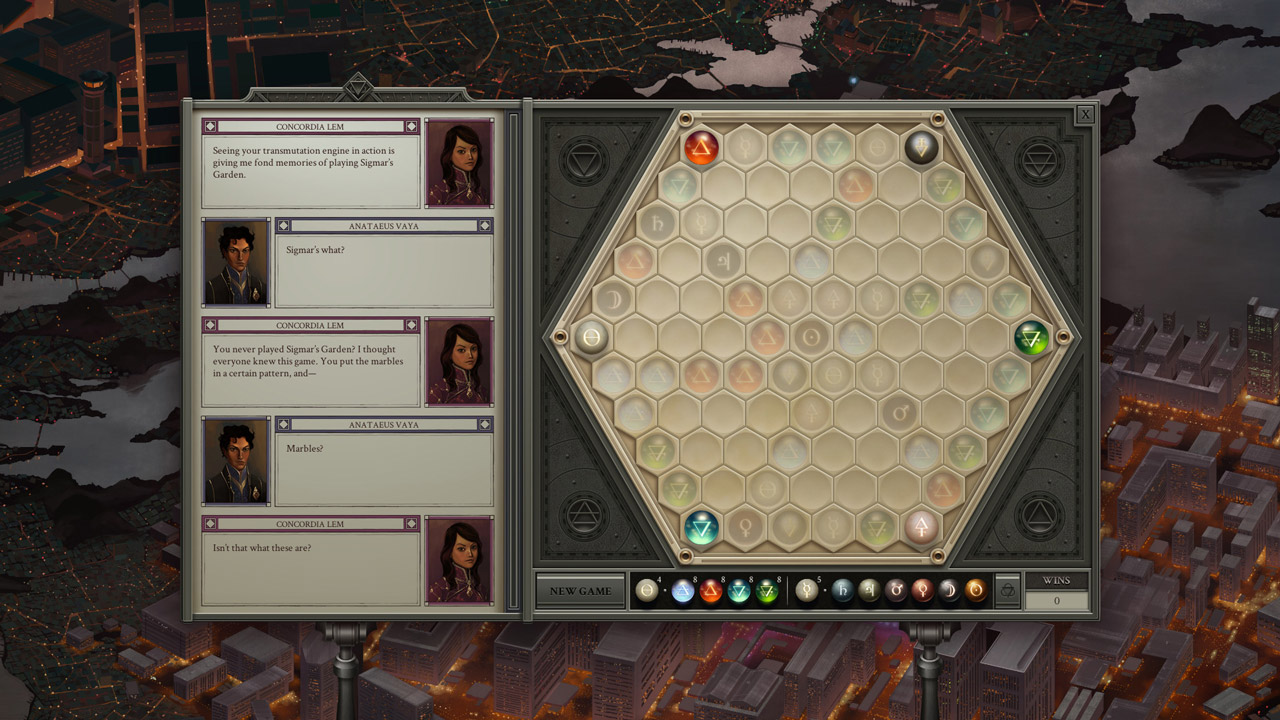
Mini-game: Alchemical engineering requires attention and concentration. Take a break and play "Garden of Sigmar", an original alchemical solitaire game. There are no hopeless situations here, but it won’t be easy to win…
======================================
Activation
1. You need to download and install Steam http://steampowered.com/download/SteamInstall.msi (if not already installed)
2. Launch the Steam client
3. Create a new Steam account or log in to an existing one
4. Go to the “Games” section and select “Activate on Steam”
5. Enter the activation key you purchased
6. After that, the game will appear in your list of games and you can install it
ATTENTION! Before buying, please check the system requirements of the game and other parameters that interest you (they may change with time). This can be done on the sites Steam / Uplay / Origin or the official website of the publisher. Goods purchased by mistake, as well as unsuitable for system requirements or region of activation, can not be returned and exchanged!
Dear customers! Convincing request, if there are any problems with the purchased goods, do not leave a negative feedback immediately. Write us a message in the correspondence (the purchase page on the site Oplata.info). We will try to respond to your message as soon as possible and promptly solve the problem. We draw attention to the fact that the basis for the exchange or return of the purchased key (key), which gives an error when activated, can only be VIDEO RECORD of the purchase process and subsequent attempt to activate it (mandatory condition - the record should not contain editing features).
Our entire range: http://www.plati.ru/asp/seller.asp?id_s=467960
We will be grateful for every positive feedback you have left after the purchase. Sincerely, the project team "AlternativA".
No customer reviews yet.