 Discount for regular customers! If the total of your purchases from the seller
Tanucolli
exceeds:
Discount for regular customers! If the total of your purchases from the seller
Tanucolli
exceeds:
- $100 discount 10%


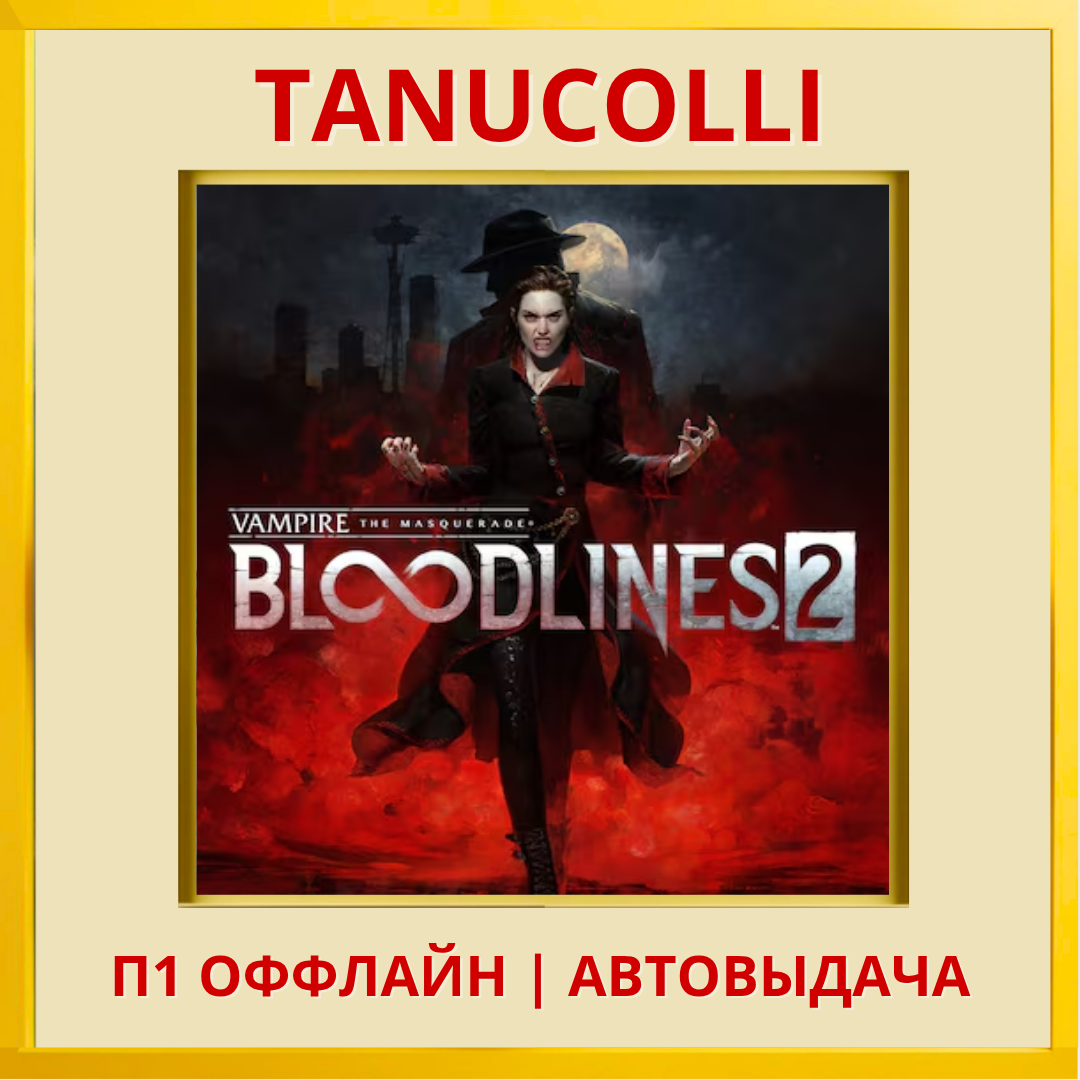
Vampire The Masquerade Bloodlines 2 (PS5/RU) P1 Offlne
Before purchasing, carefully read the instructions, conditions and description of the product.
🚫OFFLINE VERSION - The game will be available on your account (achievements and saves remain), you can play for at least a year or two. After installing and checking the games, the Internet is turned OFF on the console by checking the settings! AS SOON AS YOU TURN ON THE INTERNET (tick) - a lock will immediately appear on the game and you will no longer be able to play!! ️ The console is absolutely without the Internet the entire time the game is needed.
I repeat, turn on the Internet ONLY when you complete/play enough of the game, or when you realize that you no longer need the game. Great for a one-time playthrough at a cheap price! It´s better to take several games at once. (Up to 15 pieces)
Console: Ps5
Region: Türkiye
Language: Russian present
We perform all actions immediately, strictly from our console. Be careful and follow the instructions!
1️⃣Create a NEW user when you turn on the console or by long pressing the "PS" button (NOT A GUEST AND NOT A ONE TIME LOGIN!)
2️⃣Next, enter the received “Login/E-mail” and “Password”. Click "Login to the network"
3️⃣Then, in the offer to activate your console on this account, click “Activate”.
4️⃣Enter the Library, section purchased, (Library is located on the right on the main screen). We put the game on download.
5️⃣After adding games to the download, hold down the “PS” button and select “Log out of PS4”, thereby logging out of the user with the purchased account;
6️⃣Log in to your user, and after all downloads are completed, check whether all games are launched.
7️⃣After checking the performance of the games, inform us in correspondence, on the product receipt page, that everything is done. Attention, by default we allow no more than 24 hours for downloading.
8️⃣Turn off the Internet on the console. Select Settings-Network and uncheck "Connect to the Internet"
9️⃣Play the game on your account.
1️⃣0️⃣After you’ve played enough, turn on the Internet and delete the purchased one from your account. (Settings-users-delete, then in the list we find it (usually the latest one) and click delete).
❌It is PROHIBITED to change account data: login, password, disable/enable two-step authentication!
📴 If you violate the terms, you are deprived of access to your Account without a refund. If you are not satisfied with these conditions, please refuse to purchase.
☝️ Be careful when choosing a game and make sure it meets your expectations. We do not issue refunds for games for any reason, including “Didn’t like it”, “Missed the name of the game, or part of it”. Please pay attention to the game description before purchasing to avoid misunderstandings.
No customer reviews yet.
Discount for regular customers! If the total of your purchases from the seller
Tanucolli
exceeds: