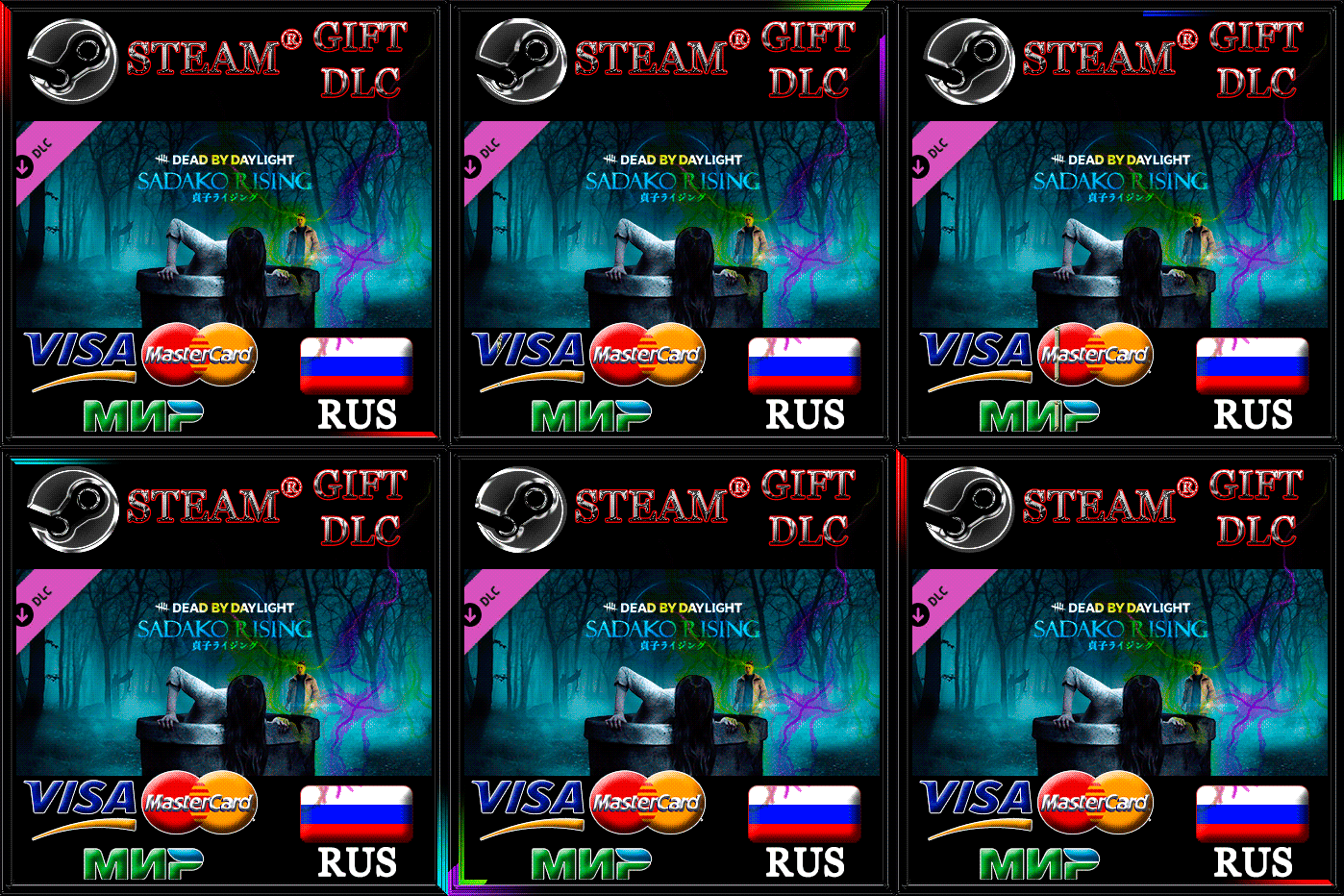
Dead by Daylight - Sadako Rising Chapter🔥RUS 💳 0%
🔥🔥🔥Important information for buyers!🔥🔥🔥 After paying for this product, you will receive a “Unique Code”. To expedite the process of transfer/receipt of goods, you must immediately send a “Unique code” in a message to the Seller.🔥IMPORTANT🔥At the time of making a transaction, do not leave the page with the purchase/chat with the seller from the start of the purchase until the receipt of the goods, so that in case of questions, it was possible to immediately solve all the problems The procedure for transferring the goods takes no more than 10 minutes (most often from 2 to 5 minutes).I can add from myself: The seller instantly receives a notification about the purchase and immediately begins fulfilling orders as quickly as possibleBring a curse to Dead by Daylight in a new chapter inspired by The Ring, the novel by Koji Suzuki, as well as its film adaptation. The Sadako Rising chapter features a new killer, Onryo, and a new survivor, Yoichi Asakawa. By purchasing this add-on, you will gain access to an exclusive amulet: the Cursed Cassette. 🔥Attention - this is not a game, but an add-on (DLC) to the game Dead by Daylight itself.🔥
To receive the goods, you must have the base game Dead by Daylight on Steam with a🔥Russian account🔥. If you have a Steam account in a different region, a refund is provided with a commission deduction. You can check your Steam account region here - https://store.steampowered.com/account;
How the goods are transferred:
Add-on (DLC) "Dead by Daylight - Sadako Rising Chapter" is sent to your account as a gift
Before payment, please provide a link to your Steam profile;
After payment you will be taken to the purchase page; (when paying with a Visa, Mastercard, MIR bank card - 0% commission) In the “correspondence with the seller” section you need to indicate:
* unique code consisting of 16 characters
after which you will need to add our bot as a friend and accept the gift add-on (DLC) "Dead by Daylight - Sadako Rising Chapter"
Additional information:
🔥How to get a link to your account?🔥 The link to your Steam account can be found by going to the profile of your Steam account, and then to the “Edit profile” section. There, below the “Personal link” field there will be a line: “Your profile will be located at: https://steamcommunity.com/profiles/XXXXXXXXXX (where: XXXXXXXXXX is your id) This is the link to your Steam account.