
1 0
Die Young 🔑STEAM KEY ✔️RUSSIA + GLOBAL
Publication type: Steam Key (key) / REGION FREE
This edition has no regional restrictions and is activated in any country in the world
Game language: Russian (subtitles interface) / English
Release date: September 12, 2019
Platform: Windows
Region: Region Free (any country, no restrictions)
Activation: Steam
=======================================
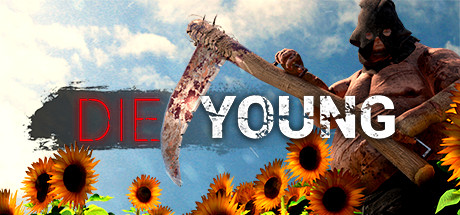
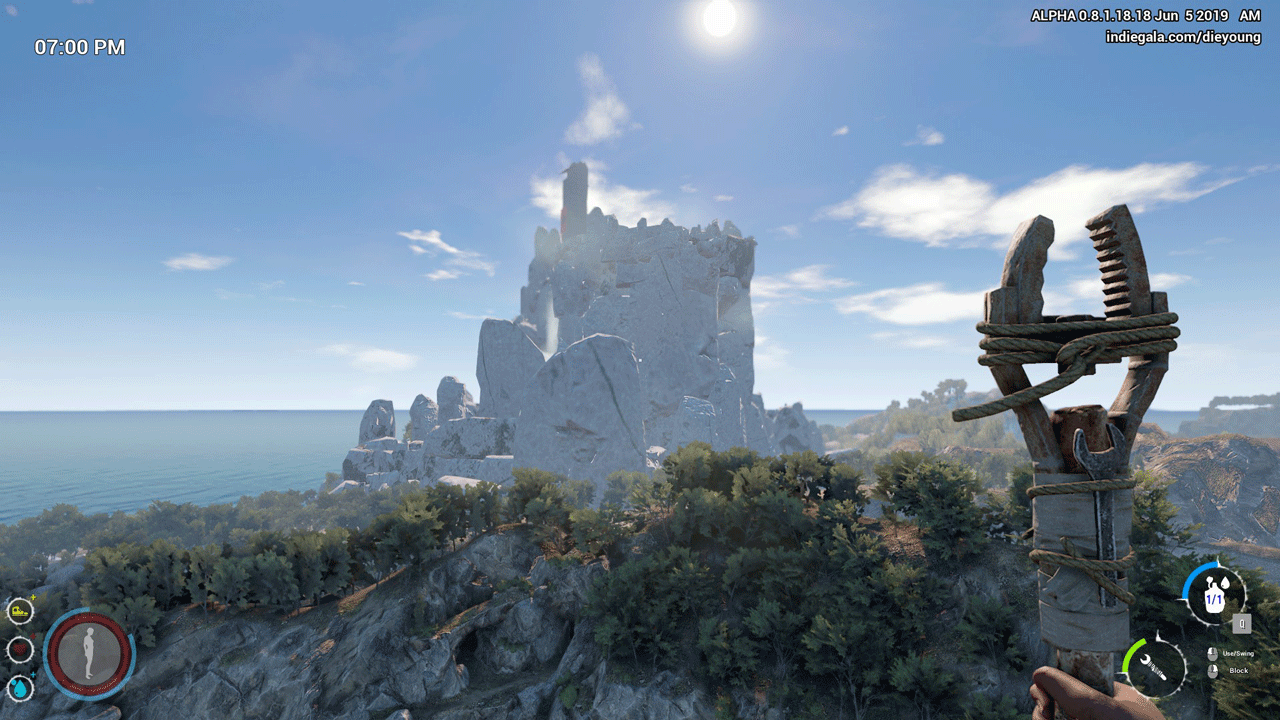
Die Young is a fast-paced open-world adventure presented from a first-person perspective. You will wake up on a picturesque island with an area of about 12 sq. km. in the Mediterranean, buried alive and left for dead. Hungry and thirsty, your fight for survival has begun. Jump, climb rocks, take advantage of your strength and parkour skills to overcome the danger and wildness of nature!
Live
This is not a "classic" survival game. If you are going to spend many days searching for resources, building a shelter or even a fortress, this will not work here. Your main task is to survive. Your only purpose is to escape. As soon as possible. Always drink generously while looking for an escape route. After all, who knows when another source of water will be found.
Gear up and fight
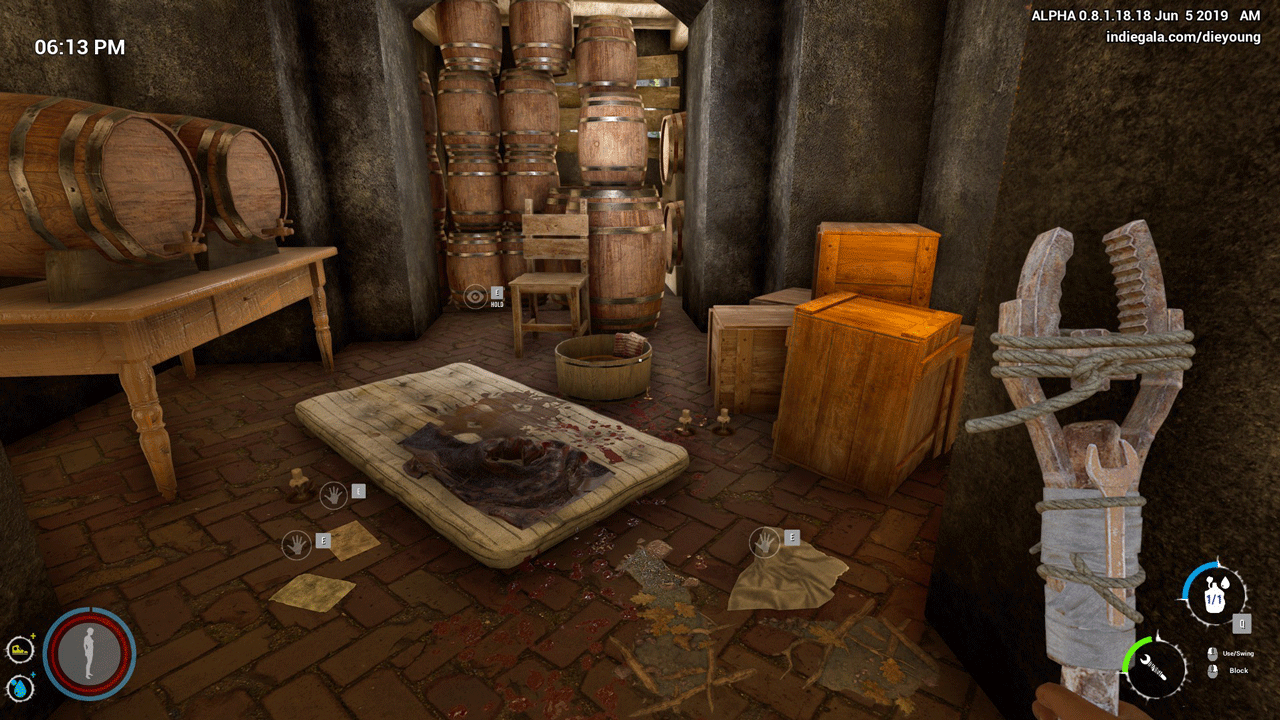
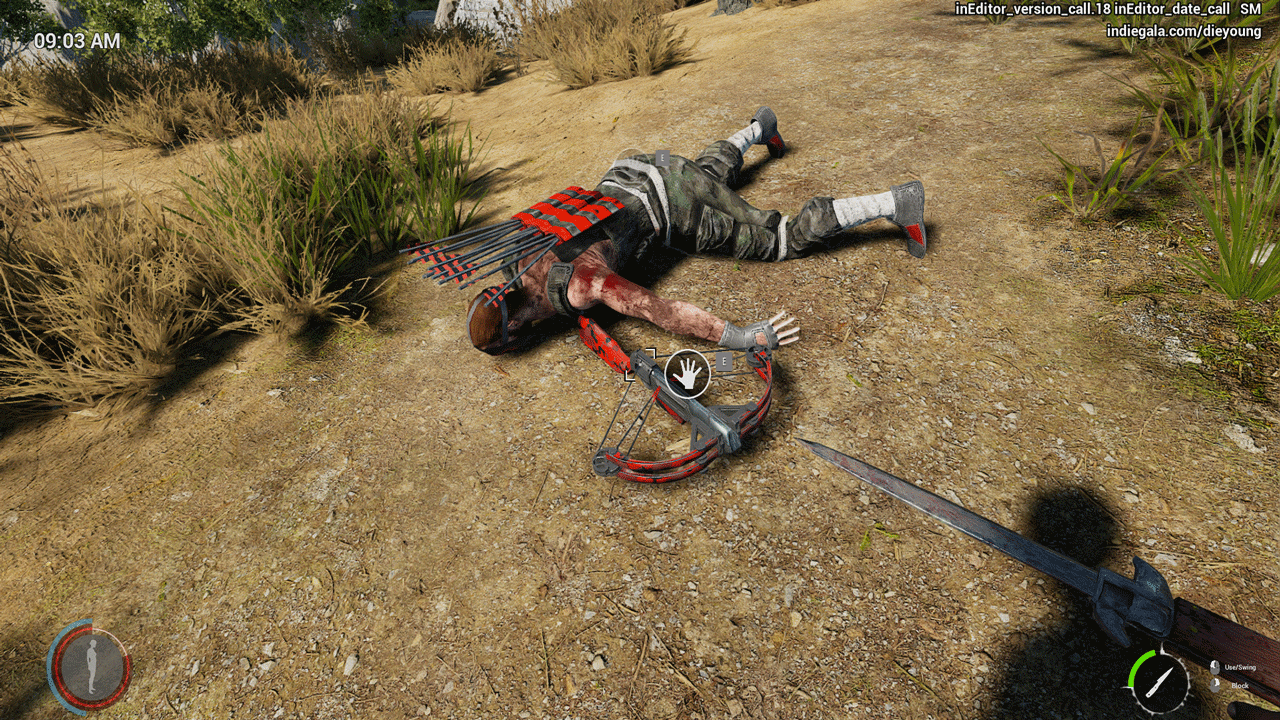
Left without everything of any value, down to shoes, you will have to find new equipment. You have no chance to escape, relying only on your mind. Look for equipment and weapons that will help you survive this nightmare.
Explore
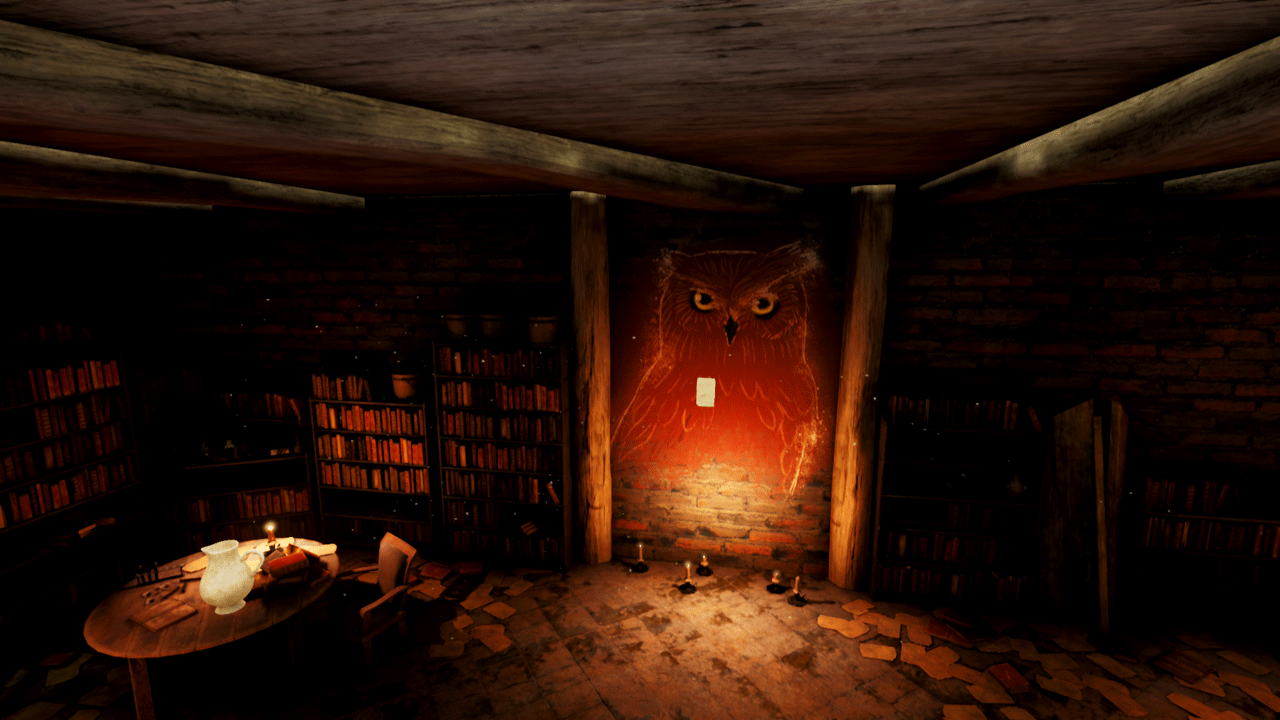
Explore the island and find more and more information about its mysterious inhabitants, ancient ruins, dark mines and caves. Uncover the eerie truth behind the island´s quiet rural life.
Run
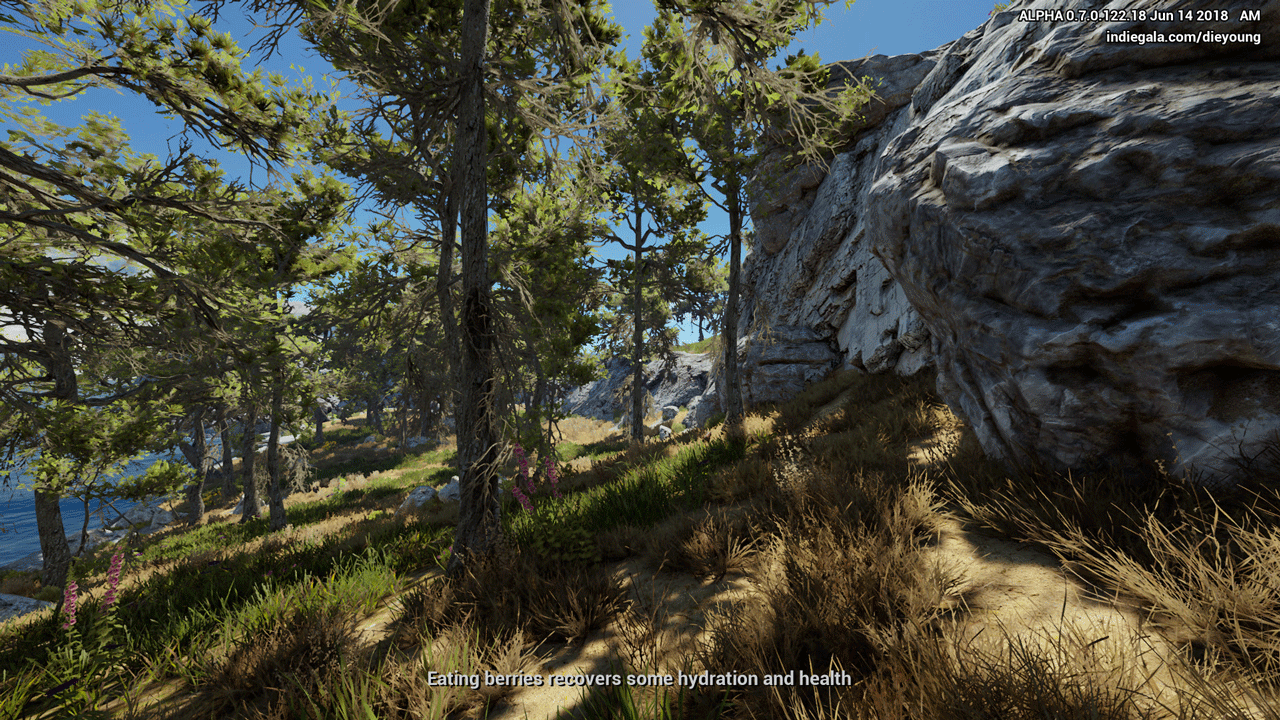
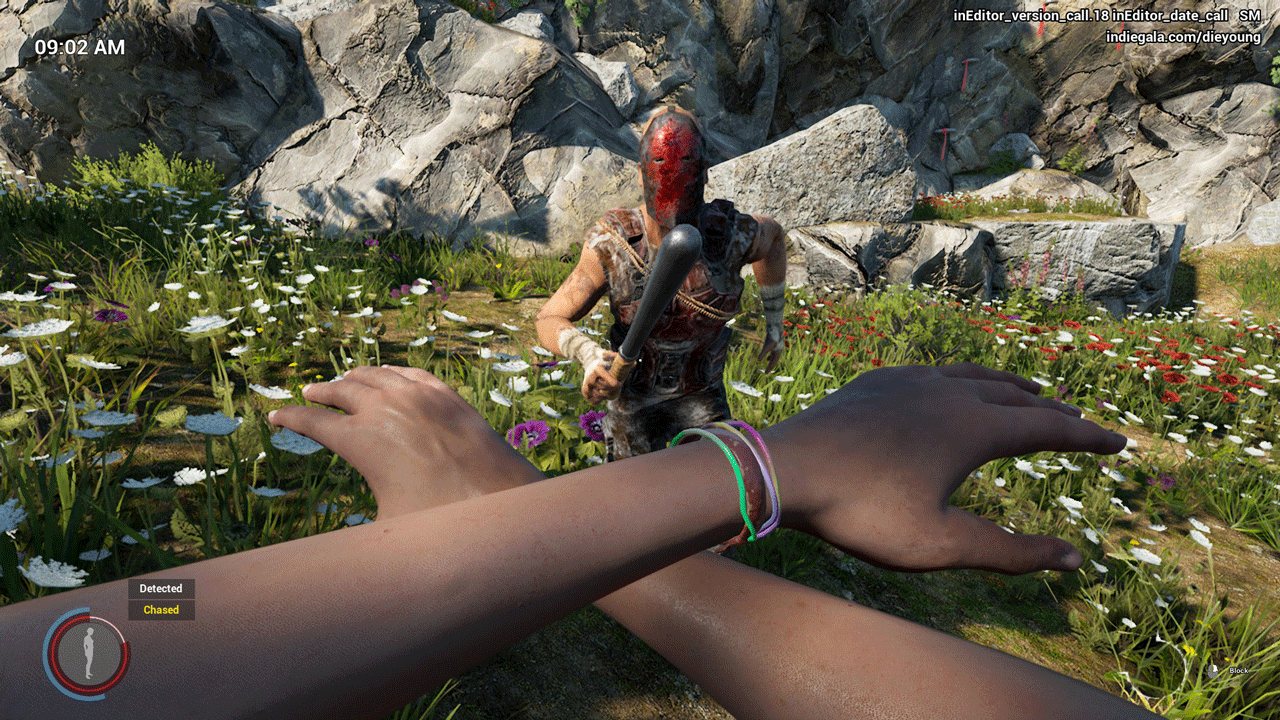
The amazing beauty of the natural landscape hides deadly threats and enemies. Fighting is hopeless. Run, jump, climb the rocks and leave far behind those who wish you death.
Tickling and filled with suspense from the moment you press start, Die Young is an atmospheric thriller that will take you on an unforgettable journey to freedom and life.
=======================================
Activation
1. You need to download and install Steam http://steampowered.com/download/SteamInstall.msi (if not already installed)
2. Launch the Steam client
3. Create a new account on Steam or go to an existing one
4. Go to the "Games" section and select "Activate on Steam"
5. Enter the activation key you purchased
6. After that, the game will appear in your list of games and you can install it
ATTENTION! Before buying, please check the system requirements of the game and other parameters that interest you (they may change with time). This can be done on the sites Steam / Uplay / Origin or the official website of the publisher. Goods purchased by mistake, as well as unsuitable for system requirements or region of activation, can not be returned and exchanged!
Dear customers! Convincing request, if there are any problems with the purchased goods, do not leave a negative feedback immediately. Write us a message in the correspondence (the purchase page on the site Oplata.info). We will try to respond to your message as soon as possible and promptly solve the problem. We draw attention to the fact that the basis for the exchange or return of the purchased key (key), which gives an error when activated, can only be VIDEO RECORD of the purchase process and subsequent attempt to activate it (mandatory condition - the record should not contain editing features).
Our entire range: http://www.plati.ru/asp/seller.asp?id_s=467960
We will be grateful for every positive feedback you have left after the purchase. Sincerely, the project team "AlternativA".