


Cyberpunk 2077 💠 Phantom Liberty 💠 STEAM 💠 LIFETIME
- Price in currencies:
- 1.99 $ · 191 RUB · 1.78 €
- Category:
- Others
- Item:
- text information (441 characters)
- Uploaded:
- 24.10.2022 2:01:39
- Sales:
- 8
- Refunds:
- 0
- Customer rating:
- 5.0 of 5 +3 / −0
- Seller:
- Kaptan Kaplan · about the seller and their products
DESCRIPTION
Cyberpunk 2077 💠 Phantom Liberty 💠 STEAM 💠 LIFETIME
😺 Welcome! Let us introduce ourselves: 😺
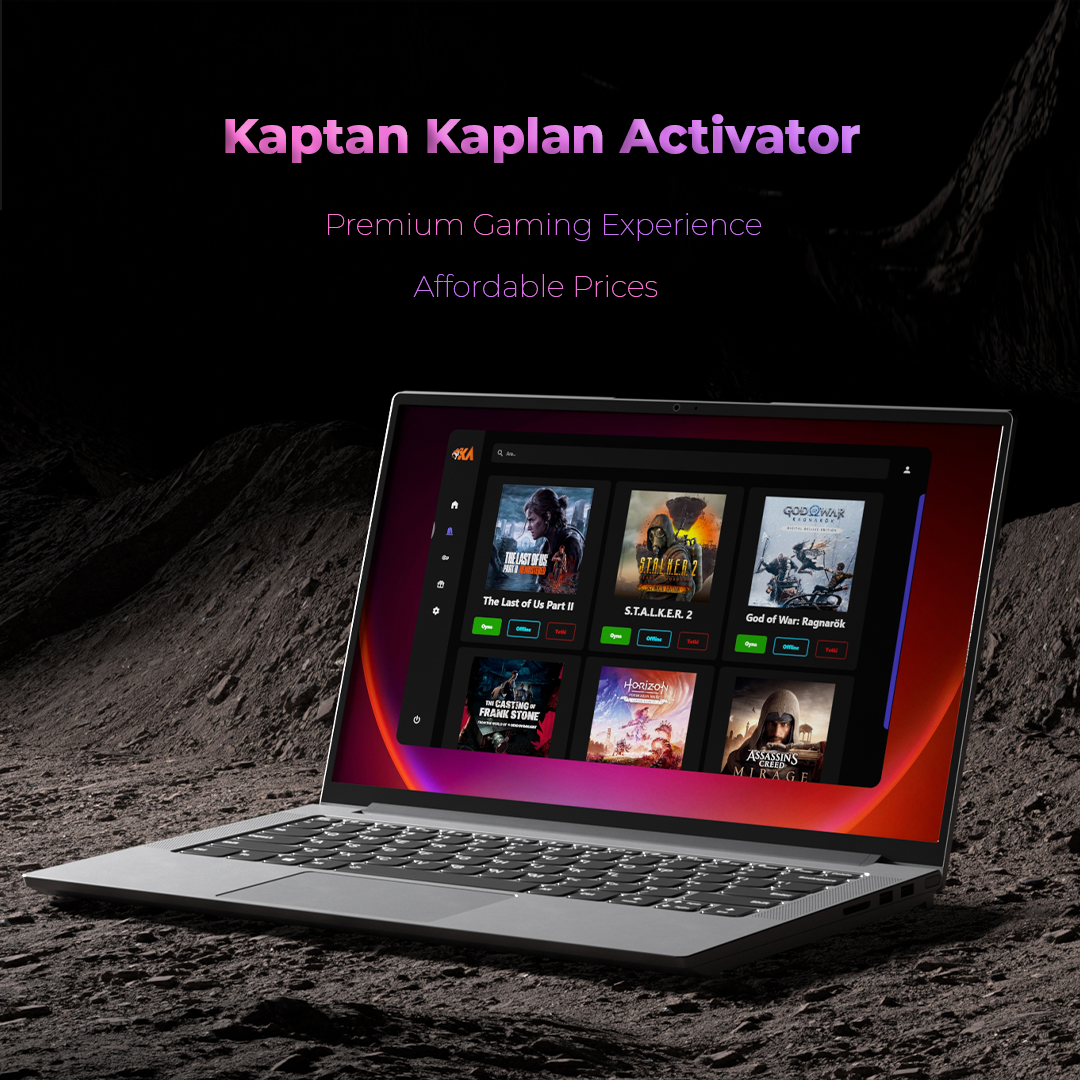
🖐🏼 We use our modern, high-performance offline activator to provide seamless access to your games.
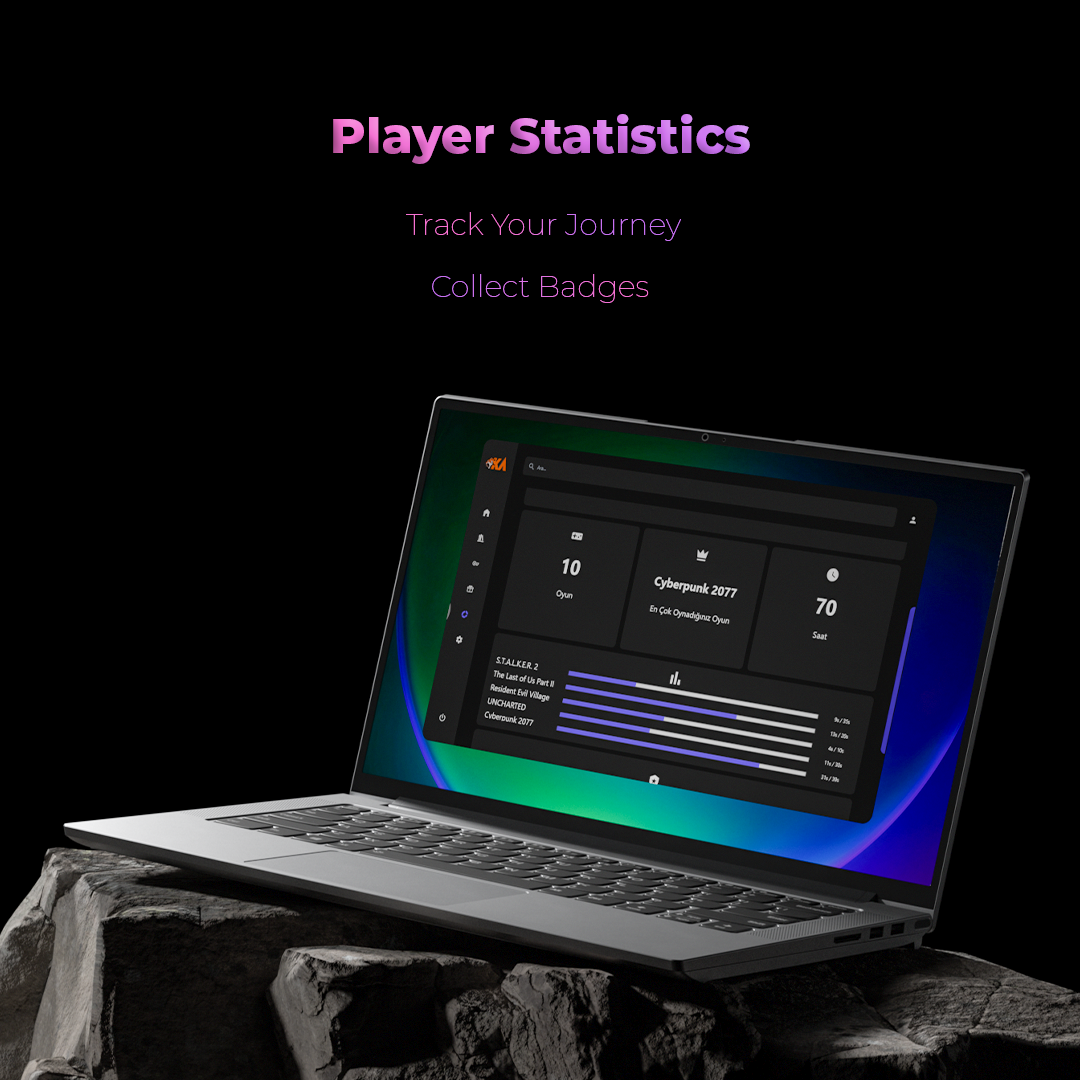
📊 You can track your game statistics—see how many hours you´ve played, which games you enjoy most, and your favorite categories!
🤟🏼 Once you purchase, you´ll instantly receive your game key.
👌🏼 Use our activator to redeem your key and start playing within minutes.
🤙🏼 The accounts we provide have no regional restrictions.
🙏🏼 Enjoy lifetime access to all games you purchase.
🤞🏻 These are shared accounts—but don’t worry, no waiting or queues. You can download or play anytime, 24/7.
💫 With your purchase, you’ll receive: 💫
✅ Offline Steam account with Cyberpunk 2077 + Phantom Liberty DLC
✅ Download link for our Kaptan Kaplan Activator Software
✅ 24/7 support for any issues or questions
🚀 How to get started: 🚀
💠 Download the Kaptan Kaplan Activator and extract KaptanKaplanActivator.exe to a new folder on your desktop
💠 Enter your game code into the activation section of the software
💠 Once activated, your game will appear in the library section
💠 Click the authorization button and wait for the login process
💠 When the game is downloaded, press Offline/Play—the software will switch to offline mode, and you’re ready to dive in! 😋🎮
⚠️ You can play only in offline mode
⚠️ Authorization is required only for the first login and when downloading/updating
⚠️ Online play is not supported—activations used online may be revoked without a refund
🧠 Important Info: 🧠
→ Game key works on one computer only
→ Changing your hardware (CPU, graphics card, etc.) may void your activation
→ No refunds or exchanges
→ Please ensure your PC meets the game’s minimum system requirements
Additional information:
Most asked questions :
Q : Does this app changes my steam settings?
A : No, our software is only changing accounts, so all of your steam settings will be same. 🙂
Q : When i can play?
A : You can play whenever you want on offline mode, there is no limit. 😉
Q : Do i have to wait for others while downloading the game?
A : No, You can download the game whenever you want. You dont have to wait for other users. 😉
Q : Does my game disappear after some time?
A : No. you will have lifetime access from our activator. 🙂
REVIEWS
Reviews: (3)
Если вдруг кому-то поможет, то вот план по установке:
1) Переходим на сайт kaptan kaplan, крутим в самый низ и по середине будет серая кнопка(тыкаем на нее)
2) Скачивается приложение, мы его устанавливаем и запускаем.
Прим.(Если у вас Steam находится на друом диске, как у меня, то появится сообщение, что приложение не нашло Steam)
3) Решение очень простое: вы просто запускаете Steam и Kaplan тут же его находит. Все просто)
4) Вводим ключик авторизации в иконке с книжками, у нас перезапускается Steam и мы попадаем на аккаунт, где уже есть игра.
Прим.(Если будет надпись, что скачивание игры в автономном режиме Steam невозможно, то переходим в приложение Kaplan и тыкаем на красную кнопку под игрой (Authorize) еще раз. У нас опять перезапустится Steam и все будет работать)
This is a plan how to installed the game:
1) Go to the kaptan kaplan website, scroll to the very bottom and there will be a gray button in the middle (click on it)
2) The application is downloaded, we install it and run it.
Note (If you have Steam on a different drive, like me, a message will appear that the application did not find Steam)
3) The solution is very simple: you just launch Steam and Kaplan immediately finds it. Everything is simple)
4) We enter the authorization key in the icon with books, we restart Steam and we get to an account where there is already a game.
Note (If there is an inscription that it is impossible to download the game in offline Steam mode, then go to the Kaplan application and click on the red button under the game (Authorize) again. Steam will restart again and everything will work)