


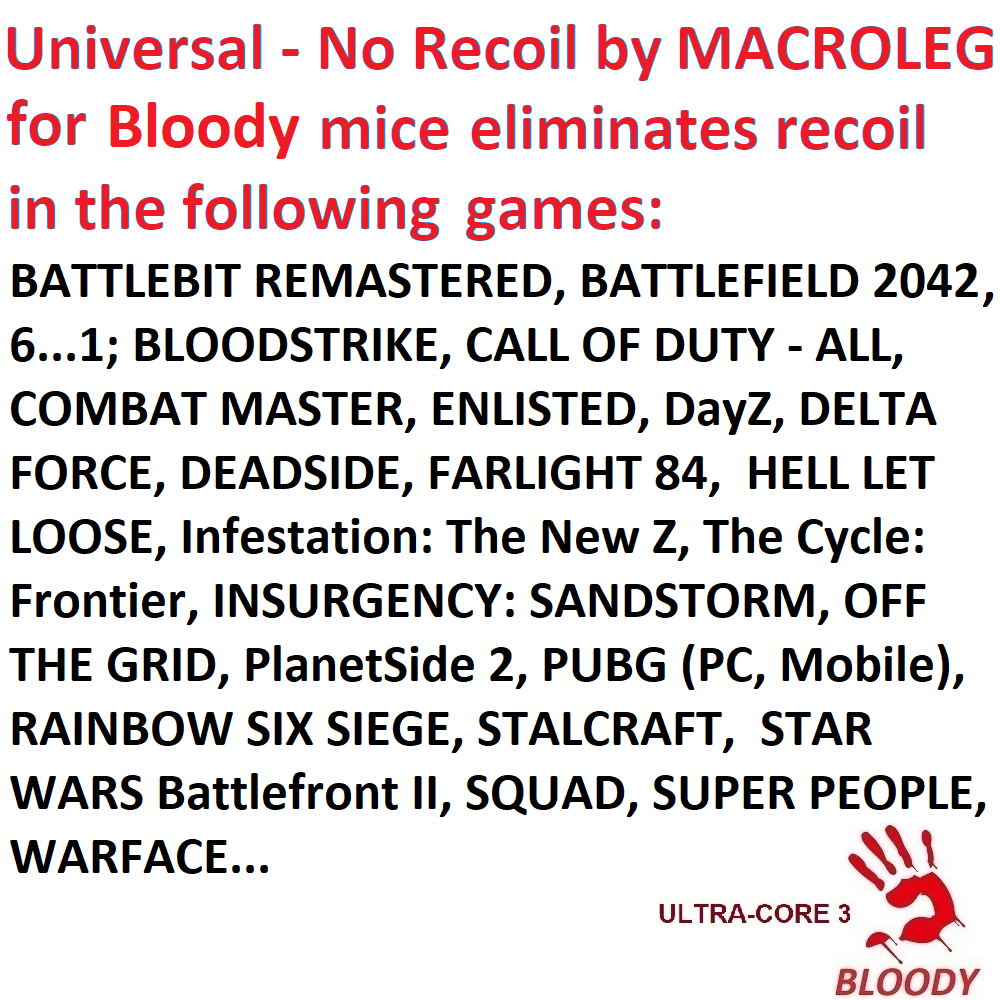
No recoil for games. Macros mgn for Bloody 7 program
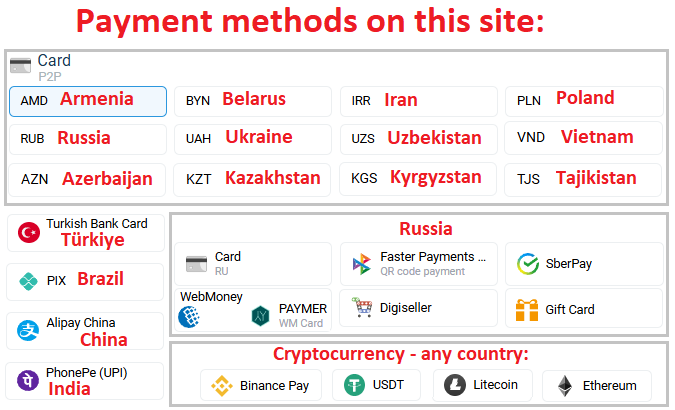
- Price in currencies:
- 9.25 $ · 712 RUB · 7.5 €
- Category:
- Macros
- Item:
- NO RECOIL-PACK-bloody.zip (3.63 KB)
- Uploaded:
- 06.10.2026 13:45:19
- Sales:
- 2
- Refunds:
- 0
- Seller:
- MacrOleg · about the seller and their products
DESCRIPTION
No recoil for games. Macros mgn for Bloody 7 program
Simple No Recoil macros set for removing recoil, consistent vertical-only recoil of weapons in games using Bloody mice supported by the BLOODY 7 software. Your mouse must be activated.
If the recoil is inconsistent, the recoil compensation will work approximately up to the 10th shot. After that, the crosshair may start to move up or down.
Do not use these macros in games such as Escape from Tarkov, The Finals, CS2, or RUST.
The video demonstrates the setup process for Razer mice: https://youtu.be/T3AIIWzhPU8. The setup process for Bloody mice is similar; you just need to select the appropriate macro.
If you are using the Bloody WorkShop 8 program, you can purchase macros for this program at this link:
https://plati.market/itm/no-recoil-macros-xml-for-mice-bloody-workshop-8/2969847
These macros do not reduce horizontal recoil. Therefore, use attachments or perks that decrease horizontal recoil.
If, while using 1Y-15ms, the crosshair moves upward — try 1Y-10ms. If with 1Y-10ms the crosshair moves downward — test values between 1Y-11ms and 1Y-14ms.
Focus on the first 10 shots; fire at a wall to check grouping. In most games, the recoil pattern is most stable during the first 10 shots. If bullets hit close to each other, the macro is well-tuned.
If using 1Y-2ms causes the crosshair to move upward, try macros from the 1Y...30Y-30ms folder.
If using 30Y-30ms makes it move upward, try macros from 30Y-4ms...30ms.
If 1Y-30ms causes downward drift, try macros from 1Y-2ms...50ms.
2.1 – After enabling the macro, recoil is reduced when pressing the left mouse button.
2.4 - After enabling the macro, recoil control will only work when firing in aiming mode, that is, when both the right and left mouse buttons are pressed. If the right mouse button is not pressed, the left mouse button will function in its usual mode.
open the email and follow the link inside. It will take you to your personal account, where you will find my message with important information about product updates, new product releases, or useful information about the anti-cheat system. For example, warnings about anti-cheat detection, how to avoid a ban, etc.
Also join my Discord and VK groups. I post important information there as well.
You can also access your personal account through the website oplata.info
After payment you will receive a link to download the archive with macros. If you accidentally closed the page with this link, you can return it by clicking on the link in the letter that came to your e-mail after payment. You can also go to your personal account at oplata.info and your purchase will be displayed there.
IF YOU HAVEN´T FOUND THE RIGHT MACRO ON SALE. THEN I CAN MAKE YOU A MACRO FOR A CERTAIN PAYMENT.
REVIEWS
Reviews: (0)
No customer reviews yet.