
989 3
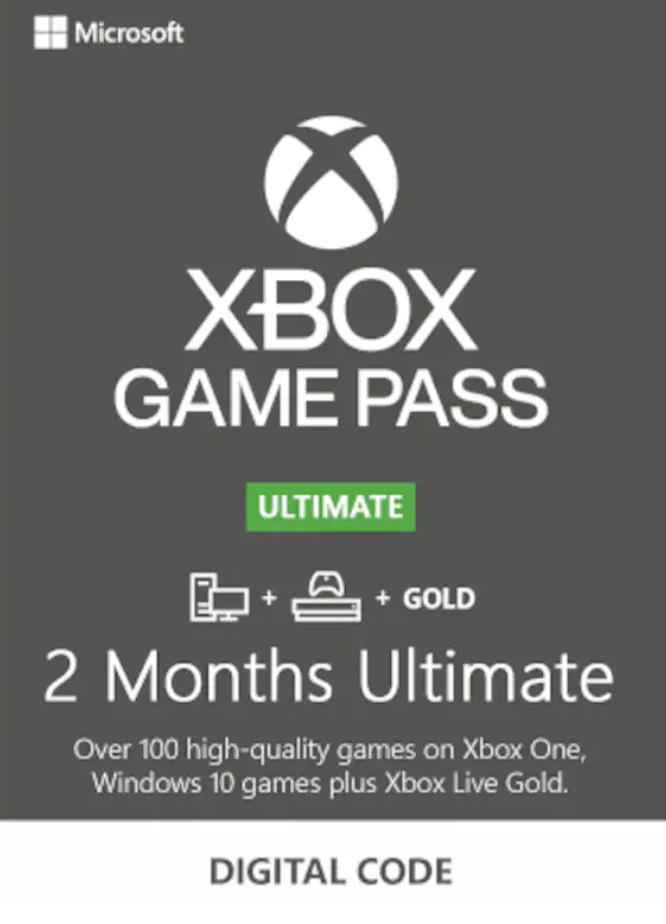
🟡XBOX GAME PASS ULTIMATE 2 MONTHS🔑 + EA PLAY USA +🎁
🔑🌎XBOX GAME PASS ULTIMATE 2 MONTHS key can be activated in any region, but follow the Instructions!
🔝Lowest price on the market!
✅ Xbox Live Gold subscription for Xbox One, 360, Series X|S consoles
✅ Xbox Game Pass subscription for Xbox One, Series X|S consoles
✅ Xbox Game Pass PC subscription (Win 10)
✅ EA Play subscription for Xbox One, Series X|S and Win 10 consoles
The full list of games that are included in the subscription can be found at the link ➡️ https://www.xbox.com/ru-RU/xbox-game-pass/games
The library of available games is updated every month and today it includes more than 330 games for Xbox One/Series X|S consoles and more than 200 games for PC.
⚠️ Limited time codes. Must be activated immediately after payment.
⚠️ You need to activate the key here ➡️ https://redeem.microsoft.com
⚠️ To activate the key, you will need to add a card; at the moment of activation of the key, the card will be checked. After activation, you can simply delete the card
⚠️ The key is only suitable for new accounts.
🎮 To use a subscription on your main account, use the "My Home Xbox" feature, https://support.xbox.com/ru-RU/help/hardware-network/console/my-home-xbox
🎮 To use a subscription on your old account on PC:
- Open the Microsoft Store app - Sign in to your new account with your subscription - Download and open the Xbox app - Sign in to your old account in the Xbox app. Now you can continue playing on your old account while maintaining all your achievements!
1️⃣ To activate the key, indicate the region of your account from the list below (it’s better to put America, the least problems): Argentina, Australia, Austria, Belgium, Brazil, Canada, Chile, Colombia, Czech Republic, Denmark, Finland, France, Germany, Greece, Hong Kong , Hungary, India, Ireland, Israel, Italy, Japan, Mexico, Netherlands, New Zealand, Norway, Poland, Portugal, Saudi Arabia, Singapore, Slovakia, South Africa, Spain, Sweden, Switzerland, Taiwan, Turkey, UAE, UK, USA.
2️⃣ Attach a bank card from the American region in your account settings;
3️⃣You need to activate your subscription here: https://redeem.microsoft.com
To activate the key, you need to add a card; when the key is activated, the card will be verified.
4️⃣ After activating the key, cancel auto-renewal and delete the card. (upon activation, the system should show you that an additional free month is available) https://account.microsoft.com/services (https://account.microsoft.com/services).
👨💻 Our managers will quickly help with solving any questions, as well as with any problems in activating the product!
🎮 ANY GAME/ADDANCE/GIFT CARD TO ORDER AT THE LOWEST PRICE
📝 Write to us in the chat and we will purchase the product you are interested in as soon as possible and at an adequate price!
🎁 GIFT!!! Leave a positive review and receive your gift in the "GIFT CERTIFICATE" section
❗There are no refunds after receiving the product. Each key is new, licensed and unique!