


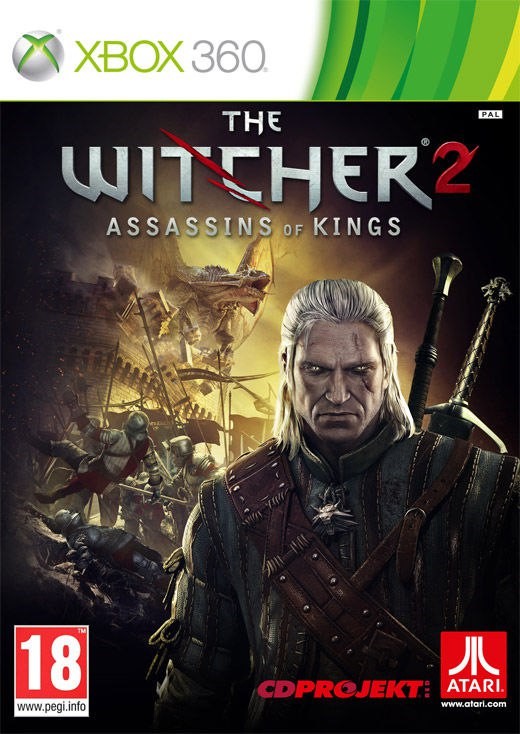
The Witcher 2 (xbox 360)
Shared account:
Platform: xbox 360
Games: The Witcher 2
Start-up instructions
XBOX 360:
1) Turn on the console;
2) Choose to download the profile;
3) Enter the profile data (LOGIN and PASSWORD);
4) Set to save the password (IMPORTANT!);
5) Then: Settings -> Account -> download log;
6) We are looking for a game and choose to download again.
! Attention to start the game, you must enter the following steps!
1 - We go into the game from the purchased account.
2 - Disconnect from the Internet (Disconnect the cable or Router)
3 - Log out of your account (the button in the middle, then the x button)
4 - We connect the Internet and go to your account
5 - Play
Unity players.
Hello dear customers.
We are very glad that you have decided to choose our product and it is right.
We have quality products and fast support to help solve problems in the shortest possible time.
Our support works from 8:00 to 22:00 Moscow time. time.
Happy shopping at the Unity Players Store.
No customer reviews yet.