
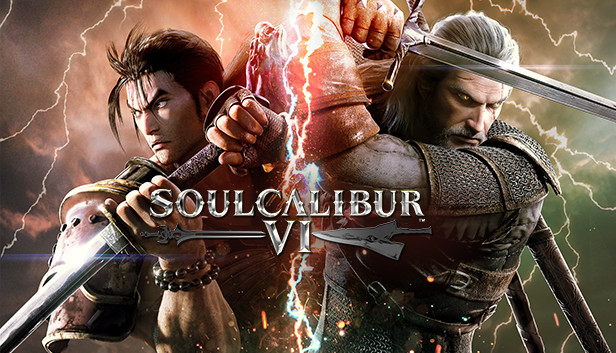
SOULCALIBUR VI | Xbox ONE ✔️
Console: Xbox ONE Series X|S
Immediately after payment, you will receive a login and password from an ACCOUNT with the game
The account is being sold publicly. It is most comfortable to use in the game offline. Not suitable for online play - any claims in this case will not be accepted
You can see all our offers here:
✔️ LIFETIME WARRANTY!
✔️ 100% legal games
✔️ Access to the purchased account remains forever
✔️ Affordable price
✔️ Discounts for regular customers
✔️ Instant delivery
✔️ Stable technical support
✔️ We have been working for over 10 years, at plati since 2017!
1. Go to the profile with the game: click on the central button of the gamepad, select "Add new player", enter your username and password.
2. If you need to approve the entry, write to the seller to obtain a security code.
3. Next, select:
- Use of your data - "next"
- Help improve the Xbox experience - "thanks, no need"
- When sending data to publishers - "next"
- We found the parameters of your last xbox account - "thanks, no need"
- Login and Security Options - "Unlimited"
- Connect the controller with you? - "skip"
- Did you get the code? - "I do not have"
4. You cannot delete a profile with a game from your console.
5. Find the game in the store, put it on download and switch to your personal profile.
- Change account data and transfer them to third parties
- Make account home
- Change region and protection information
- Install on more than one console, log into your account from any device other than the console
- Play from the purchased account
1. Log into the profile with the game, switch to yours and start the game.
2. As soon as the splash screen appears, wait a few seconds (in each game it is different, sometimes you need to exit right away, sometimes after the initial splash screen. Try different options) EXIT THE PROFILE WITH THE GAME and play from your personal profile.
3. If the game does not start and the sign "User ... started playing in a different place" appears, click "Play here instead" and repeat steps 1 and 2.
4. If after several attempts it was not possible to enter the game, restart the console and try again.
If you have trouble logging in, contact your dealer for additional video instructions. Seller will not be held liable if Microsoft changes its public account policy.
No customer reviews yet.