
12 0
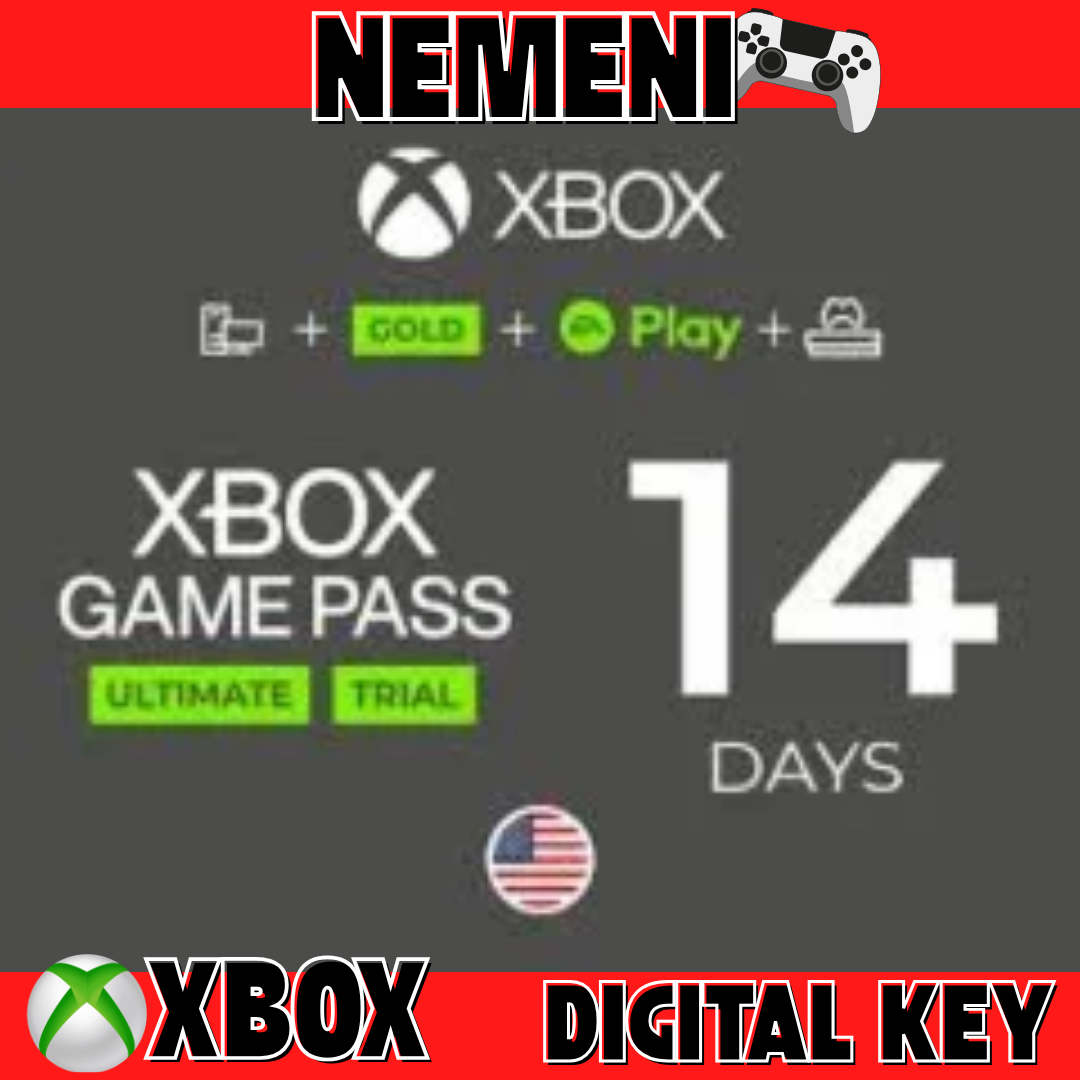
XBOX GAME PASS ULTIMATE 14 day EA PLAY KEY
The code can be activated on new accounts - this is a Trial key!
Limited validity codes must be activated immediately after payment
To activate in Russia, you will need to create a new account, add the address of a European country or the United States, activate the code using a VPN!
Activation: Xbox One
Regions: Argentina, Australia, Austria, Belgium, Brazil, The former Yugoslav Republic of Macedonia, Hungary, Venezuela, Denmark, Ireland, Iceland, Spain, Canada, Colombia, Colombia, Colombia, Poland, Portugal, Saudi Arabia, Singapore, Slovakia, South Africa, Spain, Sweden, Switzerland, Taiwan, Turkey, United Kingdom, United Arab Emirates, United States of America
For Russia and Ukraine, you will need to change the region in the Microsoft Store.
Xbox Game Pass is an Xbox One, Xbox Play Anywhere, and Xbox 360 (Backward Compatible) game subscription for Xbox One consoles. An active subscription is required to access the games. The games included in the subscription may change over time, may vary by country, and may not be available in all countries.
This code cannot convert subscriptions
Activation on Xbox One:
1. Sign in to your Microsoft account.
2. Press the silver-green XBOX Guide launch button on your controller.
3. Open the "Games" tab.
4. Select the "Redeem Code" command and enter the code.
🔑 Activation on Xbox 360:
1. This key should be activated through the Xbox app on iOS or Android, or through a browser at https://redeem.microsoft.com.
🔑 Activation of the key on the Microsoft website:
1. Go to the website https://redeem.microsoft.com
2. Enter your username and password.
3. In the window that opens, enter the received code.
🔑 Redeem code using iOS or Android mobile app:
1. Sign in to your Microsoft account.
2. Click the Menu icon in the upper left corner.
3. Select Redeem Code.
4. Enter your 25-digit code on the Redeem Code screen, and then tap Next to complete the process.
🔑 Redeem code for PC in the XBOX app on Windows 10:
1. Sign in to your Microsoft account.
2. Click on your Avatar at the top right and select "Settings" there.
3. In the center of the Xbox screen, select Activate.
4. Enter your 25-digit prepaid code and click Next.
 Discount for regular customers! If the total of your purchases from the seller
NeMeNi
exceeds:
Discount for regular customers! If the total of your purchases from the seller
NeMeNi
exceeds: